ReadWriteOnce vs ReadWriteMany Is About Nodes, Not Pods
ReadWriteOnce vs ReadWriteMany is a node rule, not a pod rule. Why the misconfig passes every test, fails on a node drain, and how to audit and fix it.
Quick Answer
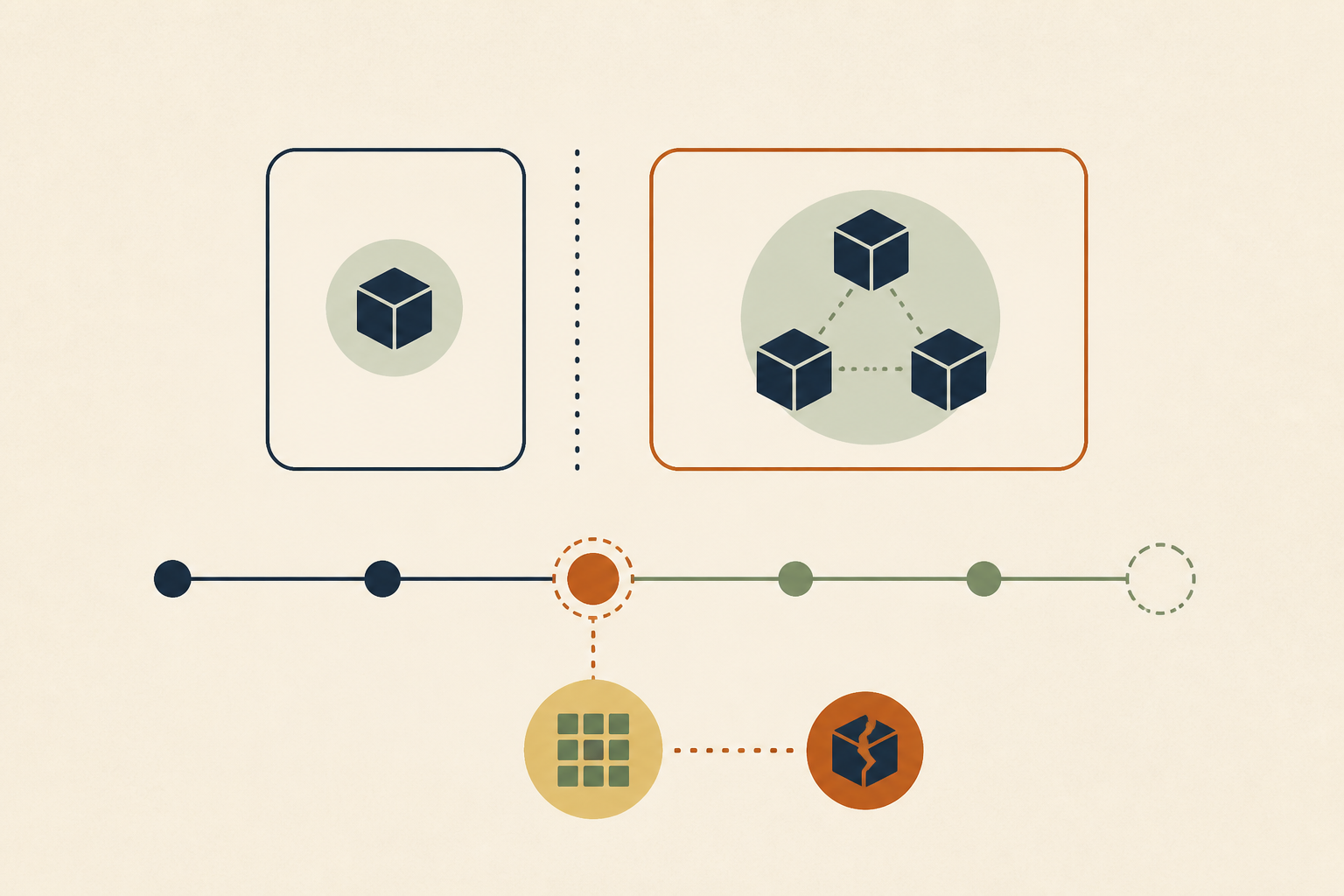
ReadWriteOnce limits a volume to one node, not one pod, so two pods on the same node can both mount it and write to it with no error. ReadWriteMany allows many nodes and needs a storage backend that supports it. The misconfiguration passes every test on a small cluster and fails when a drain or scale event puts the pods on different nodes. ReadWriteOncePod is the mode that limits access to a single pod.
ReadWriteOnce vs ReadWriteMany is the choice between two Kubernetes volume access modes. ReadWriteOnce lets a single node mount the volume read-write, and ReadWriteMany lets many nodes do so at once. The word "Once" refers to the node, which is the detail most teams get wrong.
We see the consequence in incident reviews more often than in design reviews. A workload ran for months on a ReadWriteOnce volume, a routine node drain moved one pod, and a replica sat in ContainerCreating while the team looked for a storage outage that did not exist.
In this post we cover what each access mode actually scopes, the three production failures that wait for a node move, why test clusters hide them, how to choose between ReadWriteOncePod and ReadWriteMany, how to audit a cluster today, and when sharing a volume on one node is fine.
Two Pods Share One ReadWriteOnce Volume Without an Error
Create a PersistentVolumeClaim with the ReadWriteOnce access mode, then two pods that both mount it. On a single-node test cluster both pods reach Running, both mount the volume and both can write. No FailedMount event appears.
That is not a bug, since the volume is attached to the node and the node allows several local pods to use it. The persistent volumes documentation says so directly. "ReadWriteOnce access mode still can allow multiple pods to access (read from or write to) that volume when the pods are running on the same node."
We think the experiment is worth running once on any team that uses stateful workloads. It takes five minutes and permanently changes how people read the access mode field.
ReadWriteOnce vs ReadWriteMany Access Modes Side by Side
The four access modes differ in what they scope, not only in how many writers they allow. We keep this table next to every StorageClass decision.
| Access mode | Short name | Scope | What it allows |
|---|---|---|---|
| ReadWriteOnce | RWO | One node | Read-write mount by a single node, including several pods on that node |
| ReadOnlyMany | ROX | Many nodes | Read-only mount by many nodes |
| ReadWriteMany | RWX | Many nodes | Read-write mount by many nodes, if the backend supports it |
| ReadWriteOncePod | RWOP | One pod | Read-write access by a single pod in the whole cluster, CSI volumes only |
Two more lines from the same documentation matter here. Access modes are used to match claims to volumes, and "volume access modes do not enforce write protection once the storage has been mounted." The field describes capability and placement, not a lock your application can rely on.
Block storage explains the node scope. A cloud disk is attached to a virtual machine, and the storage system knows about the machine, not about the pods on it. File systems that support many writers are what make ReadWriteMany possible.
Three Production Failures That Wait for a Node Move
Each of the three failures below stays invisible while the pods share a node. We list them in the order teams usually meet them, from the silent one to the loud one.
1. Two Writers on One Node Corrupt the Data
If two replicas of an application that expects to be the only writer land on the same node, both mount the volume and both write. Ordinary file systems such as ext4 and XFS are not built for two independent writers coordinating through a shared mount, and most applications that assume exclusive access do not lock their files against a second copy of themselves.
Nothing alerts. The first sign is often an application that refuses to start after a restart, or a backup that will not restore. Because the pods shared a node, the access mode was satisfied the whole time.
2. A Replica Waits in ContainerCreating After a Drain
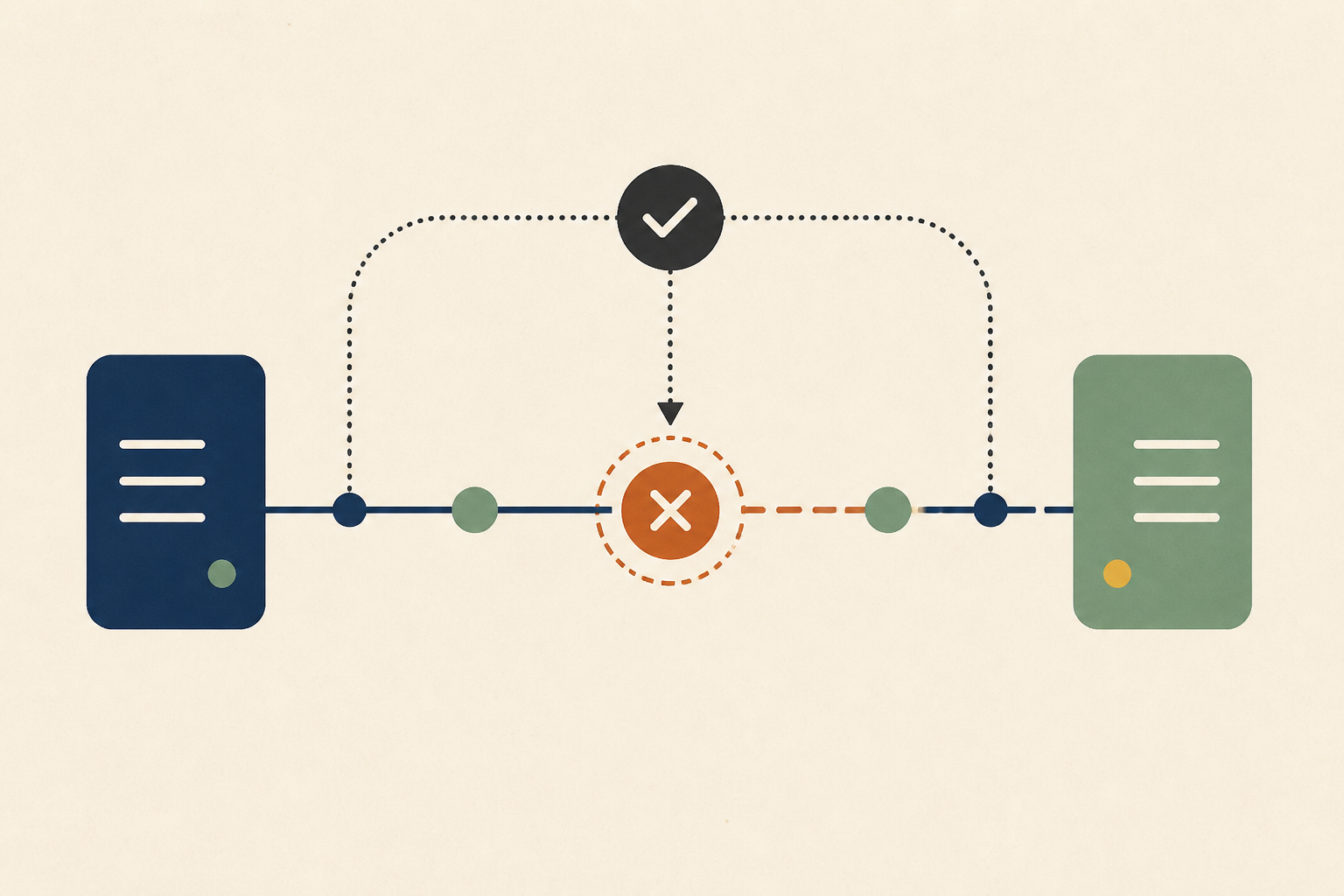
Run a Deployment with two replicas and one ReadWriteOnce claim on a cluster with several nodes. If the scheduler puts the replicas on different nodes, the second one cannot attach the volume. It stays in ContainerCreating, and the pod carries a FailedAttachVolume warning event.
The wording comes from the attach-detach reconciler source. Current releases report "Waiting for detach" with either "Volume is already exclusively attached to one node" or "Volume is already used by pod(s)" followed by the pod names. That last form tells you exactly which pod holds the volume.
A drain produces the same state on a single-replica workload. The pod is rescheduled to a new node, and the volume cannot attach there until the old node has detached it. If the old pod is slow to stop, the new one waits, and the drain looks hung.
3. A Rolling Update Cannot Start the New Pod
For a single-replica Deployment, the default rolling update starts the new pod before stopping the old one, because maxSurge rounds up to one and maxUnavailable rounds down to zero. With a ReadWriteOnce claim, the new pod can only start if it lands on the old pod's node. On a busy cluster it often lands elsewhere, cannot attach, and the rollout stalls with the old pod still serving.
We see teams fix this by switching the strategy to Recreate, which stops the old pod first and accepts a short gap. That is a reasonable choice for a single-writer workload, as long as it is a decision rather than a workaround nobody wrote down.
Why Small Test Clusters Hide the Constraint
Development clusters are often a single node, and staging clusters have few nodes. In both, pods that share a claim usually end up on the same machine, so ReadWriteOnce behaves like a shared volume and every test passes.
Production has more nodes, spreads replicas for availability and drains nodes for upgrades. The topology that kept the pods together disappears, and the failure appears on the first maintenance window. We treat this as a configuration that only production topology can falsify, which is the same class as the drift covered in our configuration drift triage guide.
Choose ReadWriteOncePod for Exclusivity and RWX for Sharing
The fix is to make the access mode say what the workload needs. If exactly one pod must ever write, such as a database data directory, we use ReadWriteOncePod. The Kubernetes blog announced that it graduated to general availability in v1.29, and the documentation notes it is supported for CSI volumes only.
With ReadWriteOncePod, a second pod cannot use the claim even on the same node, so the silent two-writer case becomes a visible scheduling failure. That trade is almost always worth it for single-writer data.
If many pods genuinely need to share files across nodes, block storage is the wrong backend. We move those workloads to a file system that supports ReadWriteMany, such as a managed network file service from the cloud provider, CephFS or NFS, and check the provider's own documentation for which access modes each storage class supports.
Audit the Cluster Before the Next Drain Does It
We would not wait for a drain to find these. A short query lists every claim mounted by more than one pod, with the node each pod runs on.
kubectl get pods -A -o json | jq -r '
  [.items[] | {ns: .metadata.namespace, pod: .metadata.name,
    node: (.spec.nodeName // "unscheduled"),
    pvc: (.spec.volumes[]?.persistentVolumeClaim.claimName // empty)}]
  | group_by(.ns + "/" + .pvc) | map(select(length > 1)) | .[]
  | "\(.[0].ns)/\(.[0].pvc) \(map(.pod + "@" + .node) | join(", "))"'
Then we work through the results in three passes.
- Cross-check each result against the claim's access mode with kubectl get pvc. A ReadWriteOnce claim shared by pods on one node is a silent two-writer risk, and one shared across nodes is already failing.
- Review every Deployment with more than one replica and a ReadWriteOnce claim, and every single-replica one still on the default rolling update.
- Check StatefulSets that mount one shared claim where they should use volume claim templates, which give each replica its own volume.
When a FailedAttachVolume event does fire, the evidence sits in pod events, node state and the workload spec at once. It helps to connect an investigator read-only to your cluster logs so the holding pod and node are found in one pass. Pods stuck before they start have other causes too, and our guide to ImagePullBackOff error strings covers the image side.
When Sharing a ReadWriteOnce Volume on One Node Is Fine
Node scope is not always a trap. Containers in the same pod share volumes by design, and a sidecar that ships logs from a ReadWriteOnce volume is normal. Some teams also co-locate a writer and a reader on purpose with pod affinity, where the application is built for it.
What matters is intent. If the co-location is guaranteed by affinity rules and the application handles concurrent access, ReadWriteOnce is a valid choice. We would document it next to the manifest, so the next person does not "fix" it by spreading the pods.
Drains still need care in that setup. Our post on SIGKILL after the grace period covers what happens to in-flight work when a drained pod does not stop in time.
Treat ReadWriteOnce as a Node Rule Before the Next Drain
The whole problem fits in one sentence. ReadWriteOnce vs ReadWriteMany is a question about nodes, and if what you need is a guarantee about pods, the answer is ReadWriteOncePod. We would audit shared claims now, switch single-writer data to ReadWriteOncePod, and move true sharing to a backend that supports ReadWriteMany.
Run the audit query before the next upgrade window. Operate runs dedicated AI agents inside your own infrastructure that investigate production issues through read-only adapters, and every finding cites its evidence.
Frequently Asked Questions
Yes, if the pods run on the same node. ReadWriteOnce restricts the volume to one node, and Kubernetes allows several pods on that node to read and write it. We use ReadWriteOncePod when we need a guarantee that only one pod in the whole cluster can use the claim.
ReadWriteOnce is scoped to a node, so co-located pods can share the volume. ReadWriteOncePod is scoped to a single pod across the cluster and became generally available in Kubernetes v1.29. We choose it for single-writer data such as database directories, provided the storage uses a CSI driver.
Not by editing the claim, because access modes depend on what the storage backend supports. We create a new claim on a storage class that offers ReadWriteMany, usually a network file system, copy the data across, and point the workload at the new claim during a planned change.
It is the access mode that lets a volume be mounted read-write by a single node at a time. Most block storage, such as cloud disks attached to a virtual machine, supports it. We remind teams that it limits nodes, not pods, which is the source of most surprises.
ReadWriteOnce allows one node to mount the volume read-write, while ReadWriteMany allows many nodes at once. We pick ReadWriteMany only for data that pods on different nodes must share, and only on a backend built for it, usually a network file system rather than a block disk.
About the author

Operate Team
The team behind Operate
Operate Team builds Operate, enterprise AI agents for production operations. Operate answers production questions from Slack and Microsoft Teams, investigates alerts, and reviews performance, security and cost. It finds the root cause with evidence and proposes a fix for an engineer to review, with controlled access to your systems.