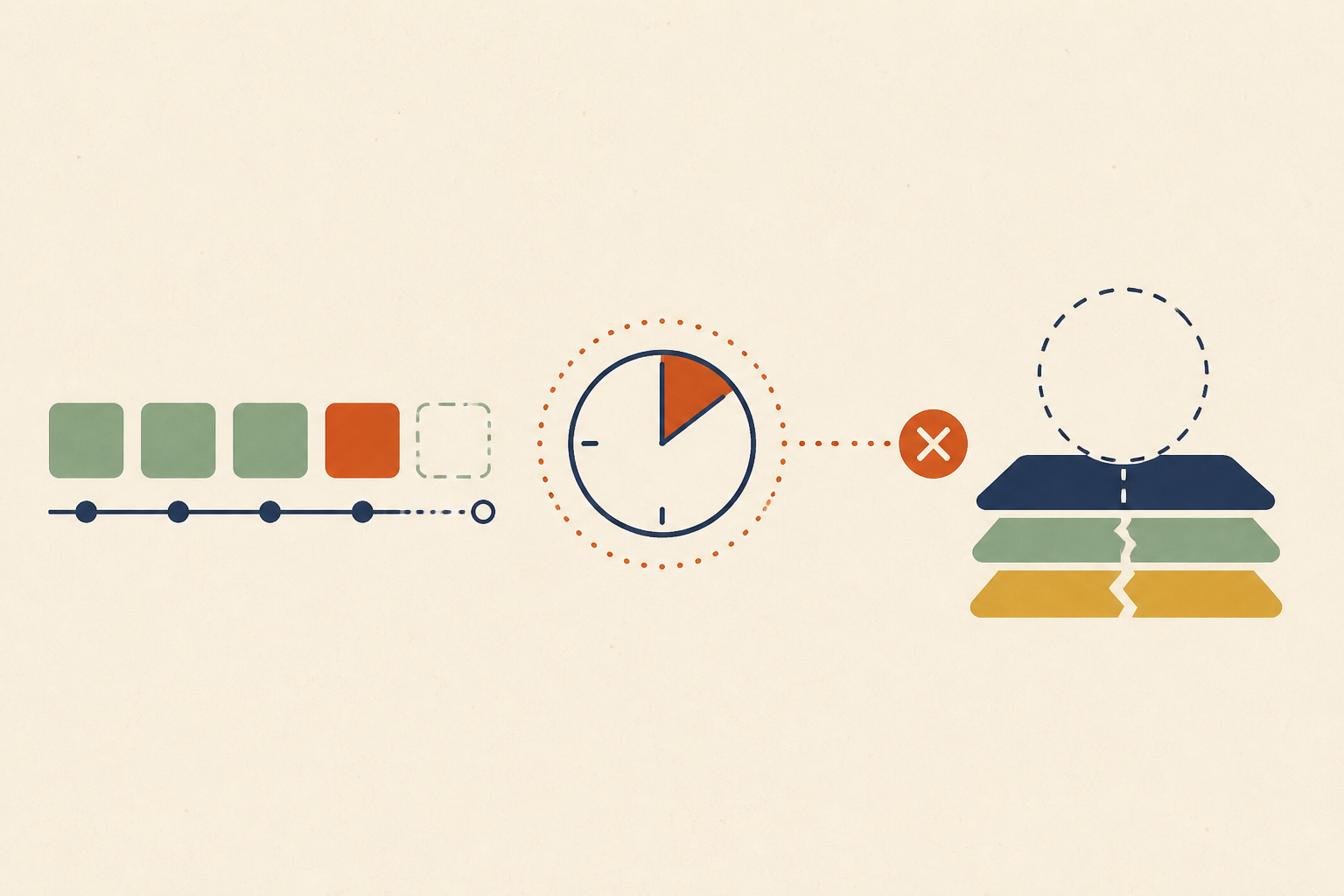
Thirty Seconds, Then SIGKILL: The Scheduled Work You Are Holding in Memory Does Not Survive a Deploy
TL;DR
Work scheduled in process memory—such as setTimeout, Spring @Scheduled, or Celery tasks with an ETA—is volatile and does not survive container restarts or autoscaling events. Because Kubernetes terminates pods by sending a SIGTERM followed by a SIGKILL after a default terminationGracePeriodSeconds of 30 seconds, any work scheduled beyond that window is silently lost without leaving an error trace.
The failure that leaves nothing behind
Every other production failure deposits evidence. An unhandled exception leaves a stack trace; a memory leak triggers an OOM kill; a failing downstream service causes a 5xx or a dead-letter message. This failure class, however, deposits an absence.
When you schedule work in the address space of a single process—like an email reminder set to fire in four hours—and that process is replaced at lunchtime, the only artifact is a customer asking why their email never arrived. It is the purest form of silent failure because nothing actually "broke" in the traditional sense; the work was simply scheduled but not durable. According to primary-source social feeds like @IamAroke, this specific failure mode is becoming a textbook example of evidence that disappears rather than evidence that is wrong.
Where it hides in ordinary code
In-memory scheduling is ubiquitous because it is syntactically easy. It hides in:
- JavaScript:
setTimeoutandsetInterval - Node.js: The
node-cronlibrary - Java/Spring: The
@Scheduledannotation - Python:
APScheduler(with default jobstore) andCelerytasks usingetaorcountdown - Go:
time.AfterFuncor unawaited goroutines - General: Any retry loop with a long
sleep()inside a request handler.
The common property is that the schedule lives exclusively in the process memory. If the process dies, the schedule dies with it.
What actually happens when the process goes away
When a deployment or scaling event occurs, the Kubernetes kubelet begins the pod termination sequence. According to Kubernetes documentation, the process is precise:
- The kubelet sends a SIGTERM to the main process in each container.
- A grace period begins, defined by
terminationgraceperiodseconds, which defaults to 30 seconds. - If the process is still running after the grace period expires, the kubelet sends SIGKILL.
If your container image uses a custom STOPSIGNAL, it might override the TERM signal entirely, potentially breaking your shutdown handlers. Even if you have a preStop hook, it only buys a short extension (often 2 seconds). The core problem is budget: 30 seconds is intended for draining in-flight HTTP requests. Work scheduled for four hours from now cannot fit into a 30-second window.
The autoscaler does not know what the pod was holding
A common misconception is that the Horizontal Pod Autoscaler (HPA) protects "busy" pods. In reality, the HPA writes a replica count, and the Kubernetes documentation describes no notion of in-flight work or memory-resident schedules in its algorithm.
When the HPA decides to scale down, the ReplicaSet controller selects pods for removal based on a specific sort order: pending pods first, then pods on nodes with more replicas, then by pod-deletion-cost, and finally by age. As stated in the Kubernetes docs, if all these criteria tie, selection is random. The only lever available is the pod-deletion-cost annotation, but this is honored only on a "best-effort" basis. You cannot make a pod safe from scale-down by simply having work scheduled in memory; you must stop holding it there.
Adding a replica makes a different bug
When teams notice missing jobs, their first instinct is often to add more replicas. However, a process-local scheduler in a Deployment with three replicas does not become highly available—it becomes redundant. Without a distributed lock, the job fires three times.
Interestingly, the Spring Framework reference documentation makes no mention of this behavior for @Scheduled tasks. This documentation gap leads many to assume the framework handles coordination. It does not. Libraries like ShedLock and Quartz exist specifically because standard scheduled tasks fire once per replica unless a shared JDBC store is used to coordinate execution.
Moving it out of the process is necessary and not sufficient
Even moving to Kubernetes CronJobs or a distributed worker like Celery has pitfalls.
- CronJobs: The
concurrencyPolicydefaults toAllow, and the controller only checks schedules every 10 seconds. If a controller misses more than 100 schedules (due to clock drift or restarts), it stops starting the job entirely and logs "too many missed start times." The official documentation explicitly warns: "two jobs might be created, or no job might be created... jobs should be idempotent." - Celery: As documented in the Celery user guide, tasks with
etaorcountdownare fetched by the worker immediately. Until the scheduled time passes, they reside in the worker's memory. If that worker is killed, the task is lost because the broker has already handed it off.
Three teams who found out in production
- GOV.UK Digital Service (ADR-009): Their
email-alert-apilost in-flight Sidekiq jobs when workers were forcibly restarted for memory usage. This led to a declared incident when a Travel Advice content change never went out. Their remedy was aRecoverLostJobsWorkerthat rescans the database every 30 minutes. - Instawork: Their engineering team published a "lessons learned" post on banning Celery
etaandcountdown. They found that frequent deploys combined with aggressive autoscaling meant workers were routinely killed while holding tasks in memory. - Ghost: A pull request (PR #30641) described scheduled posts being dropped due to a race condition in per-boot re-registration.
The lack of a "canonical" postmortem for the simplest version of this bug—a setTimeout dying on deploy—is itself evidence. Failures that leave no error trace rarely generate a formal investigation.
What durable actually means
To ensure scheduled work survives a deploy, you need three properties:
- Transactional Outbox: The intent to do work must be committed to a database in the same transaction as the state change. According to microservices.io, this ensures the message is sent if and only if the transaction commits.
- Leased Execution: Use a pattern like
SELECT FOR UPDATE SKIP LOCKED(as described in Postgres docs) or an SQS visibility timeout. This ensures that if a worker dies mid-task, the message becomes visible again for another worker to claim. - Idempotence: Because these systems guarantee "at-least-once" delivery, the job itself must be safe to run multiple times.
Key Takeaway: To prevent silent work loss, scheduled tasks must be committed to durable storage and monitored for their absence rather than their error rate.
Auditing for it
To audit your stack, grep for your language's scheduling constructors (e.g., setTimeout, @Scheduled, CronJob). For every hit, ask: If this process disappears right now, does anything else know this work was supposed to happen?
Then, check your shutdown logic. In Node.js, for instance, installing a SIGTERM listener does not automatically keep the process alive; the process can still exit if the event loop is empty. Finally, alert on the absence of work. Since this failure class produces zero errors, your only signal is a heartbeat that stops beating.
Why this one is nobody's ticket
This failure spans application code, container lifecycle, and autoscaler configuration. No single reviewer typically sees all three layers at once, which is why it stays latent for so long. Operate helps solve this by reading across your entire stack—analyzing your Deployment specs and scheduler configurations alongside your code. When it identifies work that won't survive a restart, it proposes the fix as a PR for your team to review. By bridging the gap between code and infrastructure, it ensures your "thirty seconds" doesn't turn into a permanent loss of work.
Sources & further reading
- According to Kubernetes Documentation, the default
terminationGracePeriodSecondsis 30 seconds. - According to Celery Documentation,
etaandcountdowntasks reside in worker memory and are not recommended for distant future scheduling. - According to PostgreSQL Documentation,
SKIP LOCKEDis the recommended way to handle queue-like tables with multiple consumers. - According to the GOV.UK ADR-009, Sidekiq jobs were lost during restarts, requiring a database-backed recovery worker.