TLS Handshake Timeout Is Usually Not a TLS Problem
A TLS handshake timeout means the client heard silence after TCP connected, not a certificate fault. Seven ordered checks prove where the wait began.
Quick Answer
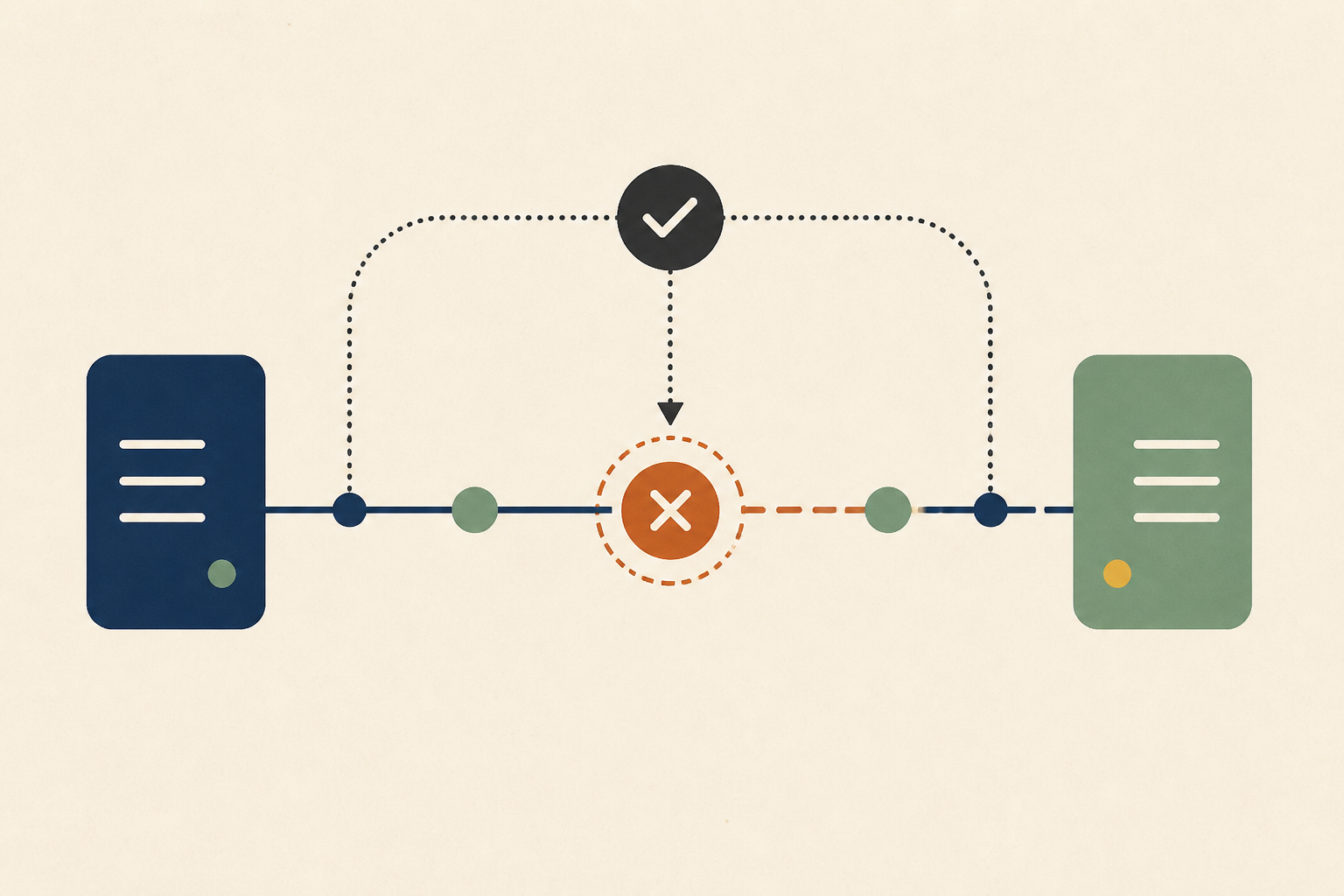
Treat a TLS handshake timeout as silence on the network path, not as a certificate problem. The client's own timer expired after TCP connected and no usable reply arrived, whereas certificate, cipher and protocol mismatches normally produce a TLS alert instead. Split TCP from TLS first, test if the peer answers a ClientHello, then rule out proxies, packet size, address family and capacity, saving each result before changing any timeout.
A TLS handshake timeout is an error raised by the client when the TLS handshake does not finish inside the time the client allows. It is most often reported by programs built on Go's HTTP client, where the message names net/http and a TLS handshake timeout, and from the container and cluster tools that embed that client.
The wording sends people to certificates, cipher suites and trust stores. The evidence in these incidents usually points somewhere else, because a handshake that fails for TLS reasons ends with an alert rather than a wait.
In this post we cover who emits the error and when the clock starts, how a timeout differs from a handshake failure, a public Go issue where every log line blamed TLS, a seven-step procedure with the command for each step, where the error appears in practice, when it really is a TLS problem and what to record so the next person does not start over.
Who Emits a TLS Handshake Timeout and When the Clock Starts
The timer belongs to the client, not to the server. In Go's transport source, the field comment reads "TLSHandshakeTimeout specifies the maximum amount of time to wait for a TLS handshake. Zero means no timeout." The source file for the default transport sets that value to ten seconds, alongside a thirty second timeout on the TCP dial.
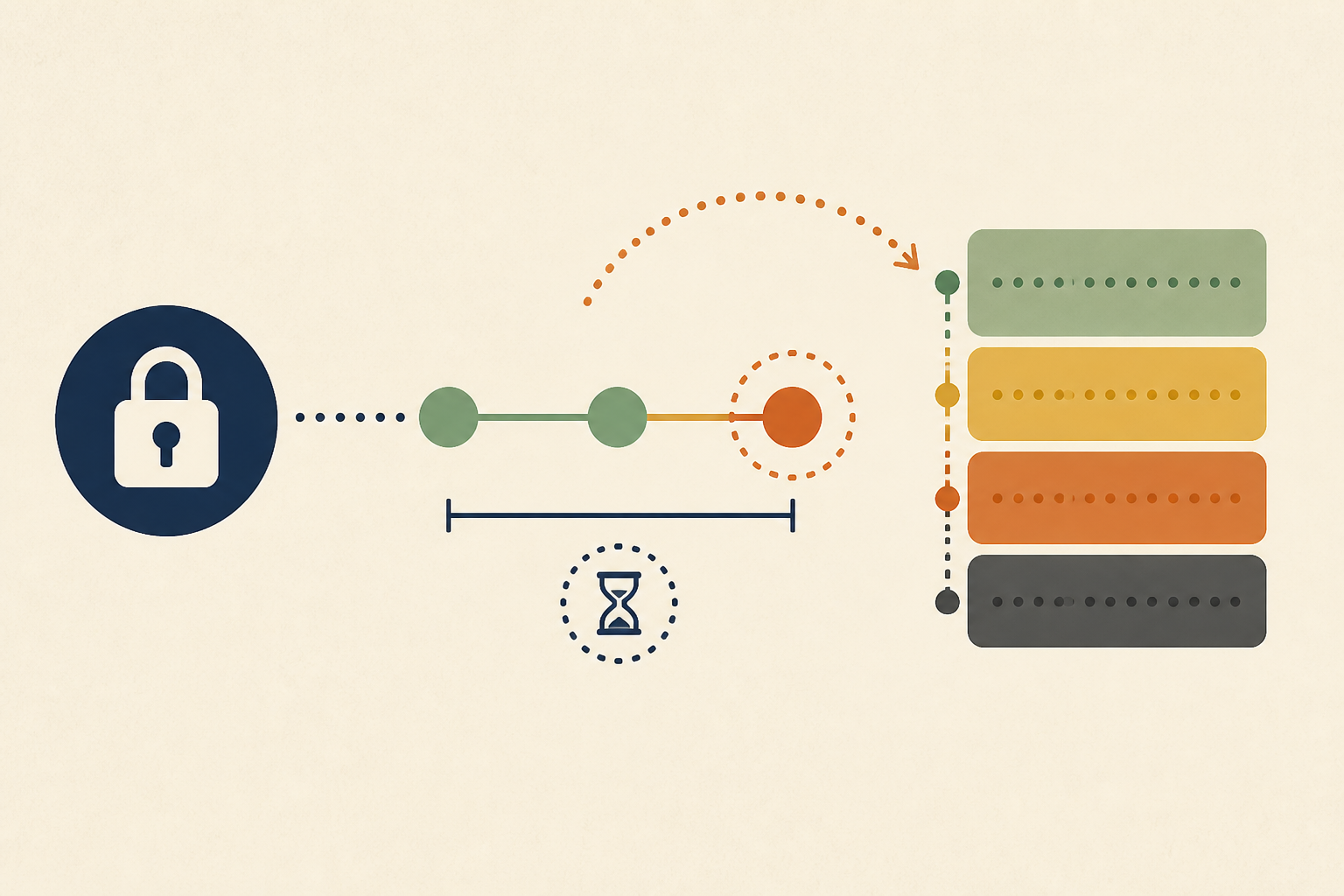
Those are two separate timers, and we keep them apart when reading logs. The dial timeout covers getting a TCP connection, and the handshake timeout starts working only once there is a connection to run a handshake on.
That ordering is the most useful fact in this whole investigation. If the error says TLS, the client believes it already had a TCP connection and then heard nothing usable back. Other runtimes surface the same condition under other strings, but the shape is the same, because a client sent a ClientHello and nothing came back before the client gave up.
A Handshake Timeout Is Silence and a Handshake Failure Is an Answer
Engineers often treat the two as one error. They are different events with different evidence, and we separate them early, because mixing them wastes hours auditing certificates that were never the problem.
TLS 1.3 defines what a server says when it objects. RFC 8446 lists the error alerts, including handshake_failure, "Sent by both clients and servers when they are unable to negotiate an acceptable set of security parameters", and certificate_expired, "A certificate has expired or is not currently valid." Each of those is a message the other side actually receives.
| Signal | Handshake failure | Handshake timeout |
|---|---|---|
| What the client heard | A TLS alert or an explicit error | Nothing usable before its timer fired |
| Typical log text | Handshake failure, expired certificate, unknown authority, no shared cipher | TLS handshake timeout, operation timed out |
| Where to look | Certificates, trust stores, protocol versions, server name | The path, the proxy, the peer's listener and capacity |
| Fix that usually works | Correct the configuration on one side | Find where the packets stopped |
If your logs can name a specific alert or certificate error, stop investigating timeouts. You have a configuration mismatch and the client received a clear answer.
A Public Go Issue Where the Error Blamed the Wrong Layer
A reported case shows how misleading the string can be. In golang/go issue 76375, a user reported that go commands against the public module proxy timed out in the TLS handshake over IPv6.
The reporter compared curl over both address families. Over IPv4 the request finished in about 117 milliseconds, while over IPv6 it took over sixteen seconds, with "14 seconds elapse before the TLS handshake is started". The failures that followed ended in "operation timed out" messages after more than forty seven seconds. The issue was still open and marked as needing investigation when we read it.
We draw one lesson from the report and leave its cause to the people investigating it. The time was lost before the handshake began, so the label on the error described where the client noticed the problem, not the layer that was slow.
The net package documentation adds a relevant detail. Its dialer starts a fallback attempt on the other address family after a default delay of 300 milliseconds, so seconds of delay before the handshake deserve an address-family test.
Seven Steps to Prove Where a TLS Handshake Timeout Started
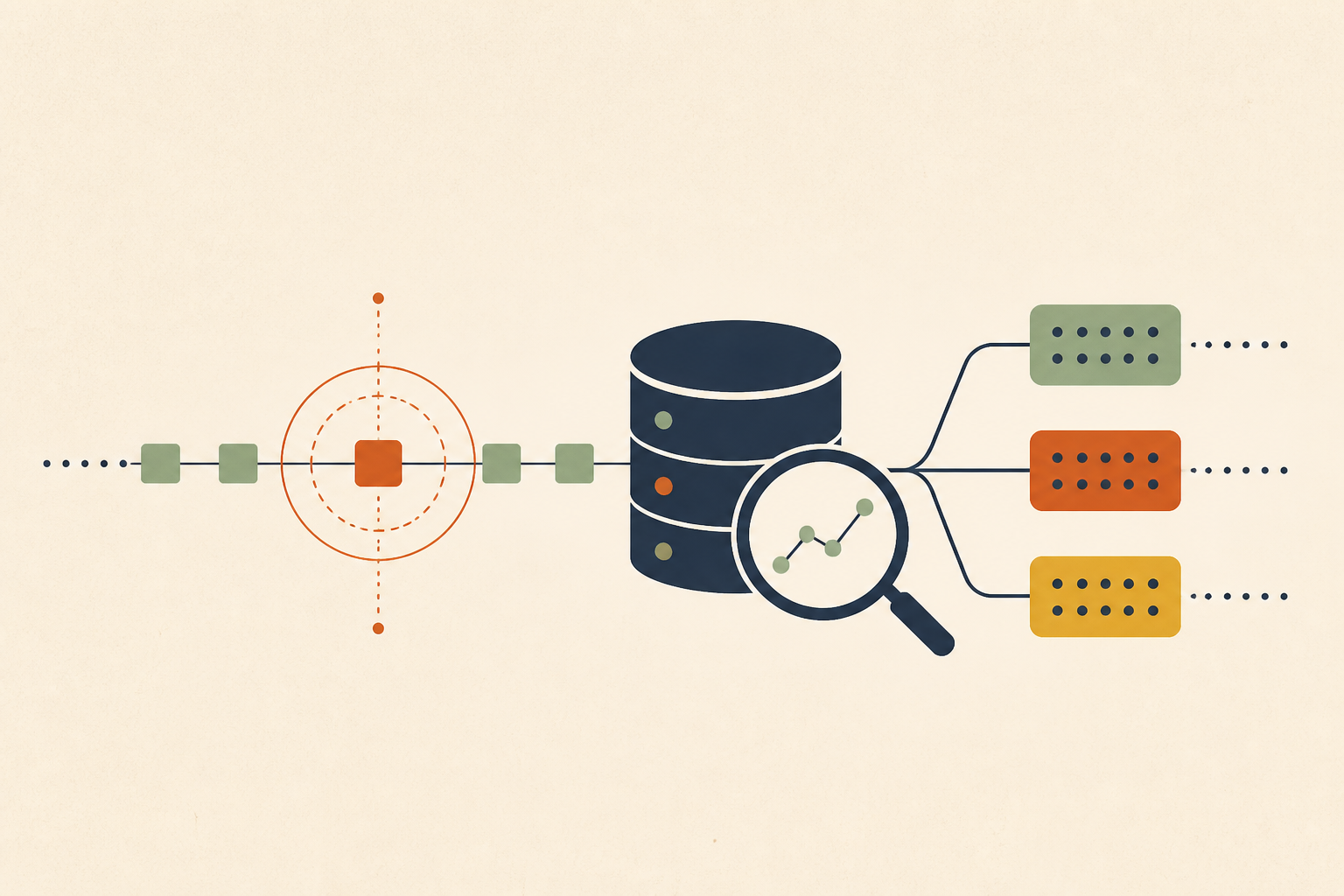
We work through these in order. Each step removes one branch of the stack with evidence, and each can be run in under a minute from the machine that sees the error.
1. Split TCP From TLS
Run the request with curl and ask it for timings, so you can see how long the TCP connection took and how long the handshake finished after. The libcurl documentation defines the connect time as "the total time in seconds from the start until the connection to the remote host (or proxy) was completed", and the application connect time as "the time, in seconds, it took from the start until the SSL/SSH connect/handshake to the remote host was completed."
If the first number is already large, the handshake never started. The TLS label on the error is a red herring and the problem is routing, firewalling or name resolution.
2. Check That the Peer Answers a ClientHello
Use openssl s_client -connect host:443 -servername host against the same endpoint. If TCP connects and the session then prints nothing, with no certificate chain, the peer or a device in front of it is not responding to the ClientHello.
That points to a wedged listener, an overloaded backend or a middlebox inspecting traffic. It does not point to a certificate, because no certificate was ever sent.
3. Test the Client's Own Environment
List the proxy variables in the environment of the failing process and re-run the request with them unset. A proxy that handles CONNECT badly, or a no-proxy list missing an internal address, produces a silent wait that looks exactly like a handshake timeout.
Check the process, not your shell. Services and containers carry their own environment, and the shell where you reproduce the problem may differ from the one that fails.
4. Test for a Packet Size Black Hole
A TCP connection can open and then hang when full-size packets are dropped somewhere on the path. RFC 2923 describes this black hole, noting that "The short SYN packet has no trouble traversing the network, due to its small size" while small data packets work and larger ones fail.
A ClientHello with many extensions and the server's certificate flight are larger than a SYN. Probe with a do-not-fragment ping at decreasing sizes, and suspect VPNs, tunnels and overlay networks when only the smaller sizes pass.
5. Compare Address Families
Run the same request forced to IPv4 and then to IPv6. If one is instant and the other hangs, the hanging path is the problem, and the golang/go issue above shows how long that wait can run before the handshake even starts.
Record both timings. They are the evidence that justifies disabling one family or fixing a route, and they stop the same debate from restarting next quarter.
6. Test Reachability Policy
Check the security groups, network policies and firewall rules between the client and port 443. Some rules let the initial SYN through, which completes TCP, and then drop the packets that follow, which mimics a timeout perfectly.
Compare a client in the failing network with one in a network that works. A difference in outcome with identical code is a policy or path difference, not a software bug.
7. Test Capacity Before Configuration
If failures cluster in bursts, compare the failure rate with request volume and with the number of new connections per second. A device or service that drops or ignores new connections under load produces the same silence as a broken route, but only when busy.
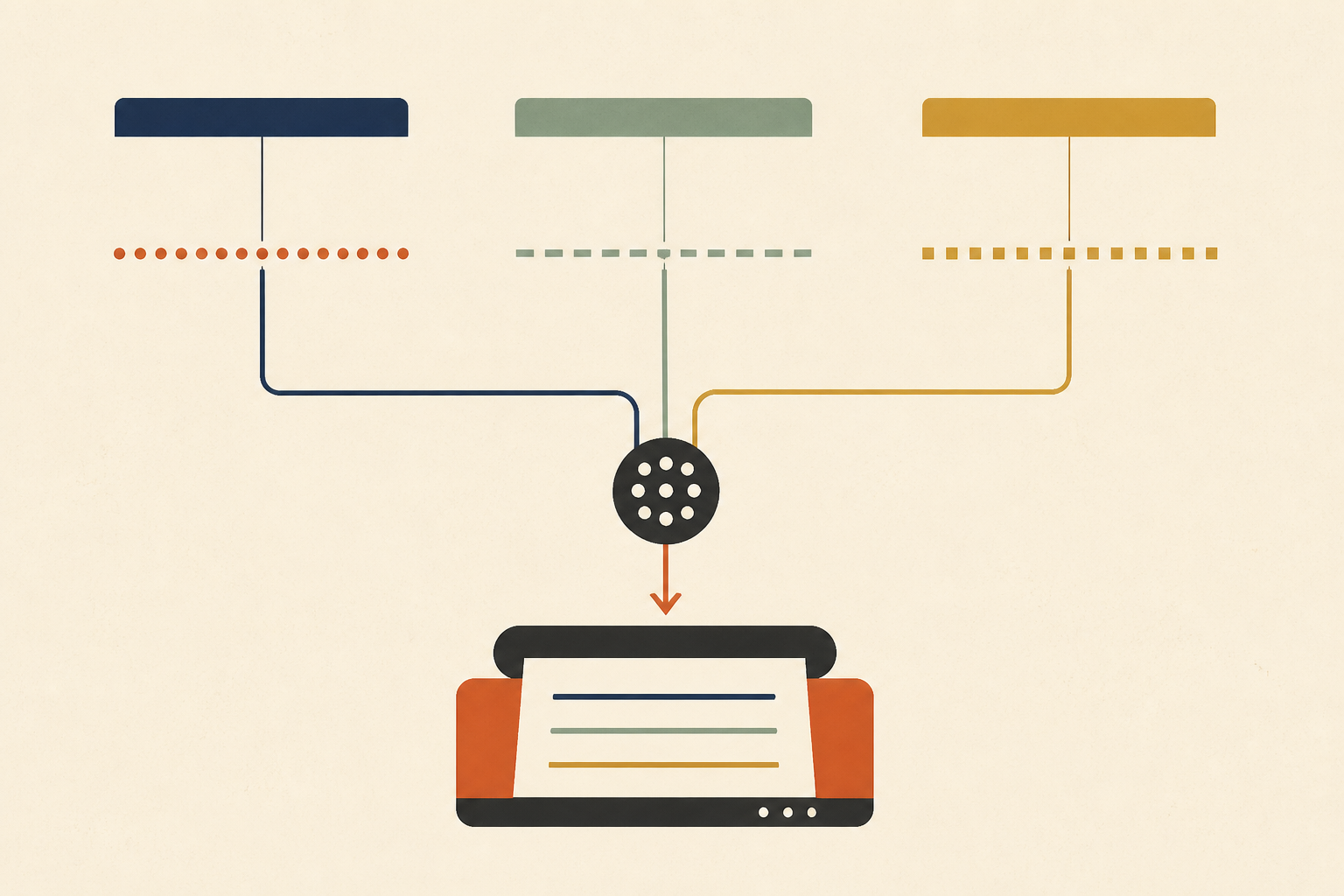
Evidence for all seven steps sits in client logs, deploy history and network settings that rarely get captured at the moment of failure. It helps to connect it read-only to your logs so that root cause analysis can read the timings, the environment and recent changes together afterwards instead of reconstructing them from memory.
Where You Will Meet This Error in Practice
The default applies to any program built on Go's default transport. Much infrastructure tooling is written in Go, so the same string can appear when pulling container images, calling a cluster API or downloading modules.
The context changes the likely cause, and we map the common ones to a first step.
- A pull from a registry behind a corporate proxy points us at step three.
- A cluster API call from a new subnet points us at step six.
- A module download from a host with a broken IPv6 route points us at step five.
Our guide to context deadline exceeded covers the neighbouring error from the caller's side, and the reset variant is in connection reset by peer. When a timeout turns into repeated attempts that amplify the original problem, retry storm amplification explains the arithmetic.
When the Timeout Really Is a TLS Problem
The title of this post says usually, not always. A server can accept a connection and then stall inside the handshake, for example when its process is starved of CPU or its listener is wedged, and a device that inspects TLS traffic can hold a handshake while it works.
Step two separates those cases from path problems. If the peer answers a ClientHello from a different network but not from yours, the difference is on the path. If it fails from everywhere, we look at the server and its load.
Raising the timeout is the one change we avoid. The Go documentation says zero means no timeout, and a longer value rarely finds the cause, because it only makes goroutines and sockets wait longer before failing with the same silence.
Record Four Facts Whenever a TLS Handshake Timeout Occurs
Write down which side emitted the error, which is always the client for a timeout. Record if TCP connected, if the ClientHello was answered and if the failure is universal or limited to bursts.
Those four facts turn a recurring hour-long argument into a lookup, and they keep a TLS handshake timeout from being blamed on a certificate again. We keep them in the runbook entry for the alert. Operate brings evidence from logs, databases and code together through read-only adapters, and proposes any code fix as a patch file an engineer reviews and applies.
Frequently Asked Questions
It means the client started a TLS handshake after connecting over TCP and its own timer expired before a usable reply came back. We read it as silence on the path or from the peer, so we look at the network before touching certificates.
We find where the silence starts before changing anything. Split TCP from TLS, check that the peer answers a ClientHello, then rule out proxies, packet size, address family and capacity. The fix follows the finding, and raising the timeout is rarely it.
Docker and Kubernetes are written in Go, so the timeout usually comes from its HTTP client and the causes are the usual path problems. We check proxy variables, packet size on overlay networks, a broken IPv6 route and firewall rules that let TCP through but drop what follows.
Not usually. An expired certificate causes the other side to send an alert, so the client sees an explicit certificate error rather than a wait. We treat a pure timeout as evidence that no usable certificate or alert ever arrived.
The default transport in the standard library sets it to ten seconds, and a zero value means no timeout. We leave it alone while diagnosing, because a longer value only delays the same failure and holds connections open for longer.
About the author

Operate Team
The team behind Operate
Operate Team builds Operate, enterprise AI agents for production operations. Operate answers production questions from Slack and Microsoft Teams, investigates alerts, and reviews performance, security and cost. It finds the root cause with evidence and proposes a fix for an engineer to review, with controlled access to your systems.