Zero Downtime Database Migration Steps the Guides Leave Out
A zero downtime database migration fails outside the pattern. Six expand and contract steps for PostgreSQL, four skipped failure modes and the safety checks.
Quick Answer
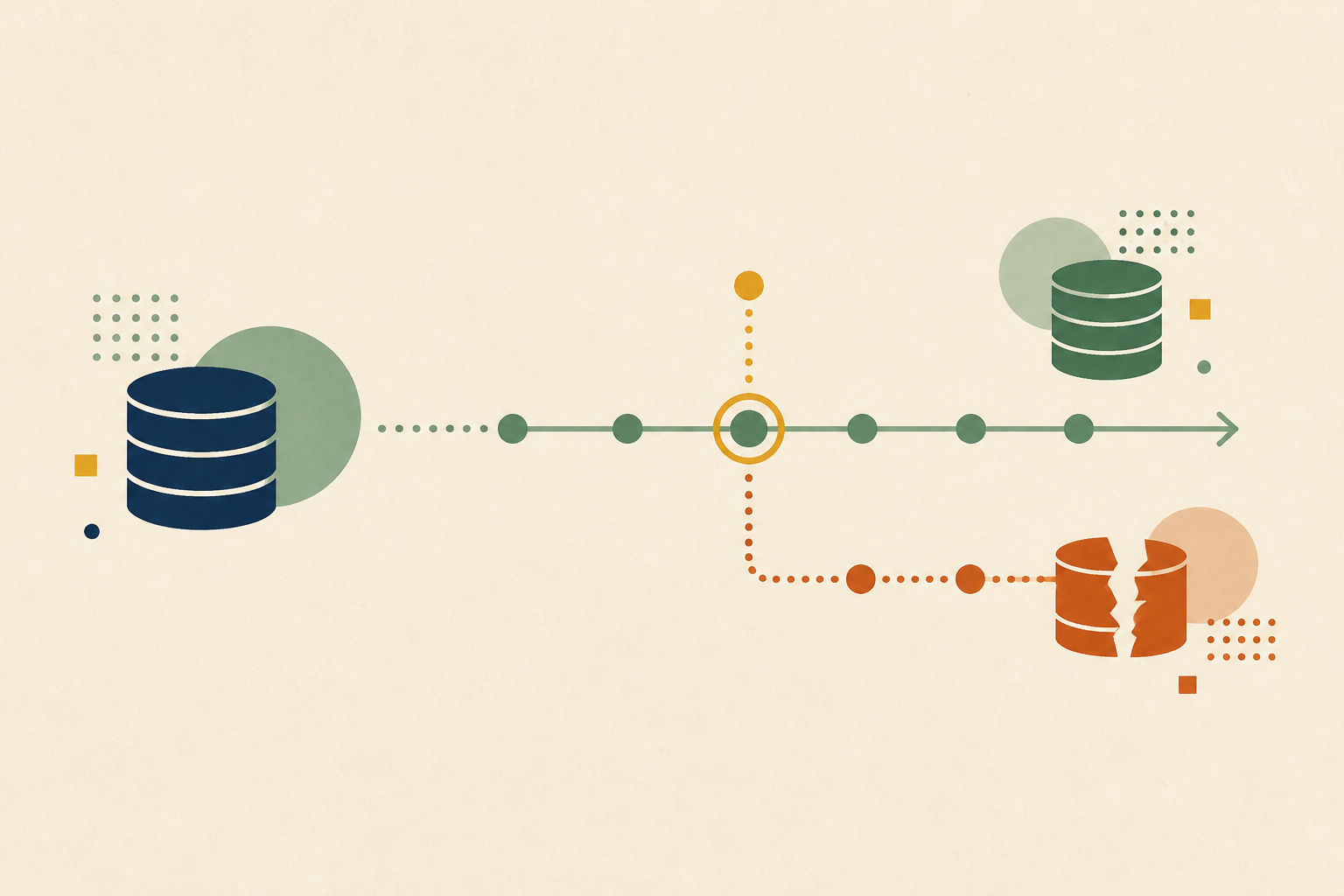
A zero downtime database migration changes a schema or moves data while the application keeps serving reads and writes. The usual method is expand and contract, where the database supports old and new code at the same time until every reader has moved. Most failures happen outside the pattern itself, in lock waits, foreign keys, hidden readers, half-failed dual writes and a contract step taken too early.
A zero downtime database migration is a schema change or data move that runs while the application stays fully available. It works by keeping the database compatible with at least two versions of the code at once, so no deploy has to wait for the database and no database change has to wait for a deploy.
The slogan is "just use expand and contract", and we agree with it as far as it goes. The outages we see come from the parts the slogan leaves out, such as a metadata-only ALTER that waits behind one long query, or an old column dropped while a weekly job still reads it.
In this post we cover when you need zero downtime at all, the six steps of the pattern with the PostgreSQL details that matter, four failure modes guides skip, how to prove safety while the migration runs, and when a maintenance window is the better choice.
Decide First If You Need a Zero Downtime Database Migration
Zero downtime is a cost, not a default. It turns one change into several deploys, adds dual-write code that must later be removed, and stretches a migration over days. We ask what a short, scheduled outage would actually cost before paying that price.
| Approach | When it fits | What it costs |
|---|---|---|
| Scheduled maintenance window | Internal tools, batch systems, users who accept a planned pause | A visible outage and one coordinated deploy |
| In-place change with lock limits | Changes PostgreSQL can make without a rewrite, applied with a lock timeout | A retry loop when the lock is not available |
| Expand and contract | Renames, type changes and splits on tables that serve live traffic | Several deploys, dual writes and a backfill |
| Replication or change data capture | Moving to a new engine, cluster or region | A second system to run and a cutover to rehearse |
The right answer depends on your users and your tolerance, not on a table size threshold. We have seen small tables need zero downtime because they sit on the login path, and large ones migrate happily in a window because nobody reads them at night.
Six Steps of the Expand and Contract Pattern
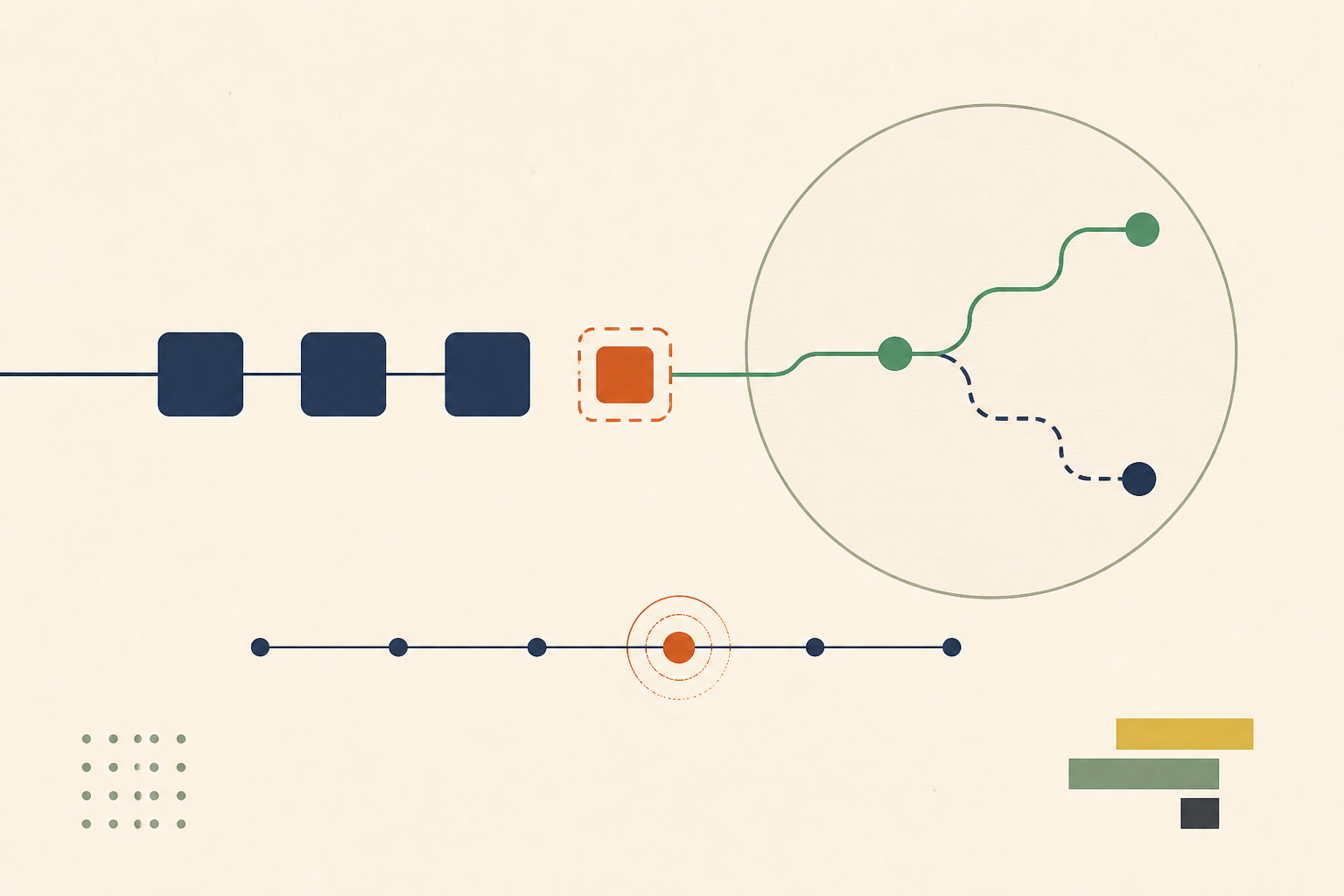
Martin Fowler describes parallel change, also known as expand and contract, as "a pattern to implement backward-incompatible changes to an interface in a safe manner" in three phases called expand, migrate and contract. For a database we split those phases into six steps, because the database and the code move separately.
1. Expand the Schema Without Breaking Current Code
Add the new column or table in a form the running code ignores. A new column must be nullable or have a default. In PostgreSQL this is cheap when the default is non-volatile, because the ALTER TABLE documentation says the value is stored in the table's metadata and applied only when the table is rewritten, "making the ALTER TABLE very fast even on large tables."
Fast is not the same as lock-free. The same page notes that an ACCESS EXCLUSIVE lock is acquired unless a subform says otherwise, so even a metadata-only change must get past every query already holding the table. We cover the lock side in step-by-step detail in our post on metadata-only ALTERs and lock queues.
2. Write to Both Locations From the Application
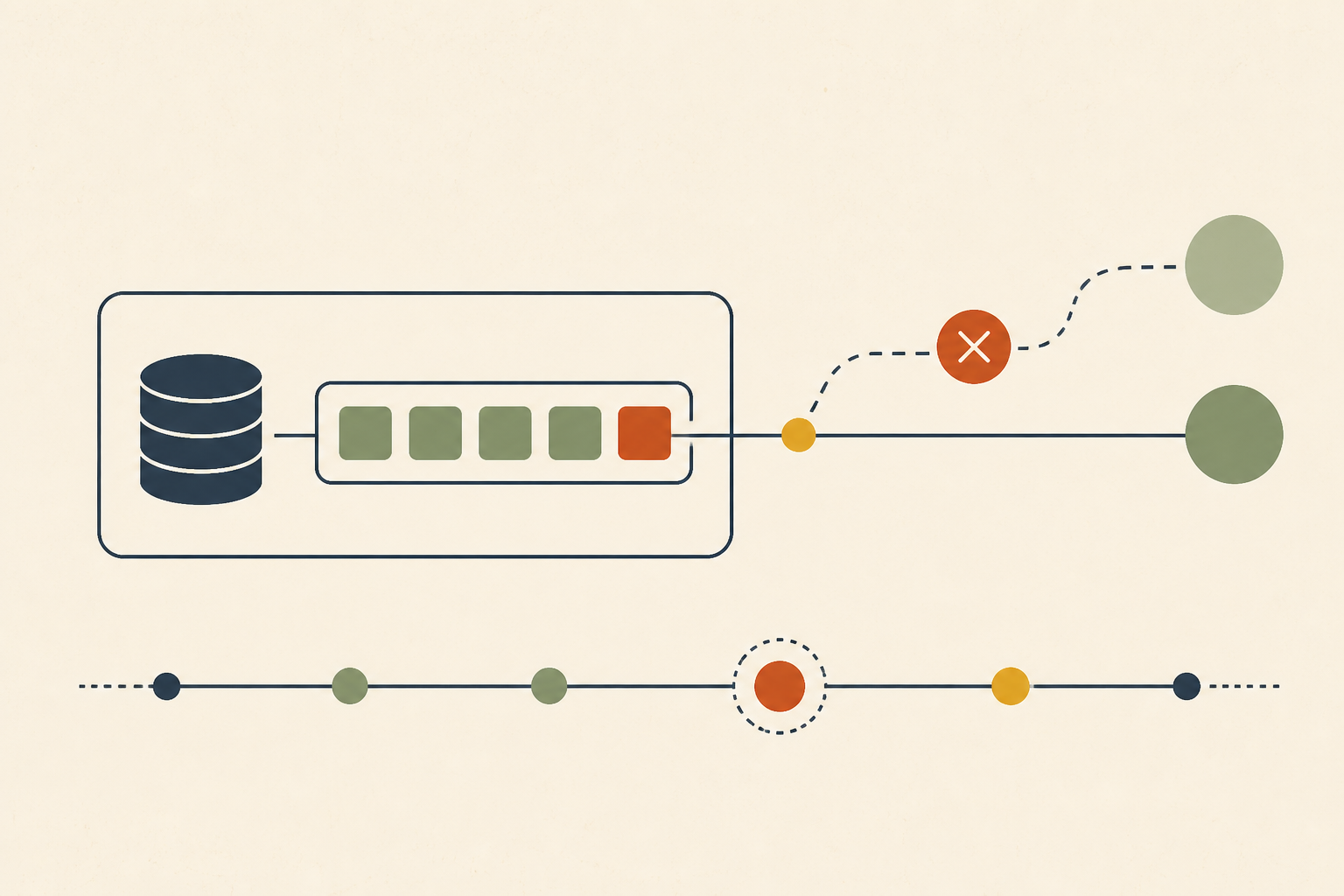
Deploy code that writes every change to the old and the new location, while reads still come from the old one. From this point every new row is correct in both places, which shrinks the backfill to history.
We put dual writes behind a flag so they can be switched off without a deploy. If the new location starts failing, the old path keeps the product working while we look.
3. Backfill History in Small Batches
Copy existing rows in batches keyed on an indexed column, committing each batch separately. Short transactions keep row locks brief and let vacuum keep up, while a single huge update holds old row versions for its whole run.
The backfill must be safe to rerun. We write it so that copying a row twice gives the same result, because a backfill that stops halfway will be restarted, often by someone else.
4. Add Indexes and Constraints Without Blocking Writes
Build indexes on the new column before any read depends on them. PostgreSQL's CREATE INDEX documentation says the CONCURRENTLY option builds an index without locking out writes, at the cost of two table scans and a wait for existing transactions.
Constraints follow the same idea. Adding a foreign key or check constraint as NOT VALID skips the full scan, and a later VALIDATE CONSTRAINT takes only a SHARE UPDATE EXCLUSIVE lock while it checks existing rows.
5. Move Reads Behind a Switch
Switch reads to the new location with a flag, ideally for a slice of traffic first. Keep writing to both places, so switching back is a flag change rather than a data repair.
This is the step where comparison pays off. Before the switch we run shadow reads that fetch from both locations and log any difference, which turns a backfill bug into a list of rows rather than a customer report.
6. Contract Only After Every Reader Has Moved
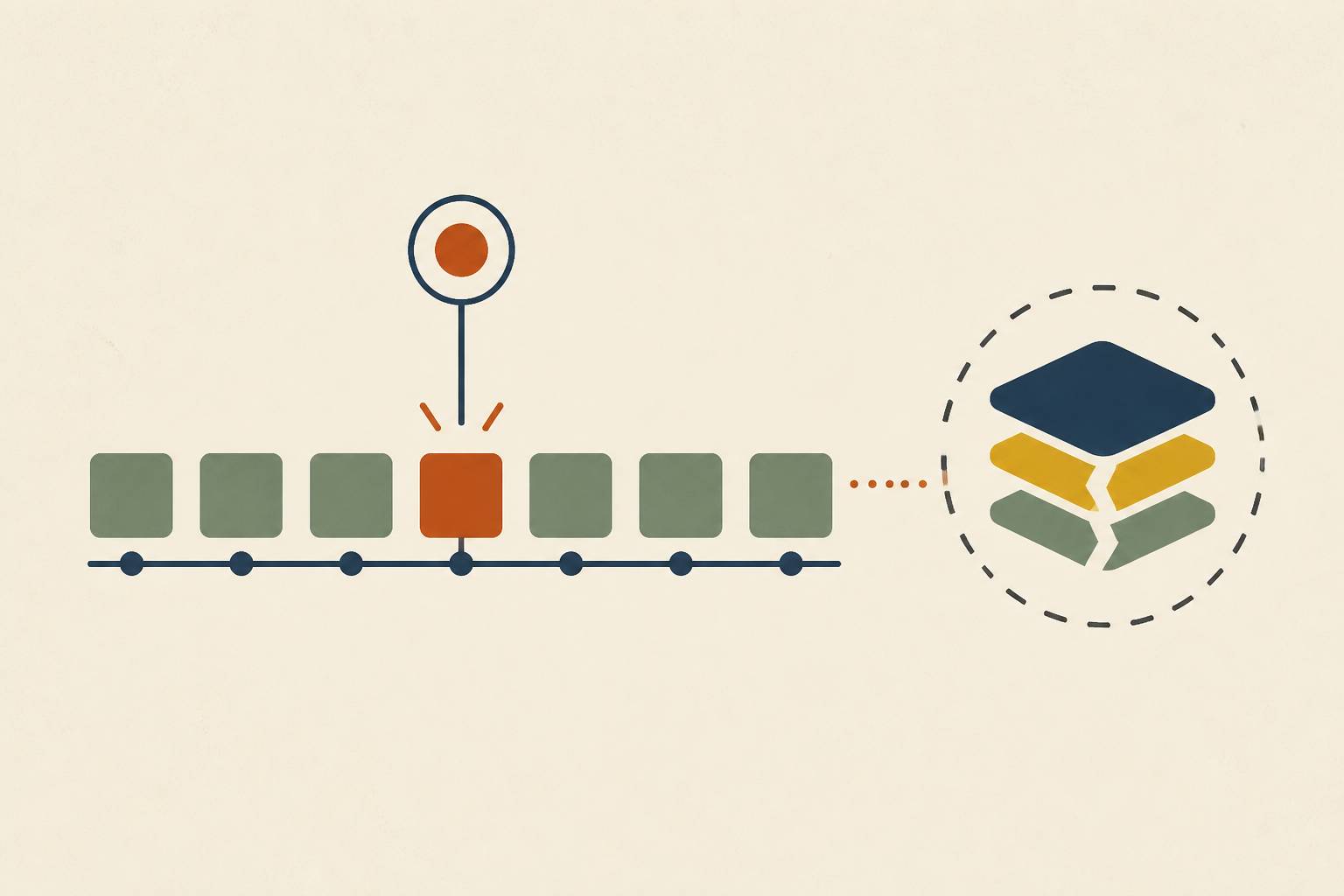
Remove the old write path from the code, wait, and only then drop the old column or table. The wait is the point. Weekly jobs, analytics exports and old workers that run once a month still read the old shape, and they will not show up in a day of logs.
We treat the drop as its own change with its own review, and we mark it as the point of no return in the runbook. Before it, every step can be reversed with a flag. After it, a rollback needs a restore.
Four Failure Modes the Pattern Descriptions Skip
The steps above read cleanly. In production we keep meeting the same four problems around them, and none of them shows up in a diagram of the pattern.
• Foreign Keys Point at the Old Table
When the expand step creates a new version of a table, existing foreign keys on child tables still point at the old one. Inserts into the new table can satisfy no constraint, or the wrong one. We plan constraint moves explicitly, usually adding the new key as NOT VALID and validating it after the backfill.
• Views and Procedures Are Readers Too
Stored procedures, views and triggers read columns without appearing in application code search. Dropping a column they use breaks them at the contract step. We query the catalog for dependencies on every column we plan to remove, before the change is scheduled.
• A Pre-Migration Backup No Longer Matches the Code
If something fails after dual writes start and we restore a backup from before the expand step, the running code expects columns the backup does not have. We test that the current code can run against the restored schema, or we pin the restore plan to a matching code version.
• Dual Writes Fail Halfway
Most dual writes are two statements, not one transaction across both locations. If the second write fails, the two copies drift. We either wrap both writes in one database transaction where they share a database, or log the failures and reconcile them before switching reads.
Prove the Migration Is Safe While It Runs
A migration is safe when we can see it being safe, not when the script exits zero. We watch three things for the whole run, and each has an automatic stop.
- Lock waits. Every DDL statement runs with lock_timeout set. The client configuration documentation says it aborts any statement that waits longer than the limit to acquire a lock, so a blocked ALTER fails and retries instead of queueing every query behind it.
- Replication lag. The backfill pauses when replica lag passes a threshold the team agreed in advance, and resumes when it falls.
- Drift between copies. Shadow-read mismatches and row counts are compared on a schedule, so a broken dual write is caught before reads move.
When one of those stops fires, the useful evidence is in pg_stat_activity, the replica lag history and the migration's own logs at the same minute. We find it saves real time to connect an investigator read-only to your logs and database before migration day, so whoever is watching can see which session held the lock. Long transactions are the usual culprit, and our guide to idle in transaction sessions shows how to find them.
When a Maintenance Window Beats Zero Downtime
We would not use expand and contract for every change. If the team has a quiet window and users who accept a planned pause, a single migration with the application stopped removes dual writes, shadow reads and a multi-week contract step. Fewer moving parts is a reliability feature.
The pattern also fails when the team cannot finish it. A migration stuck between expand and contract leaves two sources of truth indefinitely, and that is how schema drift starts. If nobody owns the contract step, a window is the safer plan.
Engine changes are a third case. Moving between database engines needs replication or change data capture with a rehearsed cutover, and expand and contract inside one database does not apply.
Plan the Contract Step Before You Start the Expand
A zero downtime database migration succeeds or fails on the steps around the pattern. We would write the contract step, the lock timeout, the lag threshold and the point of no return into the runbook before the first ALTER runs, and give the contract step a named owner and a date.
When something does go wrong mid-migration, the evidence spans the database, the logs and the migration code. Operate connects through read-only adapters to logs, databases and repositories, and logs every query its agents run.
Frequently Asked Questions
We use expand and contract. Add the new structure in a backward-compatible form, write to old and new locations, backfill history in batches, move reads behind a flag, and drop the old structure only after every reader has moved. A lock timeout on every DDL statement makes a blocked change fail instead of queueing traffic.
It is releasing a new version without making the service unavailable, usually by running old and new versions side by side and shifting traffic gradually. We find the database is the hard part, because both versions share it, so every schema change has to work with both versions at once.
It is a schema change applied while the application keeps reading and writing the table. In our experience it relies on changes that avoid table rewrites, concurrent index builds, constraints added as NOT VALID and validated later, and short lock timeouts, so the change never holds a lock that live queries are waiting behind.
We add columns with non-volatile defaults, build indexes with CREATE INDEX CONCURRENTLY, add constraints as NOT VALID and validate them separately, and set lock_timeout on every statement. Large data changes run as small batched transactions, and the old column is dropped in a separate, later change.
A data migration moves or transforms rows, such as a backfill or a copy to a new system. A database migration usually means changing the schema, or moving the whole database to a new engine or host. We often need both, since a schema change commonly brings a backfill with it.
About the author

Operate Team
The team behind Operate
Operate Team builds Operate, enterprise AI agents for production operations. Operate answers production questions from Slack and Microsoft Teams, investigates alerts, and reviews performance, security and cost. It finds the root cause with evidence and proposes a fix for an engineer to review, with controlled access to your systems.