Schema Drift Turns the Next Deploy Into an Incident
Schema drift is the gap between your migrations and the live database. How it gets in, what Snowflake's December 2025 outage shows, and how to triage it.
Quick Answer
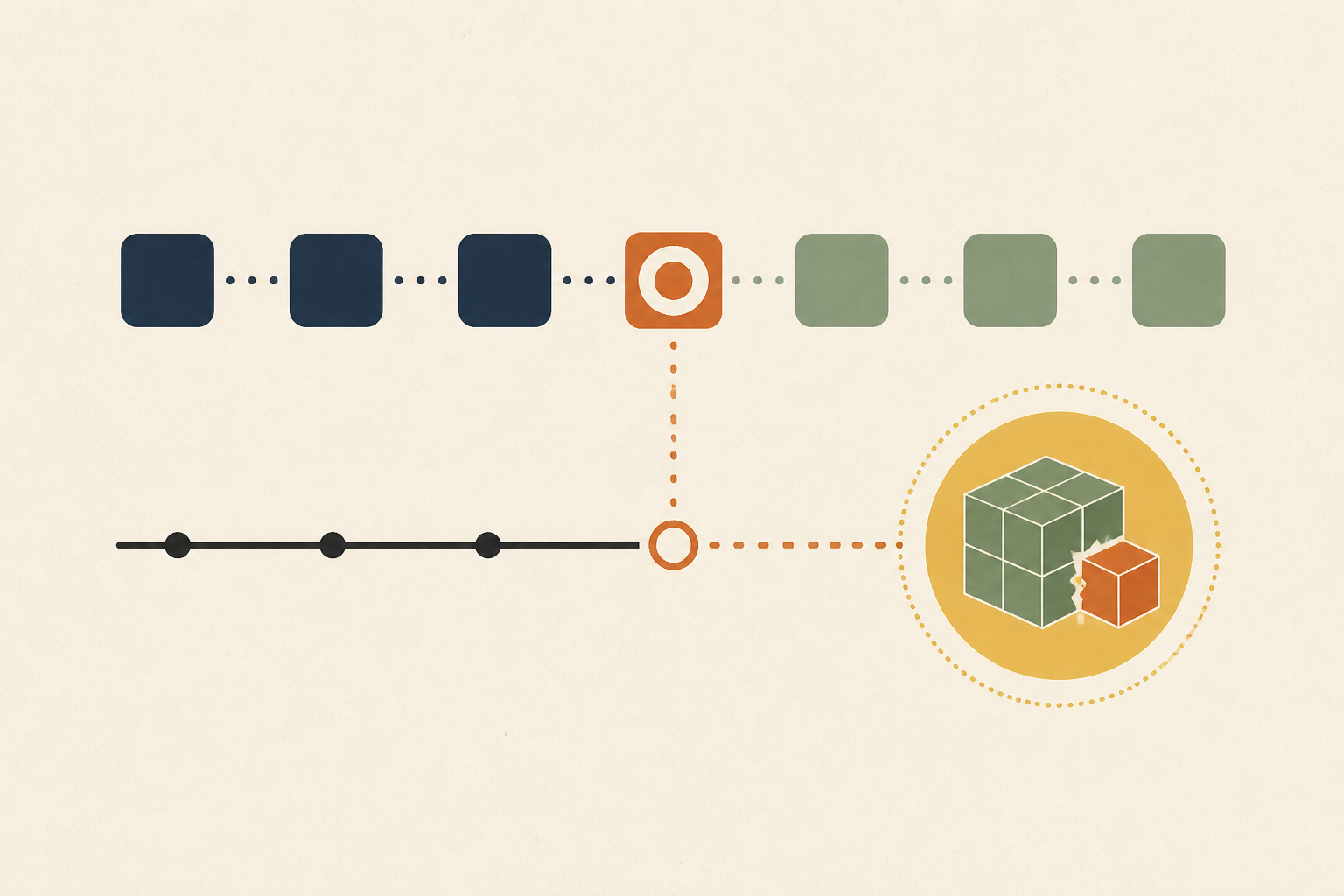
Schema drift happens when a live database no longer matches the migrations in version control, usually after a hotfix, a half-applied migration, a restore from a stale snapshot or a side-channel tool. It stays invisible until a deploy, failover or restore expects the documented schema. Detect it on a schedule by diffing the live schema against the migrations, and triage a suspected case by diffing first and never editing applied migration history.
Schema drift is the divergence between the schema your code and migrations describe and the schema the production database actually has. We treat it as an operational risk rather than hygiene, because drift does nothing until the moment a deploy, a failover or a restore assumes the wrong schema.
That timing is what makes it expensive. The change that created the drift was made weeks ago by someone who fixed a real problem, and the person paying for it is whoever ships next.
In this post we cover what schema drift is and is not, how a routine deploy turns it into an incident, a public outage that shows the neighbouring failure, the five ways drift gets in, how to detect it before a deploy, a four-step triage for an incident and when some drift is acceptable.
What Schema Drift Is and What It Is Not
The Atlas documentation says that "Database schema drift happens when the target database diverges from the source of truth", meaning the version-controlled schema and migration files. That is the sense we use, a live database that disagrees with the repository.
The same words are used elsewhere for data pipelines, where upstream columns change shape under a downstream job. That is a real problem with a different owner and different tools, and we leave it out here.
Drift is also not the same as a failed migration, though the two overlap. A migration that fails loudly is noticed. Drift is the quiet remainder, a difference nobody recorded, and its defining feature is that no alert was ever tied to it.
How Schema Drift Turns a Routine Deploy Into an Incident
Most pre-production checks test the code against the schema the repository describes. If production differs, those checks passed against a database that does not exist, so a green pipeline says nothing about the real one.
Drift causes damage in a small number of repeatable ways, and each can be recognised by what it looks like during the incident.
| Situation | What breaks | How it shows up |
|---|---|---|
| A hotfix column or index was never codified | The next migration tries to create what already exists | A deploy fails on a duplicate object |
| A hotfix index exists on one node only | A rebuild or failover brings up a node without it | Latency returns after a topology change |
| An environment was rebuilt from an old snapshot | Recent migrations are missing | Column not found errors against code that expects them |
| Staging differs from production | A migration passes in staging and fails in production | A constraint or naming collision at apply time |
| A migration stopped partway | Some objects changed and the history table did not | A rerun fails on the part that already applied |
The pattern across the rows is deferred cost. A fix made under pressure removed one incident and quietly created the conditions for another, and the second one arrives at a time nobody chose.
It also changes how we should read a failed deploy. If a migration that worked everywhere else fails in production, the first question is what is different about production, and a schema diff answers it faster than reading the migration again.
The same reasoning applies to errors that appear after a release rather than during it. A query that fails on a missing column, or a constraint violation that no test produced, should send us to compare the live schema with the migrations before anyone changes the application code, because a fix aimed at the code can hide the difference for one release and leave it in place for the next.
Drift is also cumulative. Each unrecorded change makes the next one harder to spot, since the diff between repository and database grows, and an engineer facing a long list of differences tends to assume that most are harmless. We would rather keep that list at zero or at a few documented exceptions, so that any new line stands out immediately.
A Public Outage That Shows the Neighbouring Failure
Snowflake's December 2025 incident is not drift in the out-of-band sense, but it shows the same class of problem, code that expects one schema meeting a database that presents another. The Snowflake status page gives the window as 16 December 2025 from 02:55 UTC to 15:59 UTC.
Its cause section says "Our most recent release introduced a backwards-incompatible database schema update", and that "Previous release packages incorrectly referenced the updated fields, resulting in version mismatch errors and causing operations to fail or take an extended amount of time to complete." Customers saw failed queries and ingestion errors across multiple cloud regions.
The lesson we draw is narrower than the headline. Regional redundancy and staged rollouts protect against infrastructure faults, and a schema is shared logical state that every region and every version of the code must agree on. When it changes in a way older code cannot read, redundancy does not help.
Five Doors Through Which Schema Drift Gets In
Drift rarely comes from one catastrophic error. It enters through ordinary decisions that each looked reasonable at the time.
1. The Night-Time Hotfix
An engineer adds an index or changes a column to stop an outage. The fix works, the ticket closes, and the statement lives only in a terminal history. We ask that every manual change gets an owner and a date by which it must be written into a migration. Our guide to Postgres query plan changes shows how an index added in a hurry can change plans elsewhere.
2. The Half-Applied Migration
Some databases cannot roll back a schema change as a unit. The MySQL manual says that DDL statements "implicitly end any transaction active in the current session, as if you had done a COMMIT before executing the statement." A script of several such statements that fails midway has therefore already committed the early ones.
The history table may record nothing, and the database holds a partial result that no migration describes.
3. Environment Skew
Testing a migration against a staging copy that was refreshed months ago proves little about production. The migration passes there and meets a collision or a constraint violation where the data and objects differ.
4. Side-Channel Tools
ORM auto-sync features, reporting tools that create tables and agents that add their own objects can all change production outside the migration path. These changes are the hardest to attribute, because no human decided to make them.
5. Restores and Clones
Rebuilding from a stale snapshot or an old image can silently drop weeks of applied migrations. The restored database looks healthy until the first query touches something that was added after the snapshot.
Detect Schema Drift on a Schedule, Not at Deploy Time
A check that runs only at deploy time finds drift at the worst moment. We prefer a signal that runs continuously, like any other health check, and several tools already support one.
Atlas, for example, identifies drift at two points. A pre-apply check inside atlas migrate apply blocks a migration if drift is detected, and the standalone atlas migrate drift command can run on a schedule, in continuous integration or by hand. The same documentation notes that drift is "particularly dangerous in versioned deployments", because the plan is written during development and not at apply time.
Migration checksums are a different and weaker control. The Flyway documentation says its validate command "works by storing a checksum (CRC32 for SQL migrations) when a migration is executed", then checks that "the migration locally still has the same checksum as the migration already executed in the database." That catches an edited migration file, though the page describes no comparison against the live schema, so out-of-band changes pass unnoticed.
Whatever the tool, we want four things from the check.
- A scheduled export of the production schema, without data, diffed against what the migrations produce.
- A drift check straight after every migration, so a mismatch is caught while the change is fresh.
- Alerts routed to an owner, not to a general channel where a persistent difference gets ignored.
- A record of accepted differences, so an expected diff does not hide a new one.
Our guide to configuration drift during incidents covers the same discipline for settings rather than schemas, and the migration side is in zero downtime database migrations.
Triage Suspected Schema Drift in Four Steps During an Incident
When a deploy fails or the database starts returning errors about missing columns, we follow a fixed order. The order matters because the tempting first move, editing migration history to make an error disappear, is the one that does lasting damage.
1. Diff Reality Against the Source
Compare the live schema with what the migrations produce, using whichever diff tool the team has. This single step tells you whether drift exists at all, and which objects differ.
2. Identify the Out-of-Band Change
Look at what the difference is. A manual index, a changed column type or an extra table each suggests a different origin, and the audit log or the deploy history often says who made it and when.
The evidence usually spans the database, the logs and the migration code. It helps to connect it read-only to your logs and database so that root cause analysis can read the diff, the audit trail and the recent deploys together instead of fetching them by hand.
3. Codify or Revert
If the change was a deliberate hotfix that works, write it into a new migration that makes the repository match. If it was a mistake, revert the live schema to what the code expects, with the same review you would give any change.
4. Never Edit Applied Migration History
Do not change migration files that have already run. Tools that store checksums will refuse to continue, and even without them you create different histories on different machines. Add a new migration and leave the old record alone.
When Some Schema Drift Is Acceptable
Zero difference is not always the goal. A hotfix awaiting codification is drift with an owner and a deadline, and a reporting index on one replica can be deliberate. What matters is that each accepted difference is written down, expires and is reviewed.
Drift checks also generate noise when they compare objects that a managed service or an extension creates itself. We exclude those explicitly instead of tolerating a permanent red check, because a check everyone ignores is worse than none.
And not every schema problem is drift. A migration that is backwards-incompatible with the previous release is a design problem for the deploy order, not a difference between repository and database, and it needs expand-and-contract migrations rather than a diff.
Treat Schema Drift as a Signal With an Owner
Run the diff on a schedule, assign every accepted difference an owner and an expiry, and keep applied history immutable. Many schema drift incidents come down to one unrecorded change and the first deploy that disagreed with it.
We would rather find that change on a Tuesday afternoon than during a failover. Operate reads databases, logs and repositories through read-only adapters, and proposes any code fix as a patch file an engineer reviews and applies.
Frequently Asked Questions
Schema drift is a gap between the schema defined in your migrations and the one in the live database. We think of it as an unrecorded change, such as a manual index or column edit, that no migration describes and that will surprise the next deploy or restore.
Common causes are hotfixes applied directly to production, migrations that stop partway, restores from old snapshots, staging environments that differ from production and tools that change the schema outside the migration path. We trace each case to the unrecorded change and the habit that allowed it.
We compare the live schema with what the migrations produce, on a schedule and straight after each migration. Some migration tools include a drift command for this. Checksum validation alone is not enough, because it checks migration files against history and not the live schema.
We first diff the live schema against the source, then decide per difference. A deliberate fix is written into a new migration, and a mistake is reverted with review. We never edit migrations that have already been applied, because that creates a second history.
Schema drift is a difference between the database structure and its migrations, while configuration drift is a difference between a system's running settings and its declared configuration. We use the same method for both, which is detect, find the owner and codify or revert.
About the author

Operate Team
The team behind Operate
Operate Team builds Operate, enterprise AI agents for production operations. Operate answers production questions from Slack and Microsoft Teams, investigates alerts, and reviews performance, security and cost. It finds the root cause with evidence and proposes a fix for an engineer to review, with controlled access to your systems.