How to Check HAR Files Before Sending a Customer Support Escalation
We review HAR capture scope, changed conditions and evidence limits, then prepare a useful engineering handoff with a separate sharing decision.
Quick Answer
Check that the HAR file shows the failed action and the requests that matter. Note what changed during the test, what the file proves and what it cannot show. Give the next team a clear question and a pointer to the evidence. Check who may see the file, keep useful parts and ask for more only when it is safe and useful.
A HAR file records browser HTTP activity. We review it before a customer support escalation because an attached file can still miss the failure.
The difficult handoff starts when a customer has already recorded the problem, yet engineering cannot connect the attachment to the reported symptom.
We would review the capture before asking the customer to repeat the work. This guide covers our acceptance worksheet, diagnostic limits, sharing decisions and engineering handoff.
What Should We Check Before a Customer Support Escalation?
We check a HAR file against the question engineering needs to answer, then inspect its capture window, reproduction conditions and evidential limits. Our HAR file troubleshooting method produces a next action with a reason.
This is a proposed review method, not a tested performance claim. The goal is a handoff another person can inspect without guessing what the collector did.
1. Name the Question the Capture Must Answer
We start by writing the unresolved question beside the attachment. “Why did this export fail for this account?” gives the reviewer a task; “HAR attached” gives them a file.
Record the affected product action, expected result, observed result and environment. Identify the relevant account through the approved support identifier, without copying credentials into the ticket.
Then identify the visible failure boundary. Did the button produce no visible response, did a request return an error, or did a background operation remain incomplete?
We would preserve those distinctions in the case description. A question about a missing download needs evidence from the download attempt, not just successful navigation to the export page.
The first acceptance decision is relevance. If the collector cannot connect the HAR file to the reported action, keep the attachment but label that connection unverified. Ask for the missing chronology before requesting a fresh recording.
This avoids an expensive ambiguity because a technically readable capture may describe a different account, environment or attempt. Its usefulness depends on that context, not its file size.
2. Check the Capture Window and Export Scope
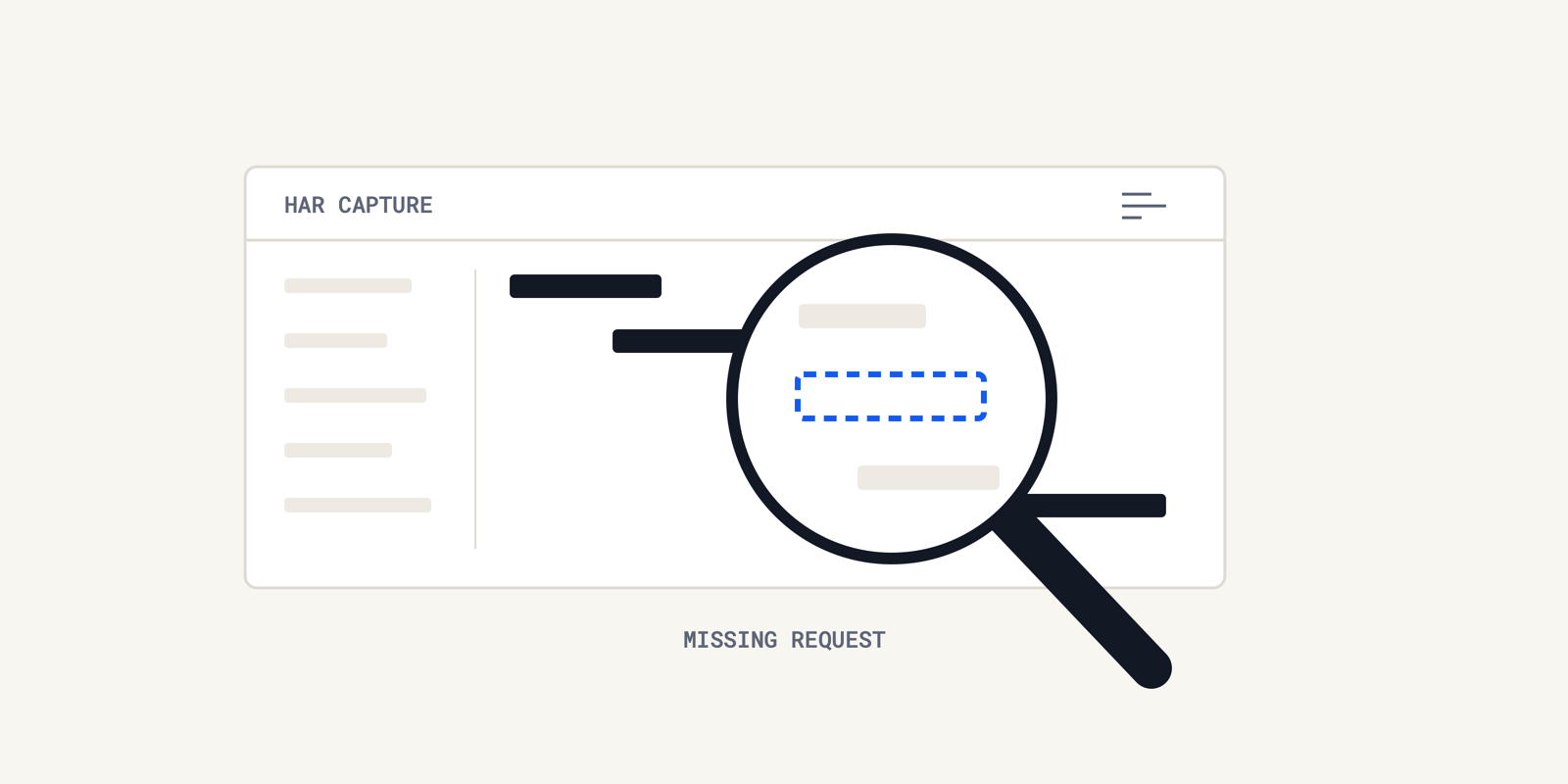
We compare the recorded browser network requests with the collector's action sequence. The capture must include the evidence needed for the question, including relevant navigation before the visible error.
Customer.io's capture instructions explicitly note that a page-load problem may require starting on the preceding page. Beginning after the failure cannot recover the missing request.
Ask what was recorded, when recording began and what ended the capture. Keep the timestamp and time zone alongside the observed symptom so another reviewer can align the events.
We also check the export scope. Chrome DevTools documents filtered HAR exports, so a file containing only listed requests may omit a redirect or another dependency.
The browser's Preserve log control retains requests across page loads. A screenshot of the current request table does not establish that earlier navigation survived into the exported file.
A HAR file analyzer helps inspect the saved artifact, but it cannot establish which user action occurred outside the recording. Ask the collector to confirm the missing context rather than inferring it from a quiet waterfall.
Separate windows need attention too. Posit's popup guidance explains that a popup's traffic is not captured by inspecting its parent window alone.
We would therefore name the inspected tab or popup in the handoff. If a failure crossed windows, record which part each attachment covers and which part remains unobserved.
3. Record the Conditions That Changed
We record changes to the browser cache, session and network settings because they affect what the HAR file represents. A diagnostic comparison can be useful without reproducing the customer's original conditions.
Microsoft's Network reference describes disabling cache as emulating a first-time visitor. It also documents network throttling and offline emulation.
Our capture note would state the browser and version, regular or private session, cache setting, throttling setting and any deliberate extension changes. Record unknown settings as unknown.
Suppose the reported failure occurs only in a returning session, but the recording uses a private window. We would treat that as a changed-condition observation, not evidence that the original failure disappeared.
We would retain both captures if both exist. Label the question each attempt tested and the condition changed, so engineering can compare them without treating them as interchangeable.
Pro tip: We would put the changed condition in the attachment description, not only in a long ticket comment. That keeps the limitation visible when the file moves between queues.
4. Match the Conclusion to the Evidence
We distinguish an HTTP status code from a complete explanation of the customer's problem. A HAR file shows browser observations; additional records may be needed to explain what produced them.
Cisco Meraki's published example compares working and nonworking captures where an HTTP 200 response lacked the expected payload. The status alone did not explain the unusable page.
We use that distinction when reviewing HTTP status codes. The following table is our proposed inference check, not a claim about measured customer outcomes.
| Recorded observation | What we can carry into the handoff | What still needs checking |
|---|---|---|
| An error response appears during the action | The method, request, status and time observed | Which component produced it and why |
| A success status accompanies the reported failure | The browser received that response | Response meaning and the intended business result |
| The expected request is absent | It is absent from this saved capture | Recording scope, export filters and the actual action |
| A request takes longer than expected | Its browser-observed duration | Network, intermediary and application contributions |
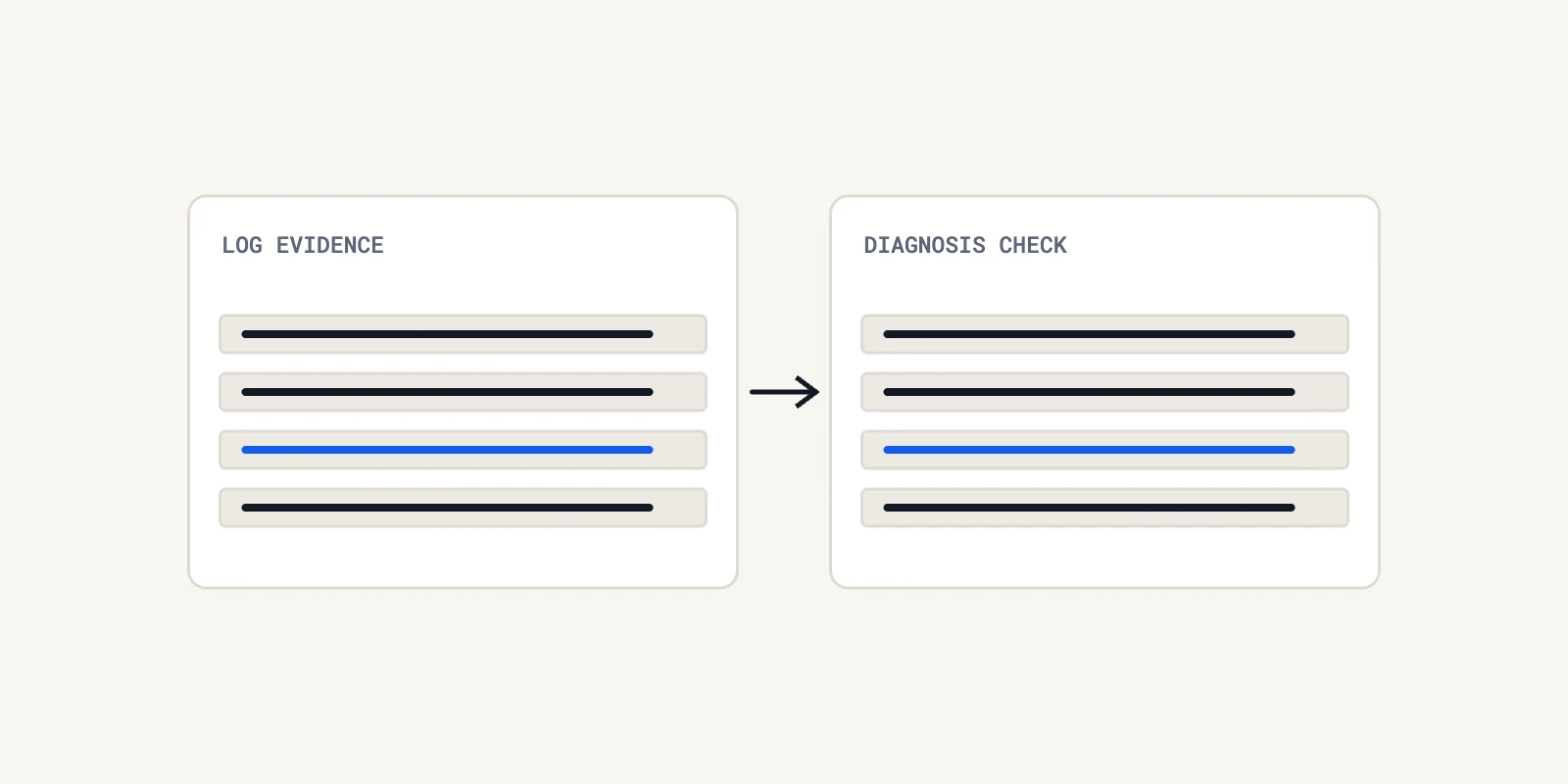
Before escalation, we write the supported observation separately from the proposed explanation. If the explanation requires evidence the capture does not contain, name the missing source and its owner.
That still permits progress. A relevant request can guide an investigation even when the HAR file cannot establish root cause by itself.
A Useful HAR File Still Needs a Separate Sharing Decision
We assess a HAR file's diagnostic usefulness separately from permission to share it. A sanitized HAR file can still contain information that the intended recipient should not receive.
Chrome's sanitized export documentation names excluded headers such as Cookie, Set-Cookie and Authorization. We would not interpret that list as a guarantee that every sensitive application field is absent.
Customer.io documents a narrower sanitizer boundary. Its tool removes Customer.io credentials but does not remove third-party credentials or cookies. Review the actual file and the intended recipient.
Our worksheet keeps these decisions independent:
| Diagnostic next action | Disclosure result | Handling decision |
|---|---|---|
| Investigate the captured request | Approved for the intended recipients | Send the reviewed copy with its evidence pointer |
| Request complementary evidence | Approved for the intended recipients | Preserve the useful capture and name the missing source |
| Clarify scope or request recapture | Restricted or unreviewed | Explain the missing evidence without distributing the raw attachment |
| Investigate the captured request | Restricted or unreviewed | Arrange an authorized review path; usefulness does not grant permission |
We would record which fields were removed and what that prevents the reviewer from checking. Missing session cookies after sanitization are not proof that the browser sent no cookies.
IBM warns that careless deletion can corrupt a HAR file. Recheck the reviewed copy after redaction; successful inspection of the original does not validate the edited attachment.
The same separation matters when support asks an investigation tool for help. Our discussion of requester and output permissions covers that boundary.
For a customer support escalation, we want the explanation, supporting evidence and remaining question to travel together through an approved route.
Give Engineering a Question, an Evidence Pointer and a Next Action
We would send a HAR file with a short review record that lets engineering find the relevant evidence and see the remaining uncertainty. The record should survive a transfer between support systems.
Atlassian's developer support guidance asks for the request sequence, timestamps, request IDs and relevant backend logs. We use those fields as concrete evidence pointers, not as a requirement to collect everything.
This is the handoff worksheet we propose:
| Field | What to record |
|---|---|
| Question | The unresolved customer-specific software behavior |
| Observed and expected result | What happened and what the customer was trying to complete |
| Capture identity | File name, collector, browser version and capture time zone |
| Scope | Relevant action, tab, start/end boundary and known omissions |
| Changed conditions | Cache, profile, network settings and deliberate interventions |
| Evidence pointer | Request method, approved URL detail, timestamp and available request ID |
| Supported conclusion | What the saved response or timing actually establishes |
| Missing evidence | Specific log, record, response detail or chronology still required |
| Disclosure result | Reviewed recipients, channel and known redactions |
| Next action | Responsible team, requested check and next update commitment |
A request ID is useful only if the receiving team can use it. We would ask which system records it, and include the relevant time window when correlation is uncertain.
When the symptom is a JavaScript failure, browser console logs may supply different evidence. HubSpot distinguishes HAR files, console logs and traces instead of treating them as interchangeable attachments.
We would request the artifact that addresses the unresolved question. Asking for every log increases review work and can expose unrelated customer information without advancing the diagnosis.
Pro tip: We would record the reviewed attachment's file name and a checksum in the internal handoff. That helps the next reviewer establish that they inspected the same copy after redaction or renaming.
If the remaining question requires production records, use the team's established access path. Our guide to read-only production access and capacity explains why broader database access needs a separate review.
Do Not Turn a Missing HAR File Into an Escalation Blocker
We would escalate a serious customer impact with the evidence available when another HAR file cannot be collected safely. The acceptance review should identify uncertainty, not make a perfect attachment a prerequisite for help.
A recapture request needs a specific reason. Name the missing action or response and explain how another recording would change the investigation. “Please send another HAR” leaves the customer repeating work without a clear purpose.
We would first ask if the original capture, a screenshot or an existing server record can answer the missing question. An incomplete attachment can still locate the relevant time window or endpoint.
If reproduction would repeat a real payment or another consequential operation, we would not ask the customer to perform it merely to improve the evidence package. Agree a safe investigation path with the responsible team.
If the failure no longer reproduces, record that limitation. Do not replace the historical failure with a successful fresh session and describe the issue as resolved without checking the original question.
We would assign the next diagnostic action and a communication owner before handing off. The support owner can state when the next update is due without promising a resolution time that engineering has not established.
This review also differs from deciding if engineering was needed at all. Our post on escalation metrics and answerability addresses that broader question after cases are reviewed.
For the current case, we would keep the decision narrow and use the relevant evidence, identify its limits and obtain the next missing fact through the appropriate owner.
Send the HAR File With Its Limits Clearly Stated
We would make the next customer support escalation understandable before making it larger. A HAR file needs a question, a known capture scope and an honest account of changed conditions.
Keep the diagnostic next action separate from the sharing decision. Preserve useful partial evidence, document missing facts and avoid requesting another reproduction without a clear purpose.
The result should tell engineering what to inspect and support what remains unresolved. Operate investigates connected records, logs and code to help teams answer production questions and prepare evidence for an engineering review.
Frequently Asked Questions
We use the affected browser's Network panel to start recording, reproduce the issue and export the result. In Firefox, the documented export command is Save All as HAR. We follow browser-specific capture instructions rather than assuming identical menus across browsers.
We would first compress the reviewed HAR file into a ZIP archive, preserving its contents. Compression reduces packaging size and does not remove secrets. Keep the original reviewed copy available to compare against the archive. Avoid deleting individual requests simply to meet an upload limit.
A HAR file uses JSON. The HAR 1.2 specification defines a root log object with version, creator and entries fields. We distinguish these required structures from optional fields, including response body text, so an absent optional field is not automatically a malformed file.
WSS identifies a secure WebSocket connection, which carries messages after the connection opens. HTTPS secures HTTP communication. We distinguish the socket's messages from ordinary requests when reviewing a HAR file. MDN's WebSocket guide explains connection, message and close events for the client.
Chrome DevTools can open a HAR file. We use Import HAR in its Network panel, or drag the file into the requests table, as Chrome documents. Opening a local capture this way avoids needing an online analyzer solely to view it.
About the author

Operate Team
The team behind Operate
Operate Team builds Operate, enterprise AI agents for production operations. Operate answers production questions from Slack and Microsoft Teams, investigates alerts, and reviews performance, security and cost. It finds the root cause with evidence and proposes a fix for an engineer to review, with controlled access to your systems.