Read-Only Production Access Is a Capacity Change Too
Read-only production access stops writes, not load. Locks, temp files, open snapshots and replica conflicts still hit production, and most guardrails ship off.
Quick Answer
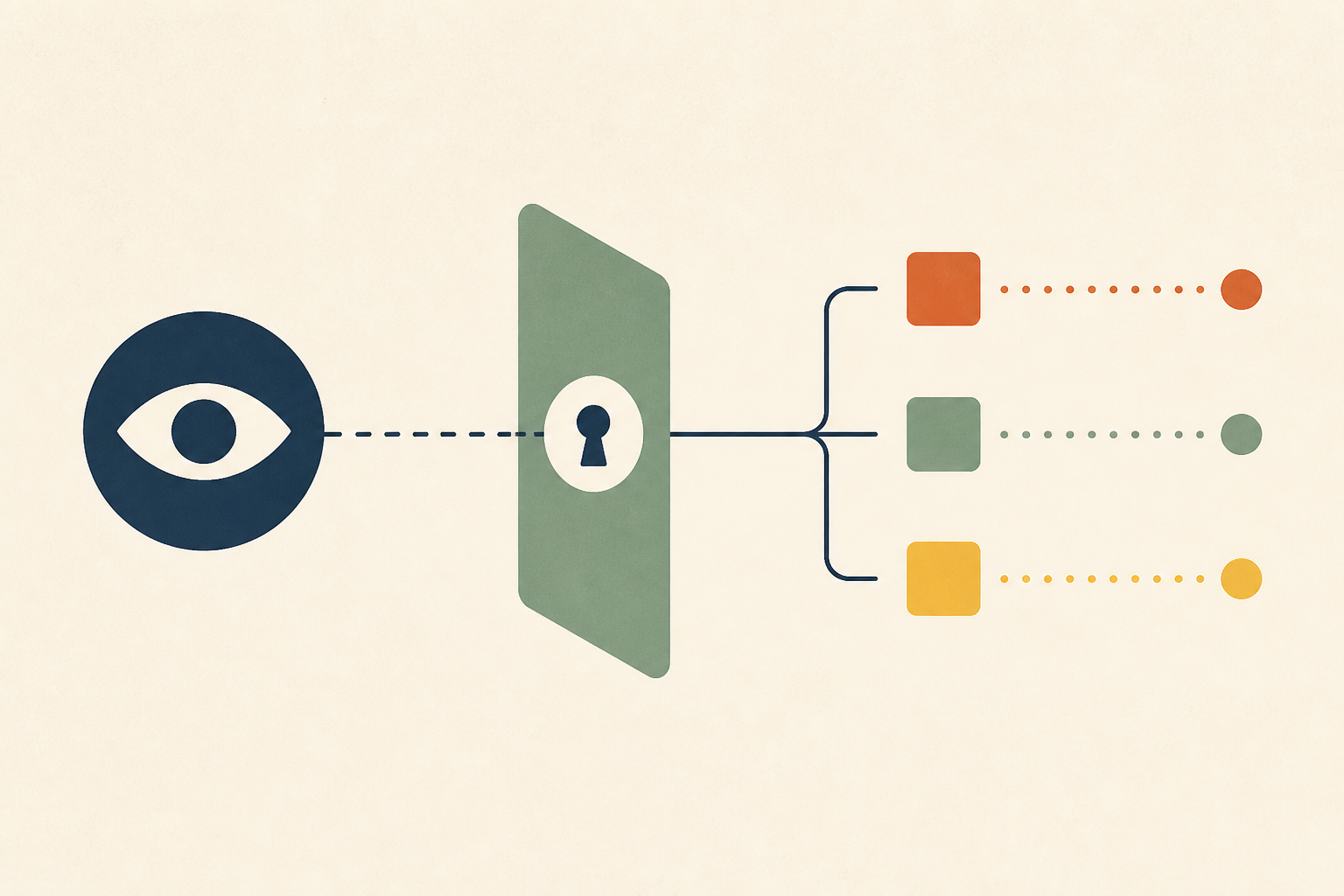
Granting a support or product team read-only access to a production database stops them writing data, but it does not limit what their queries consume. A long read holds locks that can stall migrations, large sorts can fill the disk with temporary files, open snapshots block vacuum, and replica queries trade cancellations for bloat. In PostgreSQL the guardrails for these risks, such as statement and temp-file limits, are off by default.
Read-only production access is a database role that can run queries but cannot change data. We see it requested constantly, usually by support or product teams who are tired of waiting for an engineer to answer customer questions, and we think it is almost always reviewed by the wrong question.
The review asks what the role can change. The question that predicts incidents is what the role can consume, and in a default PostgreSQL configuration the answer is a great deal.
In this post we cover why the request gets treated as a permission, four ways read-only queries still reach production, one common fear that turns out to be wrong, the real cost of each option, what a safe yes looks like, and when direct access is fine.
Why Read-Only Production Access Gets Reviewed as a Permission
The scene is familiar. Support files dozens of tickets a week that need one database query each, engineering becomes the bottleneck, and someone proposes giving the support lead read-only access so they can unblock themselves.
The request goes to whoever owns database permissions. That review checks the role cannot drop a table or update a row, confirms it, and grants access. From a security point of view the job is done.
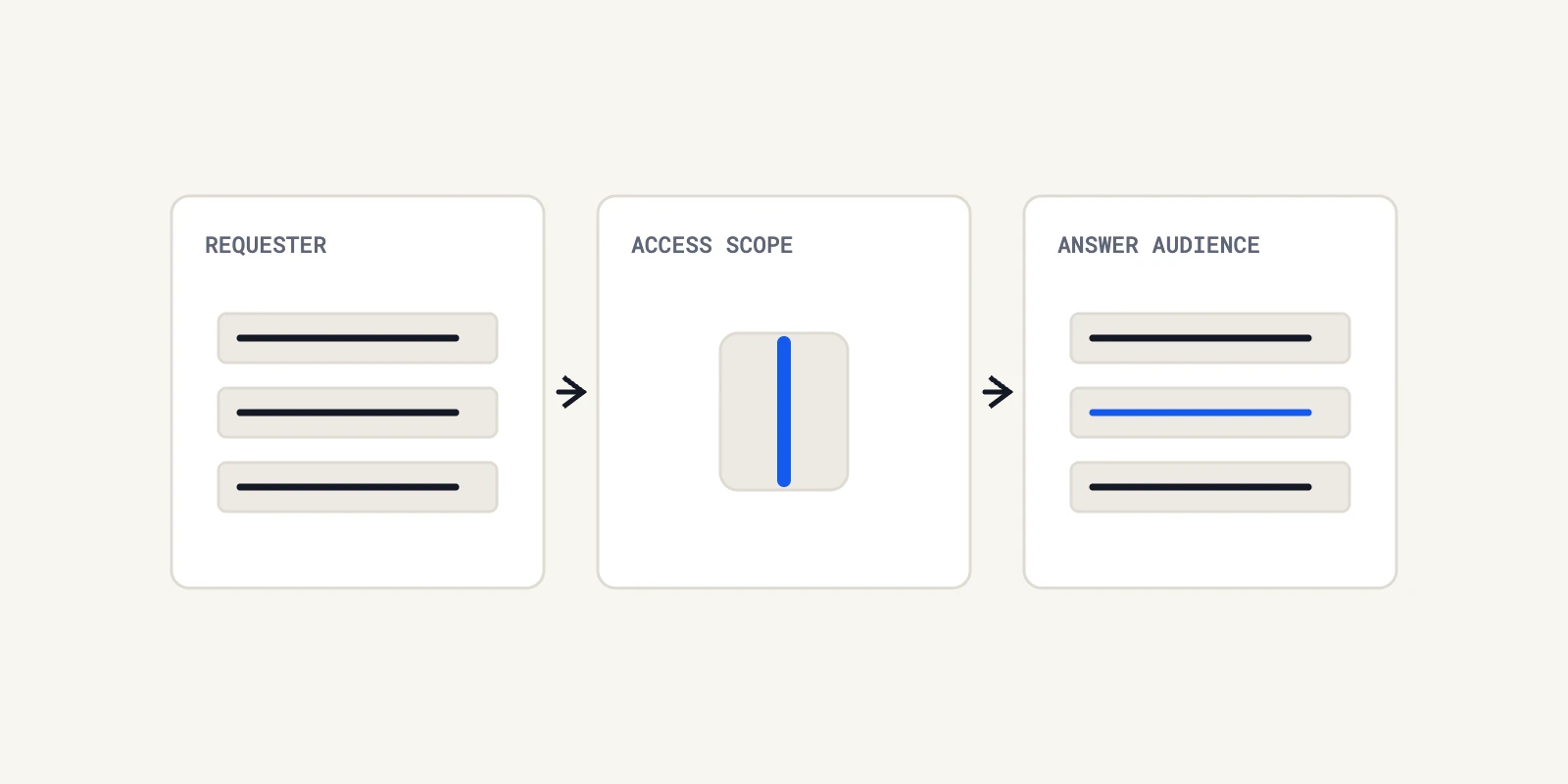
We think the framing is the problem. Read-only limits what a query can write, not what it can use, so the organisation has just made a capacity decision through a permissions process with no capacity review at all.
Four Ways Read-Only Production Access Still Reaches Production
A SELECT looks passive, but it uses the same shared resources as every other process on the database. We see four mechanisms cause real incidents.
1. Long Reads Hold Locks That Queue Everything Else
The PostgreSQL documentation on explicit locking says a SELECT takes an ACCESS SHARE lock on the tables it reads, and that "once acquired, a lock is normally held until the end of the transaction." That lock conflicts only with ACCESS EXCLUSIVE, which sounds harmless.
It stops being harmless when a migration needs that exclusive lock. The migration waits behind the long report, and every new query on the table then waits behind the migration, so one analyst's query can stall the application. We walk through that queue in detail in our post on lock queues behind a metadata-only ALTER.
2. Large Sorts Write Temporary Files to Disk
The resource consumption settings explain that work_mem, four megabytes by default, is the memory a sort or hash can use "before writing to temporary disk files." An exploratory query with a big sort or join can therefore write gigabytes to disk.
The guardrail is temp_file_limit, and the documentation is plain about its default. "-1 (the default) means no limit." It is also per process, so several concurrent queries can each use as much as they like, and log_temp_files is disabled by default, so the growth is invisible until the volume fills.
3. Open Snapshots Stop Vacuum From Cleaning Up
A transaction left open, even an idle one, keeps old row versions alive. The client connection settings note under idle_in_transaction_session_timeout that "even when no significant locks are held, an open transaction prevents vacuuming away recently-dead tuples that may be visible only to this transaction."
That timeout is zero, meaning disabled, by default. A support user who opens a transaction in a desktop client and goes to lunch can cause table bloat for hours, and monitoring that only looks for long-running writes will not see it. Our guide to idle in transaction sessions in Postgres covers how to find them.
4. Replicas Trade Query Cancellations for Primary Bloat
Moving the queries to a read replica relocates the trade-off rather than removing it. The replication settings describe hot_standby_feedback, which is off by default, as a way to "eliminate query cancels caused by cleanup records" that "can cause database bloat on the primary for some workloads."
With feedback off, long replica queries get cancelled when cleanup on the primary removes rows they still need. With it on, the cancellations stop and the primary carries the bloat instead. A replica dedicated to analytics, separate from the one used for failover, keeps that trade away from high availability.
None of these four needs a write. Each one is a side effect of ordinary reads that run longer, sort more or stay open longer than the database expects, which is exactly how queries written by people outside engineering tend to behave. That is why we size the risk by query shape and concurrency, not by the permissions on the role.
A Common Fear That Does Not Survive Checking
Many engineers worry that one big sequential scan will flush the shared buffer cache and slow everything else down. We checked, and PostgreSQL already defends against most of this.
The PostgreSQL buffer manager README describes a ring buffer strategy for large scans, so that instead of blowing out the entire buffer cache a small ring of buffers is allocated, and it states that sequential scans use a 256KB ring. The protection covers large sequential scans, not every access pattern, but cache eviction is rarely the first risk to worry about.
We mention it because a credible review separates documented mechanisms from folklore. Locks, temporary files, snapshot age and replica conflicts are documented, and they are where the review should spend its time.
Three Ways to Answer the Request and What Each Costs
When a non-engineering team needs production data, we see three answers, and each is usually priced wrongly.
| Option | How it is usually priced | What it really costs |
|---|---|---|
| Escalate every question to engineering | Free, because no project is needed | A recurring interrupt tax on the most expensive people |
| Grant read-only database access | A simple permission change | A capacity grant with no owner, telemetry or bounds |
| Build a purpose-built path | A project nobody wants to staff | A known, bounded cost paid once |
The first option's cost is real but rarely measured, which we discuss in escalation metrics and the answerability rate. The third is the only one where the cost is visible before an incident.
The Capacity Envelope Behind an Honest Yes
If we do grant access, the deliverable is not a username and password. It is a capacity envelope around a dedicated role.
- A separate role per team, never shared credentials.
- A separate connection pool, so a burst of support queries cannot exhaust the application's connections.
statement_timeoutandtemp_file_limitset on that role, to cancel runaway queries before they hurt anything else.idle_in_transaction_session_timeoutset on that role, to bound how long a forgotten transaction can hold back vacuum.log_temp_filesenabled, so large temporary files show up in the logs before the disk fills.- A dedicated replica for analytical work, kept apart from the replica used for failover.
Every item on that list is a configuration setting, not a permission, and none of them would come up in a standard access review. That is the gap we want teams to close.
The same questions apply when the reader is software rather than a person. AI agents that query production need the same envelope, and anyone evaluating read-only, self-hosted investigation should ask how its queries are bounded and logged, not only whether its credentials can write. We make the broader security case in automated root cause analysis without AI write access.
When Direct Read Access Is the Right Call
We do not think read access is always wrong. The risk scales with query size, concurrency and the gap between the reader's skill and the database's size.
A small database with modest tables, a handful of experienced engineers who already understand locking, or a replica that exists purely for ad hoc analysis can all justify direct access with light controls. In those settings the envelope above may be two settings on a role and nothing more.
What we would not do is grant broad access to a busy primary with default settings and call the risk handled. That combination is where a single report turns into an outage.
Treat Read-Only Production Access as a Capacity Decision
We would route the next access request to whoever owns database capacity as well as whoever owns permissions. Agree the role, the pool, the timeouts and the replica before the credentials exist, and the request becomes a bounded change instead of an open-ended risk.
Support usually wanted an answer without waiting, not database access as such, and read-only production access is only one way to give it to them. Answering questions from production evidence is also what Operate does, through read-only adapters and with every query its agents run logged and visible to your team.
Frequently Asked Questions
We create a dedicated role with login, grant it connect on the database, usage on the schema and select on the tables, and set default privileges so future tables are covered. Then we add statement and idle-transaction timeouts on the role itself, because read-only grants alone do not limit load.
On PostgreSQL 15 and later, ordinary users no longer get create rights on the public schema by default. On older versions, or databases upgraded from them, we revoke that privilege explicitly, otherwise a role we think of as read-only can still create objects in the public schema.
A read only transaction is one that PostgreSQL will not allow to write, set with a transaction mode or a session default. We still treat it as a load risk, because it takes locks on the tables it reads and holds a snapshot that can delay vacuum for as long as it stays open.
We run SHOW transaction_read_only to see if the current session can write, and check default_transaction_read_only for the default. On a replica, the function pg_is_in_recovery returns true, which tells us the whole server is a standby and will reject every write.
A read only replica is a standby server that applies changes from the primary and accepts queries but not writes. We use one to keep heavy reads off the primary, while remembering that long queries on it either get cancelled or, with feedback enabled, cause bloat back on the primary.
About the author

Operate Team
The team behind Operate
Operate Team builds Operate, enterprise AI agents for production operations. Operate answers production questions from Slack and Microsoft Teams, investigates alerts, and reviews performance, security and cost. It finds the root cause with evidence and proposes a fix for an engineer to review, with controlled access to your systems.
Related Operate capabilities
- Database performance
Define database review scope and assess recommendations against your actual workload.
- Production security review
Review the configurations and evidence explicitly connected to Operate, within an agreed scope.