Idle in Transaction Postgres Sessions That Can Block Vacuum
Idle in transaction Postgres sessions hold locks and, if they wrote data, block vacuum while dashboards stay green. Find them, end them, and set the timeout.

Quick Answer
A Postgres session left idle in transaction has opened a transaction, finished its last statement and stopped without committing or rolling back. It keeps its locks, and if it has written anything or runs at REPEATABLE READ or higher, it also pins the xmin horizon so vacuum cannot remove newer dead rows. Find it in pg_stat_activity, end it with pg_terminate_backend, and prevent it with idle_in_transaction_session_timeout.
Idle in transaction is a session state in which a client has issued BEGIN, run its statements and gone quiet without COMMIT or ROLLBACK. The connection is alive and the transaction is still open. We see idle in transaction Postgres sessions behind a surprising share of slow, bloated tables.
The damage is quiet. The session burns no CPU and throws no error, so dashboards stay green while locks pile up or dead rows accumulate for days.
In this post we cover what the state means, when it blocks vacuum and when it does not, a four-step procedure to find and end it, where these sessions come from, the timeout that prevents them, the alerts worth adding, and when a long open transaction is legitimate.
What Idle in Transaction Means in pg_stat_activity
The PostgreSQL monitoring docs define the state in one line. "The backend is in a transaction, but is not currently executing a query." Two neighbouring states are easy to confuse with it, and we keep them apart.
| State | Transaction open | Holds locks | Can pin the vacuum horizon |
|---|---|---|---|
idle |
No | No | No |
idle in transaction |
Yes | Yes, every lock taken so far | Yes, if it wrote or uses REPEATABLE READ or higher |
idle in transaction (aborted) |
Yes, but failed | No, released at the error | No |
The aborted state is a statement in the transaction that failed, with the client yet to send ROLLBACK. It mostly wastes a connection slot, which matters when the pool is small but rarely explains bloat.
When an Idle Transaction Pins the Vacuum Horizon
Postgres cannot remove a row version that an open transaction might still need. The client configuration docs say it directly. "Even when no significant locks are held, an open transaction prevents vacuuming away recently-dead tuples that may be visible only to this transaction."
Not every idle transaction does that, which is the nuance most write-ups miss. Christophe Pettus explains in his note on this setting that a transaction which has written anything, or runs at REPEATABLE READ or SERIALIZABLE, pins the horizon. A read-committed transaction that has only read "holds no snapshot between statements, so it pins its locks but not the horizon."
When the horizon is pinned, the signature is easy to misread. Dead tuples on a hot table climb while last_autovacuum stays recent, because autovacuum runs to completion and is simply not allowed to remove anything newer than the oldest open snapshot. No autovacuum setting can fix that, and our order for ruling it out is in the autovacuum decision procedure.
Find and End Idle in Transaction Postgres Sessions in Order
During an incident we run four steps in sequence. Each one is a single query, and each narrows what the next has to look at.
1. List the Oldest Open Transactions
This query shows idle transactions oldest first, with how long each has been open, how long it has been idle and what it last ran.
SELECT pid, usename, application_name, client_addr, state,
       backend_xid, backend_xmin,
       now() - xact_start   AS xact_age,
       now() - state_change AS idle_for,
       left(query, 200)     AS last_query
FROM pg_stat_activity
WHERE state IN ('idle in transaction', 'idle in transaction (aborted)')
ORDER BY xact_start
LIMIT 20;
A non-null backend_xid or backend_xmin tells us the session is holding the horizon back. On a transactional workload, anything open for more than a few minutes deserves a look, and anything open for an hour is usually the incident.
2. Map Who Is Blocked Behind Them
Locks are the faster-acting harm. This query lists every waiting session and the session blocking it.
SELECT blocked.pid  AS blocked_pid,
       blocking.pid AS blocking_pid,
       blocking.state,
       now() - blocking.xact_start AS blocking_age,
       left(blocked.query, 120)    AS blocked_query
FROM pg_stat_activity blocked
JOIN LATERAL unnest(pg_blocking_pids(blocked.pid)) AS b(pid) ON true
JOIN pg_stat_activity blocking ON blocking.pid = b.pid
ORDER BY blocking_age DESC;
An idle transaction holding a lock can stall a queue of later sessions, including DDL that looks harmless. We cover how that queue forms in lock queues and metadata-only ALTERs.
3. Check What Vacuum Is Doing
If a vacuum is running, pg_stat_progress_vacuum shows its phase and how many heap blocks it has scanned and vacuumed. Progress that completes while dead tuples stay high confirms a pinned horizon rather than a slow vacuum.
The evidence for these three steps sits in the database, the application logs that opened the transaction and the code path that forgot to close it. It helps to connect it read-only to your database and logs so that root cause analysis can join those three without someone pasting queries by hand.
4. Terminate the Session Instead of Cancelling It
The two admin functions behave differently here. The admin functions docs say pg_cancel_backend "cancels the current query" of a session, and an idle session has no current query. pg_terminate_backend ends the session, which rolls back the transaction and releases its locks and snapshot.
SELECT pid, pg_terminate_backend(pid)
FROM pg_stat_activity
WHERE state = 'idle in transaction'
  AND now() - xact_start > interval '10 minutes';
Terminating rolls back whatever the transaction had not committed. We check what the session last ran before ending it, and we treat this as a bandage while the timeout below is the fix.
Where Idle Transactions Usually Come From
These sessions are rarely a person at a prompt. The common sources we find are these.
- Application code that opens a transaction and returns early on an error path without rolling back.
- ORMs and drivers that begin a transaction on the first statement of a request and only close it on commit.
- Connection poolers in session mode, which keep a leaked transaction open for as long as the client holds the connection.
- BI and notebook tools with autocommit off, which leave a transaction open while a person reads the results.
- A
psqlsession in a terminal multiplexer where someone ranBEGINto test something and went home.
Prevent It for Good With idle_in_transaction_session_timeout
The timeout closes any session that sits idle inside a transaction for longer than the limit. The docs note that "a value of zero (the default) disables the timeout," so a stock cluster ships without this protection. The client gets an error on its next statement, which is the outcome we want instead of silent bloat.
ALTER SYSTEM SET idle_in_transaction_session_timeout = '5min';
SELECT pg_reload_conf();

ALTER ROLE analytics_reader SET idle_in_transaction_session_timeout = '30s';

SHOW idle_in_transaction_session_timeout;
We set a cluster default and tighten it for analytics and BI roles, which rarely need an open transaction for minutes. A role-level override to zero silently opts that role out, so we check role settings in pg_roles as well. Pair it with statement_timeout for runaway queries and idle_session_timeout for connections that stay open without a transaction.
Alert on the Horizon Before the Bloat Shows
Bloat and slow queries appear days after the cause. We alert on the cause instead.
- Age of the oldest idle-in-transaction session, paging when it passes a few minutes on transactional databases.
- Age of the oldest
backend_xminacross sessions, so a pinned horizon is visible whatever caused it. - Dead tuples rising on a hot table while its last autovacuum is recent, the fingerprint of a pinned horizon.
- Transaction ID age per database, warning well before the anti-wraparound limits.
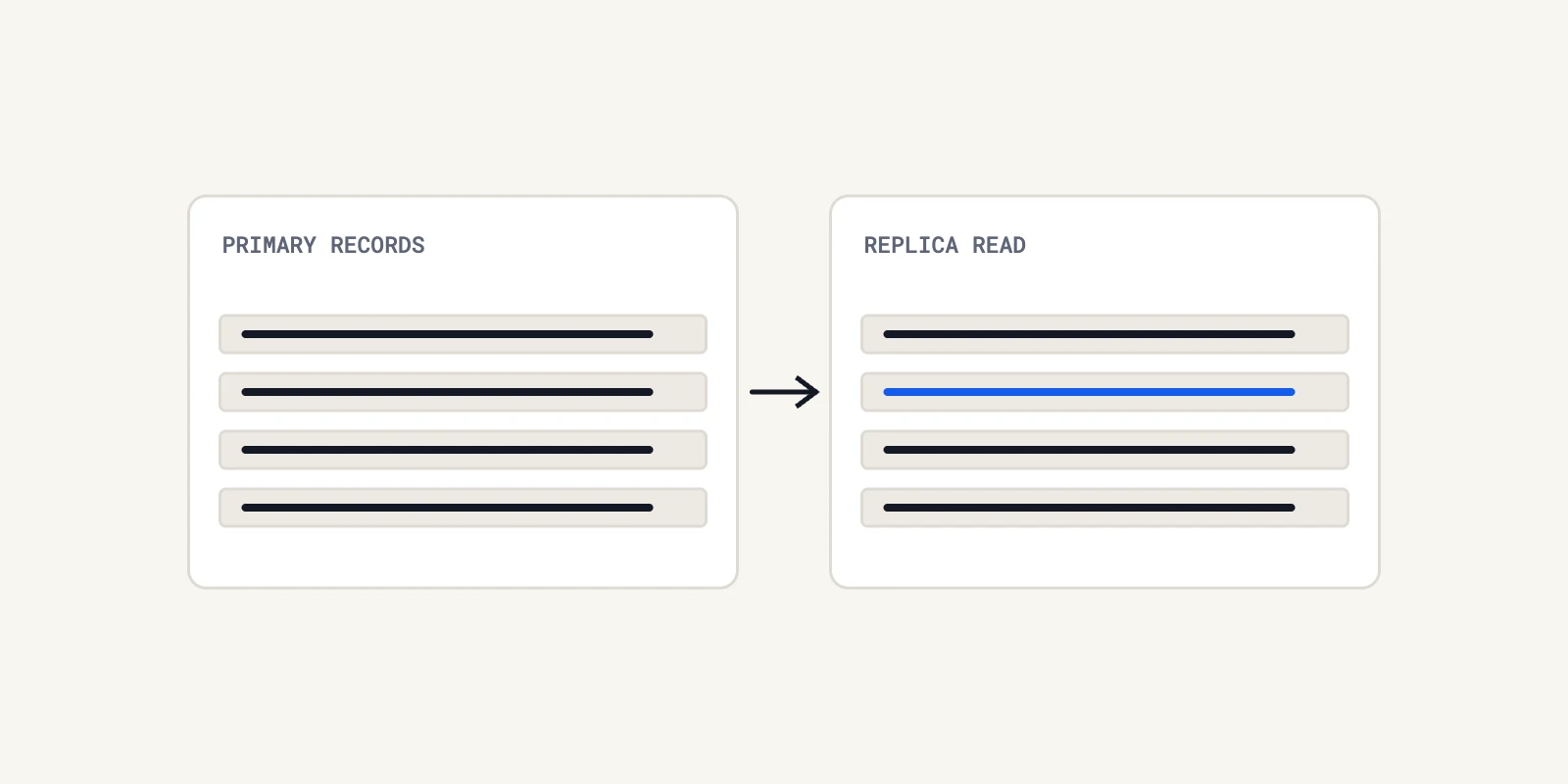
Replicas can pin the primary too. The replication settings docs warn that hot_standby_feedback "can cause database bloat on the primary for some workloads," because long queries on the standby hold the horizon back. Bloat that persists also leaves indexes larger than the table, as we describe in the index bloat ratchet.
When a Long Open Transaction Is Legitimate
We do not treat every long transaction as a leak. Some batch jobs need one consistent snapshot for their whole run, and some migrations must hold a transaction across several statements.
For those we give the job its own role with a longer timeout, run it off peak, and watch its effect on the horizon while it runs. What we avoid is raising the cluster-wide timeout for one job, which quietly removes the protection from everything else.
Plan changes after bloat are a related symptom. When statistics drift on a bloated table, the planner can switch to a worse plan with no code change, which we cover in Postgres query plan changes.
Set an Idle in Transaction Postgres Timeout Today
We would set idle_in_transaction_session_timeout cluster-wide, tighten it for analytics roles, and add an alert on the oldest idle transaction this week. Those three changes turn idle in transaction Postgres sessions from a multi-day mystery into a short error.
When a pinned horizon or a lock queue still needs explaining, Operate can help trace it. It brings the evidence from logs, databases and code together through read-only adapters, and proposes any code fix as a patch file an engineer reviews and applies.
Frequently Asked Questions
It is a session that has started a transaction and finished its last statement but has not committed or rolled back. We see it hold locks, and when it has written data or uses REPEATABLE READ, it also stops vacuum from removing newer dead rows until it ends.
An idle session has no open transaction and holds nothing, so it is harmless apart from using a connection. An idle in transaction session still has a transaction open, with its locks and possibly a snapshot. We treat idle as normal and long idle in transaction sessions as a problem to fix.
We use pg_terminate_backend with the session's process ID, found in pg_stat_activity. It ends the session and rolls back its open transaction. pg_cancel_backend does not help, because it cancels the current query and an idle session has none. The lasting fix is a timeout.
It means a statement inside the transaction failed and the client has not yet sent ROLLBACK. In our experience it is less harmful than plain idle in transaction, because the failed transaction has already released its locks and snapshot, though it still occupies a connection until the client cleans up.
We set it cluster-wide with ALTER SYSTEM and reload the configuration, then override it per role with ALTER ROLE for accounts that need a tighter limit. A value such as five minutes is a common starting point, while zero, the default, turns the protection off entirely.
About the author

Operate Team
The team behind Operate
Operate Team builds Operate, enterprise AI agents for production operations. Operate answers production questions from Slack and Microsoft Teams, investigates alerts, and reviews performance, security and cost. It finds the root cause with evidence and proposes a fix for an engineer to review, with controlled access to your systems.