Postgres Autovacuum Diagnosis That Starts From the Symptom
Start a Postgres autovacuum investigation at the alert. Four symptoms, five look-alikes to rule out, five vacuum failures to confirm and the wraparound runbook.

Quick Answer
Diagnose a suspected Postgres autovacuum problem from the alert backwards, not from table settings forwards. Map the symptom to one confirming query, rule out look-alikes such as stale statistics, index bloat, missing indexes, checkpoint pressure and storage limits, then decide which of five vacuum failures you have. Tune global settings only after the evidence shows a missed trigger, a pinned horizon, throttling or repeated cancellation.
Postgres autovacuum is the background process that removes dead row versions, refreshes planner statistics and freezes old transaction IDs so the database never reaches wraparound. We treat it as a suspect to confirm rather than a setting to tune, because most guides start at a table's scale factor while every real investigation starts at a page.
That page is a disk alert, a latency regression, replica lag or a plan that changed overnight. Working backwards from it keeps us from changing global settings during an incident that vacuum did not cause.
In this post we cover the four symptoms that bring vacuum into question, the look-alikes to rule out first, why dead-tuple counts mislead, the five vacuum failures with how to confirm each, the wraparound emergency, what is safe to change at night and when this procedure does not fit.
Four Symptoms That Bring Autovacuum Into Question
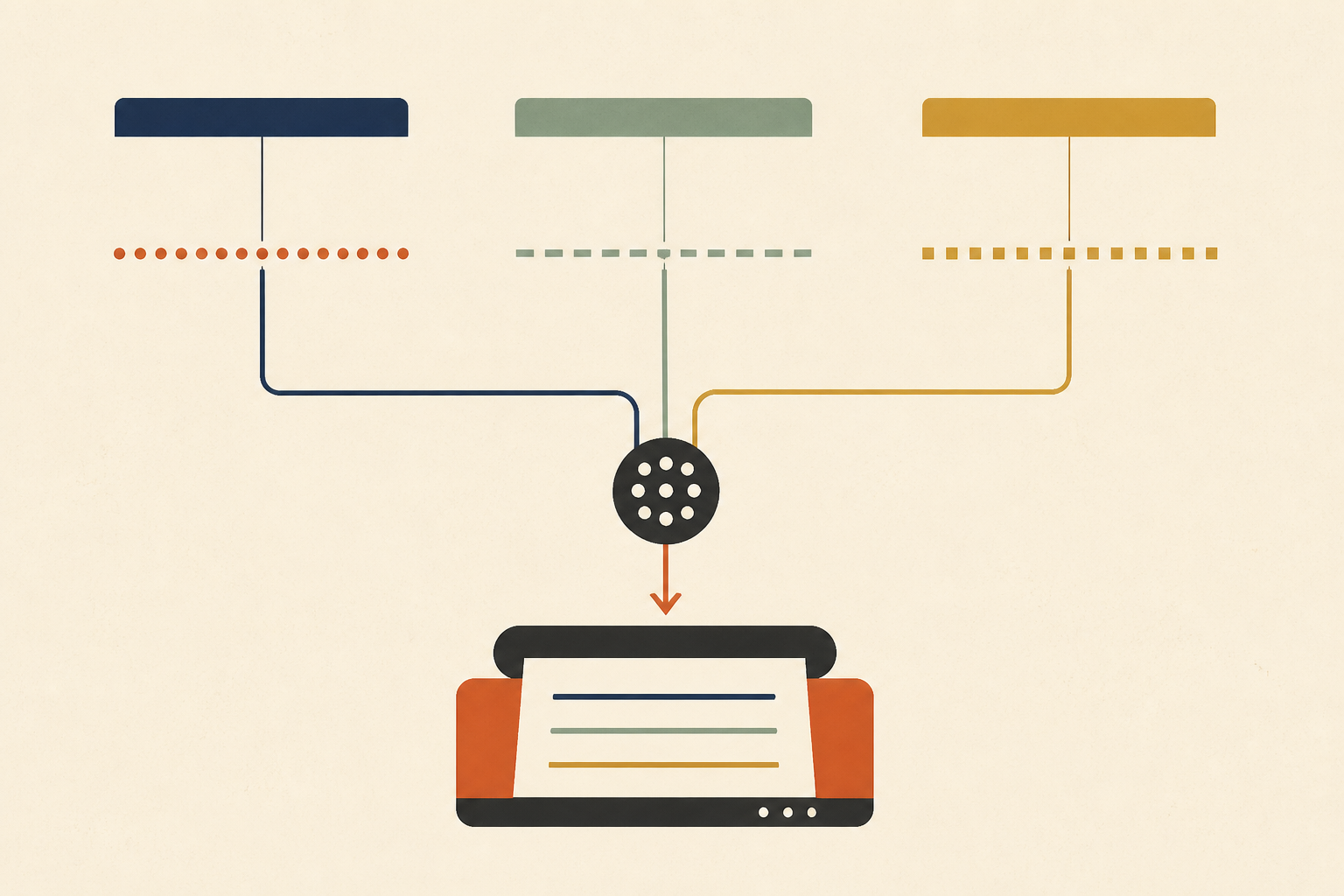
Autovacuum is often the first suspect and rarely the first evidence. We map each symptom to one query that says if vacuum is still a live candidate.
| Symptom | First query | Why vacuum is a candidate |
|---|---|---|
| Disk or storage alert | Dead tuples per table from pg_stat_user_tables | Churn may be outpacing cleanup |
| p99 latency regression | Active workers in pg_stat_progress_vacuum | Scans over bloated tables, or vacuum competing for IO |
| Replica lag or WAL growth | Inactive slots in pg_replication_slots | A slot can hold back what vacuum may remove |
| Sudden plan change | Last analyze time in pg_stat_user_tables | Stale statistics after autoanalyze fell behind |
The progress view is the fastest of these during an incident. The PostgreSQL documentation on progress reporting explains that "Whenever VACUUM is running, the pg_stat_progress_vacuum view will contain one row for each backend (including autovacuum worker processes) that is currently vacuuming", including the phase each one is in.
Rule Out Five Look-Alikes Before Touching Vacuum
Each symptom above has causes unrelated to dead rows. We rule these out first, because tuning vacuum for a problem it did not cause adds risk and delays the real fix.
- Stale planner statistics, where the plan is wrong because the row estimates are old, which our guide to Postgres query plan changes covers.
- Index bloat, where the table is fine but its indexes keep growing, which we treat in the index bloat ratchet.
- A missing index for a new query pattern, visible as a new high-time entry in pg_stat_statements.
- Checkpoint pressure, where requested checkpoints outnumber timed ones and write latency rises.
- Storage limits from the provider, such as exhausted burst credits or a provisioned IOPS ceiling.
If none of these fits, vacuum stays on the list. If one fits, we fix that first and check that the vacuum symptom disappears with it.
• Why Dead Tuple Counts Mislead
The dead-tuple column is an estimate, and it does not say whether those rows can be removed yet. A row version is only removable once no running transaction could still need it, which means it is older than the oldest snapshot still open.
So a high count can mean vacuum is not running, or that it is running and blocked. We never read the count alone, and we always pair it with the age of the oldest open transaction and any replication slot holding back cleanup.
Five Ways Postgres Autovacuum Fails and How to Confirm Each
Once the look-alikes are ruled out, the remaining question is which failure you have. We confirm one with evidence before changing anything, using the table below as a checklist.
| Failure | Confirms it | Usual cause |
|---|---|---|
| Never triggered | Last autovacuum is empty or weeks old despite heavy churn | A scale factor too high for a large table |
| Horizon pinned | Dead rows stay after a manual VACUUM | An idle transaction, an old query or an abandoned slot |
| Running and losing | A worker sits in one phase for hours | Cost-based throttling against a high write rate |
| Repeatedly cancelled | Logs show autovacuum tasks being cancelled | Frequent DDL or explicit locks on the table |
| Succeeded, disk still full | Dead rows near zero, table size unchanged | Space returned for reuse, not to the operating system |
1. The Trigger Never Fired
The vacuum configuration reference gives the default scale factor as "0.2 (20% of table size)", plus a threshold of 50 rows. On a very large table that means a fifth of the rows must die before vacuum starts, which is far too late for a busy table.
The fix is a per-table scale factor or threshold, not a global one. We change it on the tables that churn, after confirming the last autovacuum time is old, and leave the rest of the database alone.
2. The Cleanup Horizon Is Pinned
If dead rows survive a manual VACUUM, something is holding the horizon. The usual holders are a session left idle in a transaction, a long reporting query and a replication slot nobody consumes.
We find the holder before doing anything else, because no setting can work around it. Our guide to idle in transaction sessions shows how to find and end the most common one safely.
3. Vacuum Is Running and Losing
A worker that sits in the scanning heap phase for hours, while the dead count keeps rising, is being out-written. The default cost delay of 2 milliseconds keeps vacuum gentle on IO, which is the right default and the wrong setting for a table with a very high update rate.
We raise the cost limit or lower the delay for that table first, watch IO latency for a day and only then consider a global change.
4. Vacuum Keeps Being Cancelled
An ordinary autovacuum gives way when it blocks another session's lock request. A job that runs DDL or takes explicit locks on a schedule can cancel it every time, so it starts again and never finishes.
The logs show the cancellations. We move the conflicting job, or run a manual vacuum in a quiet window, rather than fighting the lock.
5. Vacuum Worked and the Disk Is Still Full
This one is not a failure. The routine vacuuming documentation says standard VACUUM "will not return the space to the operating system, except in the special case where one or more pages at the end of a table become entirely free."
The space is reused by future rows. Getting it back to the filesystem needs a rewrite, and we never run a full rewrite in the middle of an incident.
All five checks need the statistics views, the logs and the code that issues the heavy writes. It helps to connect an investigator read-only to your database and logs so that root cause analysis can join them without someone pasting queries by hand.
Transaction ID Wraparound Is the Real Emergency
Wraparound is a different class of incident. The same documentation explains that autovacuum runs on any table with unfrozen rows older than autovacuum_freeze_max_age, 200 million transactions by default, "even if autovacuum is disabled."
The database warns when the oldest transaction IDs are forty million from the wraparound point, and it stops accepting commands that assign new transaction IDs once fewer than three million remain. As a last resort, the failsafe at 1.6 billion transactions drops cost-based delays so the freeze can finish.
We monitor the age of the oldest unfrozen transaction per database and alert long before the warning. In an emergency we find the oldest table, end the long transactions holding the horizon and let the freezing vacuum run without competition.
Safe Now vs Needs Review During an Incident
At night the question is not only what would help but what is safe. We split the options this way.
| Action | Safe now | Why |
|---|---|---|
| Manual VACUUM on one table | Yes | Adds IO but does not block reads or writes |
| Ending a session idle in a transaction for hours | Yes, after checking its owner | Releases the horizon and its locks |
| Dropping an abandoned replication slot | Yes, if no consumer needs it | Releases retained WAL and the horizon |
| Global scale factor or cost limit changes | No, needs review | Affects every table and the IO budget |
| VACUUM FULL or a table rewrite | No | Takes an exclusive lock that blocks reads and writes |
We record each action taken and the evidence behind it. The postmortem should name the horizon holder, the dead-to-live ratio before and after, and the phase a stuck worker was in.
When This Procedure Does Not Fit
Some teams run managed Postgres with vacuum settings they cannot change, and some run workloads that are insert-only, where dead rows are rare and the main vacuum job is freezing. In both cases the five failures still apply, but the fixes narrow to scheduling, horizon holders and monitoring.
The procedure also assumes one primary. With logical replication or many replicas, the horizon can be held by a subscriber or a hot standby feedback setting, and we widen the search to those before blaming vacuum itself.
Start Every Postgres Autovacuum Incident at the Alert
Map the symptom to its query, rule out the look-alikes, then confirm one of the five failures before touching a setting. Most Postgres autovacuum incidents end with a horizon holder found and removed, not with a global tuning change.
We keep the confirming queries in the runbook next to the alert that needs them. Operate reads databases, logs and repositories through read-only adapters, and proposes any code fix as a patch file an engineer reviews and applies.
Frequently Asked Questions
Autovacuum is a background process that removes dead row versions left by updates and deletes, updates planner statistics and freezes old transaction IDs. We rely on it to keep tables from bloating and to prevent wraparound, and we tune it per table when a busy table outpaces the defaults.
It runs on a table when dead rows exceed a threshold plus a fraction of the table size, 50 rows and 20 percent by default. It also runs to prevent wraparound when unfrozen transaction IDs get too old, even if autovacuum is otherwise turned off. We check the last run time per table.
Yes, autovacuum also runs ANALYZE on a table once enough rows have changed, using its own threshold and scale factor. We still run a manual analyze after bulk loads or large deletes, because waiting for the automatic trigger can leave the planner with stale statistics for hours.
Yes, autovacuum is enabled by default in PostgreSQL, and we leave it on. Turning it off globally is risky because dead rows accumulate and statistics go stale, and the database still forces vacuums to prevent wraparound. Per-table settings are the safer way to change its behaviour.
Autovacuum runs ordinary vacuums that mark dead space for reuse while the table stays readable and writable. VACUUM FULL rewrites the whole table to return space to the operating system and holds an exclusive lock throughout. We use it only in planned maintenance windows, never during an incident.
About the author

Operate Team
The team behind Operate
Operate Team builds Operate, enterprise AI agents for production operations. Operate answers production questions from Slack and Microsoft Teams, investigates alerts, and reviews performance, security and cost. It finds the root cause with evidence and proposes a fix for an engineer to review, with controlled access to your systems.