What Is a Good MTTR for a Software Team (and How to Set Your Own Target)
Set a software recovery-time target from customer impact and incident evidence. Define the clock and avoid misleading MTTR comparisons.
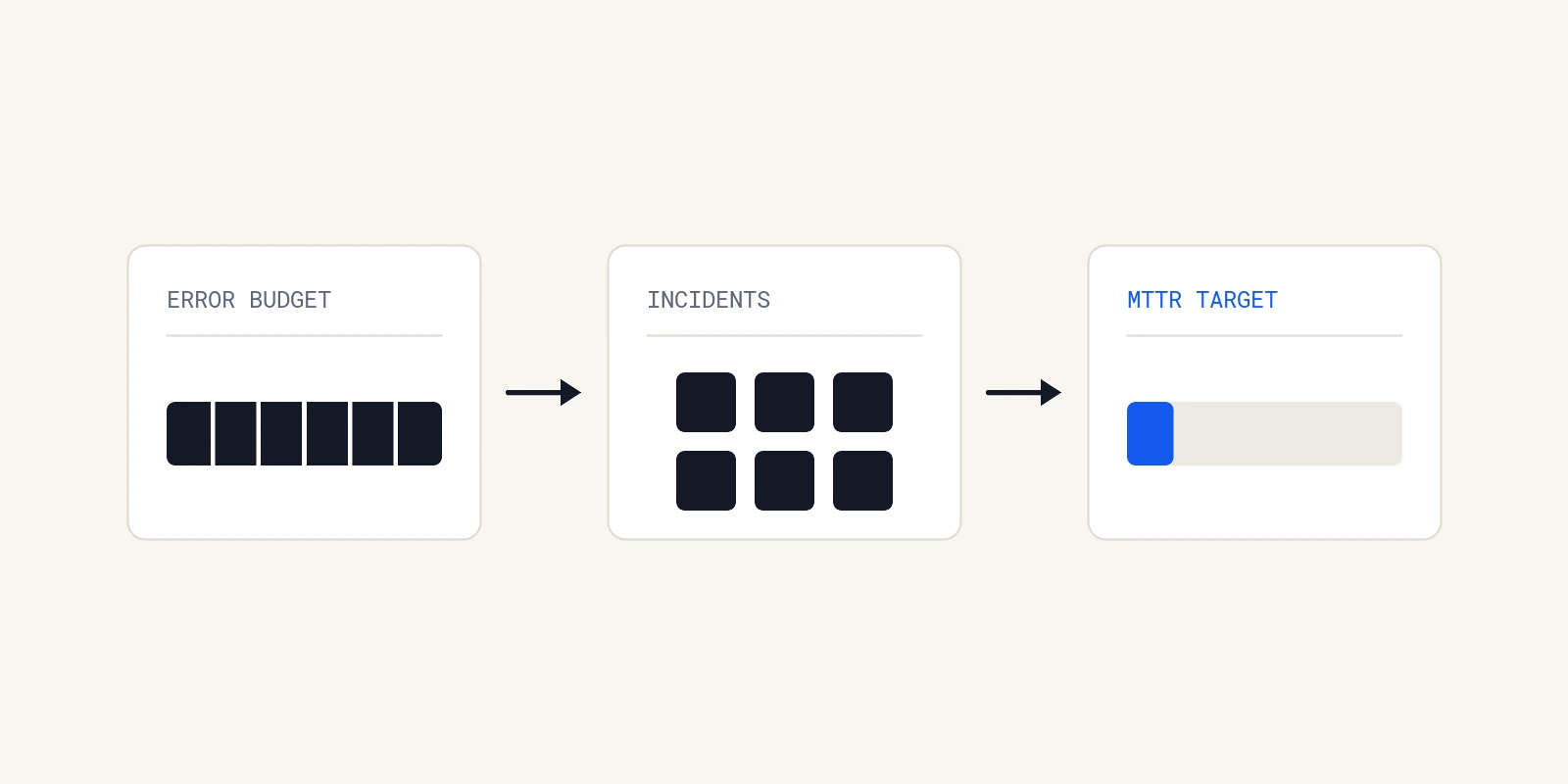
A good recovery-time target reflects the service's customer impact, reliability objective and actual incident history. There is no universal MTTR number that applies to every software team. Define the start and stop events before comparing results, and keep recovery separate from follow-up work.
For a CTO, the question is not whether the average looks competitive. It is whether customers recover quickly enough, which stages consume the time and which engineering changes would improve the outcome.
Define which clock you are measuring
MTTR can mean time to repair, recover or resolve. Teams also use different starting points. A number measured from the first alert cannot be compared directly with one measured from the first customer impact.
Write the actual events into the metric definition:
| Interval | Start | Stop |
|---|---|---|
| Detection | First supported customer impact | First useful signal |
| Acknowledgement | First useful signal | A responder takes ownership |
| Recovery | First supported customer impact | The affected customer path is verified working |
| Follow-up | Recovery | Agreed corrective work is completed |
These are suggested definitions, not a universal standard. If your team uses different events, document them. Keep unknown timestamps unknown and report the coverage of the dataset.
DORA now uses failed deployment recovery time. That concerns recovery from a failed deployment. It is not a benchmark for every provider outage, security incident or long-running cause investigation. Historical survey bands should not become an SLA for a different incident population.
Start with the service objective
Google's service-level objectives guidance starts with the behavior users need and a measurement of that behavior. Choose the relevant availability or latency indicator before converting it into an operational target.
A request-based error budget counts unsuccessful requests. A time-based availability budget counts unavailable time. Do not convert one into the other without assumptions about traffic and impact. A five-minute partial failure during peak checkout traffic can matter more than a longer low-traffic interruption.
For a purely illustrative time-based service, a 99.9% objective over 90 days permits 129.6 unavailable minutes. Dividing that by six hypothetical full-service outages gives 21.6 minutes each. This is only a planning scenario. It assumes equal full outages, ignores overlap and leaves no allowance for other budget consumption. It is not a justified target for an actual team.
Use your real indicator, remaining budget and incident mix. Account for partial impact and failures that never became incident tickets. Do not allocate the entire reliability budget to the incidents you expect to record.
Use your own incidents to identify the constraint
Choose a consistent review window and service. Examine the incidents individually before summarizing them.
Did responders spend time finding the owner? Waiting for access? Connecting logs to a deployment? Testing a mitigation? Confirming that the customer path recovered? Different delays require different interventions.
A shorter acknowledgement target will not fix a database recovery that takes hours. Another dashboard will not help when the required evidence was never retained. A diagnosis tool should be evaluated against the portion of work it can actually change.
Where timelines are incomplete, improve recording before presenting a precise stage average. Do not label all unclassified time as diagnosis.
Report the distribution and its coverage
For each comparable service and impact class, report the incident count, recovery durations and missing timestamps. A median can describe a typical observed incident; a tail percentile can show longer recoveries. Neither is stable with a tiny sample.
With five incidents, show the five durations rather than making a p90 look more precise than it is. Keep an unusually long outage visible and explain its impact. Excluding it merely to improve the average removes useful information.
Also report frequency and customer impact. The same average recovery time with twice as many incidents can represent a worse experience. Avoid using the metric to rank individuals or teams with different systems and responsibilities.
Agree a target and the changes needed to reach it
Set a target for a defined service and incident class, using an explicit clock and observation window. Compare it with actual capability. If the target cannot be met, name the engineering work or risk decision required rather than asking responders to move faster.
Possible work includes reducing the number of failures, isolating their impact, improving rollback, retaining diagnostic evidence or removing repeated context-gathering work. Choose from the incident evidence, and assign an owner and review date.
Review both execution and impact. Shipping a new runbook is an action. A later comparable set of incidents may show whether it improved recovery. Overlapping changes and small samples limit causal conclusions.
Where Operate may help
Operate investigates production questions across connected code, logs and data, then presents evidence and proposed changes for engineer review. It can help with context gathering and diagnosis when the necessary sources are available. It does not control paging, every mitigation or your overall recovery time.
Evaluate it on an incident your team understands, record the work required to review its answer and compare that with the existing process. See production investigations. Use current pricing and your actual hosting and AI costs when assessing the value. No universal percentage reduction or recovery-time promise follows from deploying a tool.
About the author

Operate Team
The team behind Operate
Operate Team builds self-hosted software for production investigations. Operate gathers evidence from connected systems, investigates likely causes and proposes changes for engineer review. Teams can start with an alert, a recurring check or a question in Slack or Microsoft Teams.