Run a Root Cause Analysis Pilot in Shadow Mode First
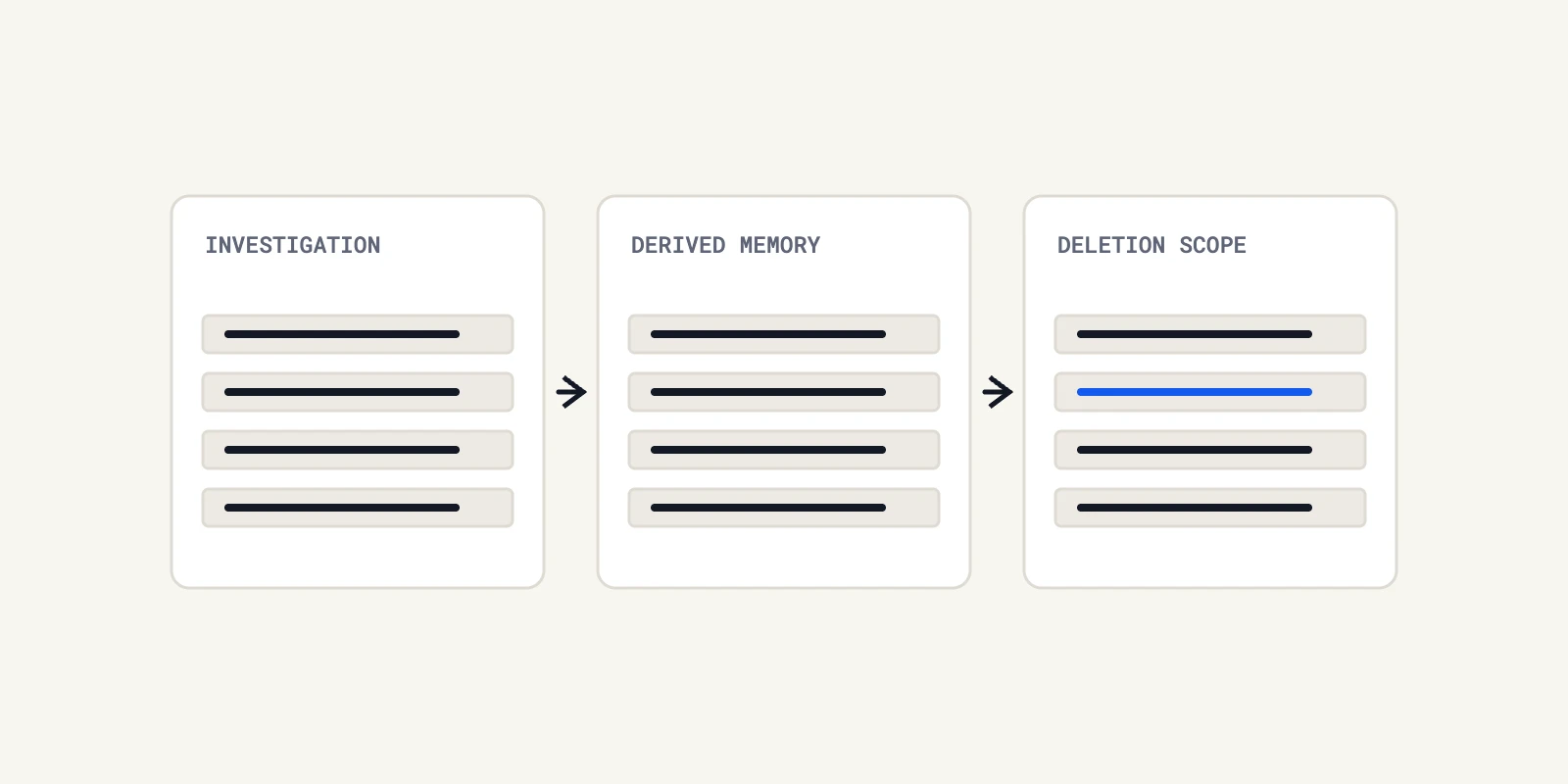
Back-test automated root cause analysis on closed incidents, then run it in shadow mode and score every finding. A pilot protocol that stays read-only.
Quick Answer
A root cause analysis pilot should come before any purchase of an automated tool, by back-testing it on closed incidents and then running it in shadow mode beside your normal process. Have incident owners score each finding as a match, a partial match, a miss or unsupported, and check that every claim cites evidence. Fix the pass criteria before you see any results, and keep the tool read-only throughout.
Most evaluations of automated root cause analysis rely on a vendor demo. A demo shows a tool at its best on an incident someone chose, and it cannot show how often the tool is wrong or how confident it sounds when it is.
A pilot answers different questions. We describe one here as a protocol we would run ourselves. It is our own design, built on ordinary evaluation practice, and the numbers you set in it should come from your own incident history. We leave buyer criteria to our vendor-neutral guide to evaluating these tools.
Why a Root Cause Analysis Pilot Beats a Demo
A demo is selected by the seller. A pilot is selected by you, on incidents you already understand, with answers you can check. The difference matters most for the failure that worries buyers, which is a confident answer that is wrong.
Researchers evaluating language models on incident data have used the same idea. A Microsoft study, Recommending Root-Cause and Mitigation Steps for Cloud Incidents using Large Language Models, examined more than 40,000 incidents and combined automated metrics with human evaluation by actual incident owners. We take from it that the people who owned an incident are the right judges of an answer about it.
Back-Test on Closed Incidents Before Anything Live
A back-test uses incidents that are already over, so the correct answer is known and nothing is at risk. We would run it in four steps.
1. Pick Incidents Across Failure Classes
Choose around twenty closed incidents, or as many as you have, spanning deploys, configuration, dependencies, capacity and data problems. Include a few where the postmortem reached the wrong cause at first, because those are the hard ones.
2. Freeze the Evidence
Capture the logs, deploy history and code state as they stood during each incident. A tool that sees today's repository will find causes that were not visible then, and the test will flatter it.
3. Run the Tool With Read-Only Access
Give it the same access a responder would have had, and no write access. We would start with one log source and one repository and judge it on an incident your team already understands, before widening scope.
4. Score Blind
Have the incident owner score each answer without knowing which tool produced it, if you are comparing more than one. Scoring blind removes the pull toward the tool you already like.
5. Compare Against the Postmortem, Not Against Memory
The reference answer should be the written postmortem, because it was agreed by the team after the incident. Google's SRE book makes the case that postmortem criteria should be defined before an incident occurs, and we apply the same logic to a pilot. Write the scoring rubric first, then look at the tool's output.
Where the postmortem lists several contributing causes, score the tool against each one separately. A finding that names one of three causes is a partial match, and we would record which cause it found. That detail tells you if the tool tends to find the trigger and miss the underlying condition, or the other way round.
Score Every Finding on Four Dimensions
A single accuracy figure hides the failures that matter. We would record four separate judgements for each finding.
| Dimension | Question the scorer answers | Why it matters |
|---|---|---|
| Verdict | Match, partial match, miss or unsupported conclusion? | Separates wrong answers from unsupported ones |
| Evidence | Does each claim cite a log line, query result or commit that exists? | Lets a responder check the answer in minutes |
| Time to first useful lead | How long until the tool pointed at something a human could act on? | Measures the diagnosis time it might save |
| Safety of the proposed action | Would applying the suggested change have been safe? | Catches fixes that look plausible and are harmful |
The unsupported category deserves its own count. A tool that is sometimes wrong but always shows its evidence can be used safely, and one that is rarely wrong but never shows evidence cannot be checked. Our notes on verifying AI root cause analysis the way pilots cross-check describe the checking side.
Run Live in Shadow Mode for a Fixed Period
After the back-test, run the tool on live incidents without letting responders act on its output. Compare its findings with the human conclusion once the incident closes.
The idea resembles canarying. Google's SRE workbook defines canarying as "A partial and time-limited deployment of a change in a service and its evaluation." A shadow run is a similar limited exposure, with a fixed duration and a defined decision at the end, and with no authority over production. Our write-up on automated root cause analysis without write access explains why the access boundary matters.
Size the Sample and Read the Results Honestly
Twenty incidents give a rough picture and not a statistical one. If the tool matches fifteen of them, we would say that it matched most of the ones we tried, and we would not quote a percentage as a property of the product. Small samples swing widely, and a few unusual incidents can change the picture.
Two habits help. First, report counts, such as "fifteen matches, three partial, one miss, one unsupported", rather than a single score. Second, list the misses in full, because the pattern in the failures tells you which incident types to keep a human on. If every miss involves a third-party dependency, for example, that tells you something that no average could.
It also helps to record what the tool did when evidence was missing. Some tools say they cannot tell, and others fill the gap with a plausible story. We would count the first behaviour as a strength, because a responder can act on an honest "not enough evidence", and a confident guess costs time to disprove.
Involve the People Who Will Use It
A pilot is also a rehearsal for the on-call team. We would ask the responders who score the findings to note how easy the answer was to read, how easy the evidence was to open, and if they would have trusted it at three in the morning. These judgements do not fit a table, and they decide how much the tool gets used once it is live.
Keep the group small and consistent. If different people score different incidents, their standards drift, and the results become hard to compare. Two reviewers per incident, with a third to break ties, is enough for a first pilot.
Decide the Pass Criteria Before You See Results
Set your thresholds in advance, in writing, so that the results cannot move them. We would write down at least three things.
- The share of closed incidents where the tool must match or partially match the real cause.
- The number of unsupported conclusions presented as certain that you will tolerate, which we would set at zero.
- The time to first useful lead that would make the tool worth having on call.
The right numbers depend on your incident mix, and we are not going to propose universal ones. A team with mostly deploy-related incidents needs a different bar from one with mostly capacity problems.
When a Root Cause Analysis Pilot Is the Wrong Tool
A pilot needs enough incidents to say something. A team with a handful of incidents a year cannot learn much from a back-test, and one lucky answer proves nothing. In that case, a tabletop exercise on two or three past incidents is a better use of time.
A pilot also cannot predict behaviour on incident types it never saw. The Microsoft study evaluated one company's incidents, and results on a vendor's own data, or on another firm's, need not carry over to yours. That is why we recommend using your own history and why we would repeat the test after any major architecture change.
Roll Out Safely After a Passing Pilot
If the tool passes, widen access in stages. Start with one service, keep the output advisory and keep a person responsible for the fix. A separate check by a different model can reduce unsupported conclusions, though it cannot guarantee correctness, and our piece on the second opinion problem in root cause analysis covers that design.
Keep measuring after rollout. The same four dimensions work as a monthly review, and drift in the unsupported count is the first sign that the tool has met an incident type it handles badly.
Run the Root Cause Analysis Pilot Before You Decide
A pilot costs a few weeks and replaces a decision made on a demo with a decision made on your own incidents. We would back-test on closed cases, run in shadow mode, score four dimensions and fix the pass criteria beforehand.
We would begin by choosing the twenty incidents this week. When you are ready to try an agent on one of them, Operate runs dedicated AI agents that investigate production problems with cited evidence and propose fixes for your team to review.
Frequently Asked Questions
We use the term for software that gathers evidence from logs, code, databases and deploy history to propose why an incident happened. The proposals still need a person to check them, which is why we pilot such tools before relying on them.
We back-test it on closed incidents with known causes, run it in shadow mode on live ones and have incident owners score each finding. We track matches, partial matches, misses and unsupported conclusions, and if claims cite real evidence.
We would fix the length in advance, long enough to see several incidents of different kinds. For many teams that is weeks, not days. The right duration depends on how many incidents you have, so set it from your own history.
Yes, and that is the reason to pilot it. A tool can give a confident answer that the evidence does not support. We count unsupported conclusions separately, and we require that every claim point to a log line, query or commit.
We would not give it any during a pilot. Read-only access is enough to judge the quality of the investigation, and it keeps a wrong answer from changing production while you learn how often that happens.
About the author

Operate Team
The team behind Operate
Operate Team builds Operate, enterprise AI agents for production operations. Operate answers production questions from Slack and Microsoft Teams, investigates alerts, and reviews performance, security and cost. It finds the root cause with evidence and proposes a fix for an engineer to review, with controlled access to your systems.