AI Root Cause Analysis Without Write Access to Production
AI root cause analysis can read logs, databases and code without write access. Where to draw the line, how to check answers, and what to ask a vendor first.
Quick Answer
Automating the investigation and gating the fix is what makes an AI investigation safe to run against production. The model reads logs, metrics, database replicas, deploy history and code through read-only credentials, then returns a likely cause with the evidence behind it. A second model checks that answer, and a human applies any change. Write access adds little speed, because finding the cause takes far longer than typing the fix.
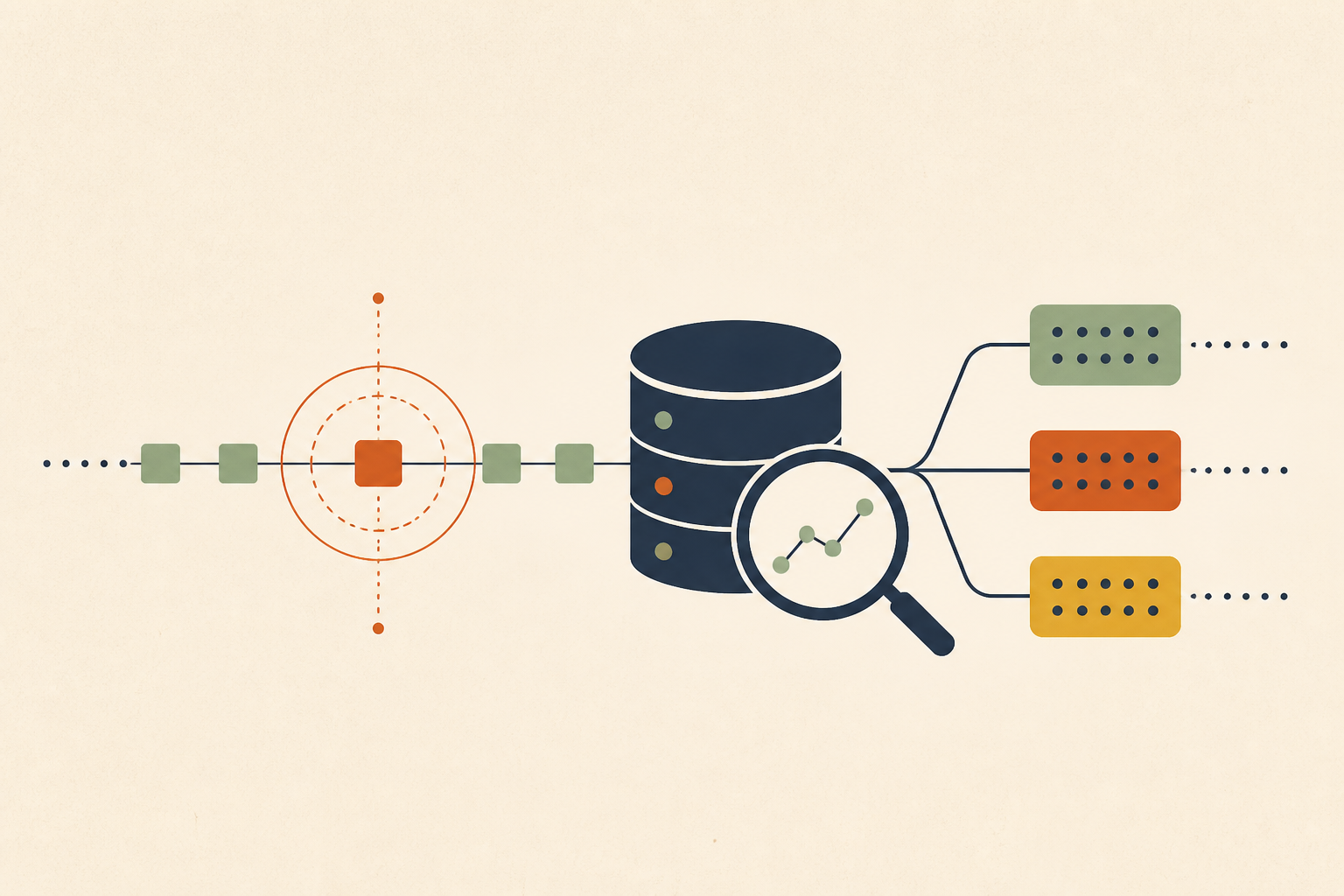
AI root cause analysis means using a model to investigate an incident across logs, metrics, traces, the database and the codebase, and to return the most likely cause along with the evidence for it. It does not mean letting that model push the fix. We think that split decides if a team can adopt it at all.
Many AI SRE products pitch an agent that investigates and then remediates. The second half is where most engineering leaders we talk to stop. Handing a language model write credentials to production is a large grant of trust, and an incident is exactly when a wrong call costs the most.
In this post we cover where the line between investigation and action belongs, how to grant read-only access at each layer of the stack, why a second model should check the first, and the questions we would ask before connecting any agent to production.
Investigation and Remediation Are Two Different Risk Classes
The line we draw is simple. Anything that only reads and can be inspected afterwards can be automated. Anything that changes state needs a human, every time.
Reading a log stream, querying a replica, listing pods or diffing two deploys leaves production exactly as it was. Restarting a service, running a migration, changing a config or merging code does not. Those two kinds of action carry different risks, so they deserve different permissions.
| Action during an incident | Changes production state | Who should do it |
|---|---|---|
| Search logs, metrics and traces | No | The AI, automatically |
| Query a read replica or read-only role | No | The AI, automatically |
| Read deploy history and code diffs | No | The AI, automatically |
| Restart, scale or roll back a service | Yes | An engineer, after review |
| Apply a migration, config change or code fix | Yes | An engineer, after review |
This is the principle of least privilege applied to an agent. NIST's glossary defines it as restricting access to the minimum necessary to accomplish assigned tasks. Investigation is the assigned task, and investigation needs read access only.
OWASP names the failure mode in LLM06:2025 Excessive Agency. It traces the risk to excessive functionality, excessive permissions and excessive autonomy, and its mitigation is blunt. Teams should "require a human to approve high-impact actions before they are taken."
How to Give AI Root Cause Analysis Read-Only Access Across Five Layers
Read-only has to hold at every layer the agent touches, or it does not hold at all. We split the stack into five layers, because each one has its own way of granting read access and its own way of leaking write access by accident.
The common thread is that the guarantee should live in the credential, not in the prompt. An instruction that says "never write" is a request. A role that holds no write privilege is a fact the model cannot talk its way around.
1. Logs, Metrics and Traces
Observability backends are the easiest layer, because most of them already separate query tokens from admin tokens. We give the agent a token scoped to search and read dashboards, never one that can edit alerts, delete indexes or change retention.
The check worth doing is on the token itself. A shared service token created for a dashboard years ago can carry admin rights nobody remembers granting.
2. The Production Database
The database is where a real incident usually ends up, so it is the layer people are most nervous about. In PostgreSQL we connect the agent to a read replica with a dedicated role. The predefined roles pg_read_all_data and pg_monitor cover table reads and the pg_stat_* views without granting any write privilege.
Two settings matter on that role. statement_timeout defaults to zero, which disables the timeout, so we set a few seconds to stop one bad join from loading the replica. default_transaction_read_only defaults to off, and turning it on adds a second guard, but the real guarantee is that the role owns no write grants.
CREATE ROLE rca_agent LOGIN;
GRANT pg_read_all_data, pg_monitor TO rca_agent;
ALTER ROLE rca_agent SET default_transaction_read_only = on;
ALTER ROLE rca_agent SET statement_timeout = '5s';
3. Kubernetes and Cloud APIs
In Kubernetes the built-in view ClusterRole is a good starting point. The RBAC documentation says it allows read-only access to most objects in a namespace and does not allow viewing Secrets, because reading Secrets would expose ServiceAccount credentials.
Cloud accounts need the same treatment. We scope the agent's role to describe, list and get calls for the services it investigates, and we check that it cannot assume a broader role through a trust policy.
4. CI/CD and Deploy History
Many incidents start with a deploy, so the agent needs to see what shipped and when. That means read access to pipeline runs, build logs and release tags.
It does not need permission to re-run a pipeline or promote a build. We treat a "retry job" button as a write, because in some pipelines a retry also deploys.
5. The Code Repository
Reading code is what lets an investigation get past the symptom, and a common chain shows why. A deploy adds a query, the query lacks an index, the database starts logging slow queries, and the dashboards make it look like an infrastructure problem. The real cause is a one-line change three deploys back, and only the diff shows it.
A token with read-only repository scope is enough for that. We wrote up how we handle read-only, self-hosted investigation in more detail, including what every adapter can and cannot touch.
Evidence and Confidence Beat a Black-Box Verdict
A conclusion with no evidence leaves the on-call engineer two bad options, trusting it blind or re-deriving it by hand. We want the output to show its working, so a reviewer can check it in minutes instead of repeating the investigation.
- The log lines, metrics and traces it relied on, with timestamps.
- The query plan or slow-query entry it examined.
- The deploy and commit it is pointing at.
- A confidence signal, plus the leads it ruled out and why.
This matters because even good systems are wrong some of the time. Microsoft's RCACopilot paper (EuroSys 2024) reports RCA accuracy up to 0.766 on real cloud incidents. That is a strong result, and it still means a meaningful share of answers need a human to catch them.
When confidence is low, we would rather the system say so and hand over a short list of leads. A confident wrong answer at 2 AM costs more than an honest "not sure".
A Second Model Catches Errors the First One Cannot See
A single model can be confidently wrong in a way that reads as plausible. Asking the same model to check itself is a weak test, because it can repeat the reasoning that produced the mistake.
We prefer a second model, ideally from a different provider, that reviews the first model's evidence and conclusion. When the two disagree, that disagreement is itself the signal, and the case should go to a human rather than surface as an answer. Aviation relies on a version of this pattern, and we compared it to AI diagnosis in the monitoring pilot's cross-check.
The check adds some latency, and we think it is worth it. We looked at how often reviewers disagree on a diagnosis in why second opinions matter for RCA.
Patch Files Keep the Fix Reviewable Without Slowing It Down
Auto-remediation looks fast until you think through the day it is wrong. A wrong change applied at machine speed, with no human between the model's decision and your customers, is the predictable result of removing the checkpoint.
We think the safer handover is a patch file. The agent proposes the change as a diff, a human reads it next to the evidence, and the human applies it through the normal release path. The expensive part of an incident was never typing the fix, so this keeps nearly all of the speed.
The key is that the agent never holds credentials that could apply the change itself. We argued in a pull request is not a review gate that repository write access with a waiting period is still write access.
When Read-Only Investigation Is Not Enough on Its Own
Read-only investigation is our default, but we do not think it answers every case. Two situations need more thought.
• Some Actions Are Safe to Automate
A narrow, well-understood runbook step can be worth automating, such as restarting a worker with a known memory leak or scaling a stateless service. We would only do it when the action is reversible, its blast radius is small, and the trigger has been tested. That decision belongs to the team and the runbook, not to a model reasoning live during an incident.
• Read-Only Access Still Carries Risk
Read-only does not mean harmless. A role with pg_read_all_data can read every row, including personal data, so we narrow grants to specific schemas when sensitive tables sit nearby. Heavy queries can also slow a shared replica, which we covered in read-only is a permission, not a capacity limit.
Questions to Ask Before Connecting AI to Production
If we were evaluating any AI SRE for this job, these are the questions we would ask first. A vendor that cannot answer the first two cleanly has answered the rest too.
- Does every credential it holds lack write access to production, the database, the cloud account and the repository?
- Is read-only enforced by the credential, or only by instructions in a prompt?
- Does every conclusion come with the evidence it used?
- Does a second model check the answer, and does disagreement reach a human?
- Does the fix arrive as a patch for review rather than a direct change?
- Is every query and action it takes logged where your team can audit it?
- Can people outside engineering ask it questions from Slack or Teams without new risk?
For the wider buyer criteria beyond write access, we keep a separate vendor-neutral guide to evaluating these tools.
Automate the Investigation and Keep a Human on the Fix
We would start by listing every credential an AI tool would hold and removing anything that can write. Then we would make sure every answer carries its evidence and a second check before anyone acts on it.
Done that way, AI root cause analysis takes the slow part of an incident off your engineers without asking them to trust a model with production. That is the line Operate is built on. It runs inside your own infrastructure with read-only adapters, a separate agent on a different model checks each proposed root cause against the evidence, and any code fix arrives as a patch file an engineer reviews and applies.
Frequently Asked Questions
We connect a model to logs, metrics, the database and code through read-only credentials, then let it correlate signals against deploy history. It returns a cause with evidence and a confidence signal. Low-confidence or disputed answers go straight to an engineer, and any fix goes through human review.
A common five-step version is to define the problem, collect data, identify possible causal factors, find the root cause, and then implement and verify a fix. We find automation helps most with the first three. The last two still need human judgment about what to change.
FMEA, or failure mode and effects analysis, looks forward. We use it before launch to list how a system could fail and how bad each failure would be. RCA looks backward from a failure that already happened. The two pair well, because each RCA finding can update the FMEA.
More than one, in our experience, and production incidents often have several. A bad migration, a missing alert and a retry policy can each be necessary for the outage. We record every contributing cause that, if removed, would have prevented or shortened the incident, rather than forcing a single answer.
Software teams use it for production incidents, but the method is long established in manufacturing, healthcare and aviation safety. In our world the main users are on-call engineers, SREs and the managers who own postmortems. Support and product teams often want the findings too, because they explain customer impact.
About the author

Operate Team
The team behind Operate
Operate Team builds Operate, enterprise AI agents for production operations. Operate answers production questions from Slack and Microsoft Teams, investigates alerts, and reviews performance, security and cost. It finds the root cause with evidence and proposes a fix for an engineer to review, with controlled access to your systems.