Compare Bug Reports and Support Tickets Before Customer Support Escalation
We compare bug reports and support tickets through record ownership, verified field updates and separate closure evidence before an engineering escalation.
Quick Answer
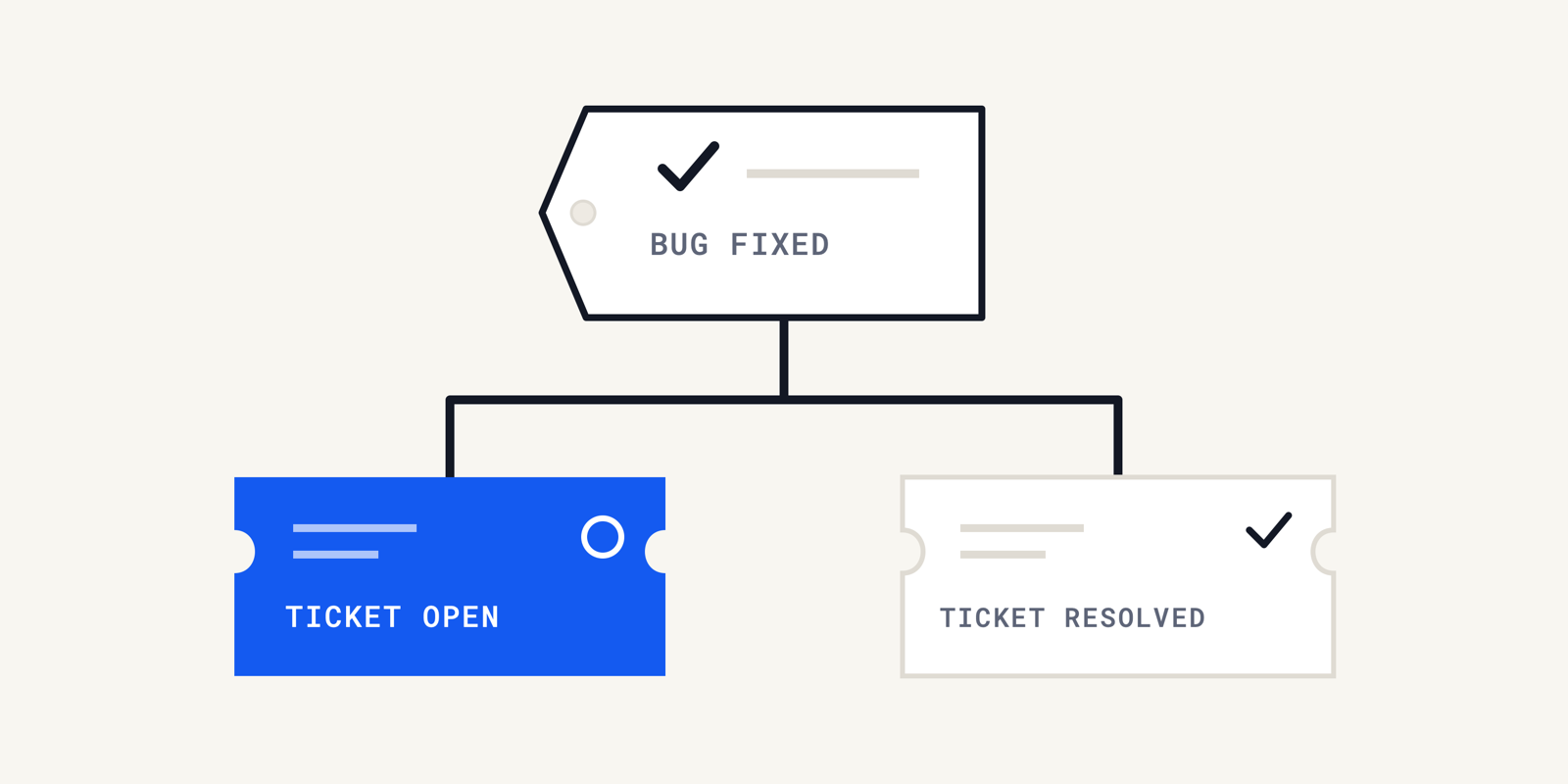
Compare bug reports and support tickets by the work each record owns, the evidence connecting them and the meaning of completion. Before customer support escalation, verify the defect association, shared-field direction, receiving value and intended audience. Test the actual link arrangement, including failed updates. Keep engineering completion separate from the customer's outcome, so a linked issue or resolved status cannot silently become an unsupported promise.
We use a bug report to record a suspected software defect and the evidence needed to investigate it. A closed engineering issue can leave a customer's problem unresolved.
That gap becomes harder to see when the support tool displays a reassuring link beside the conversation. The link may work while a field update fails. The customer can also need help after engineering finishes its work.
We would compare the records before configuring their connection. This guide covers their responsibilities, a worksheet for checking transferred information, failed-update tests and separate closure decisions.
Compare the Bug Report and Support Ticket Before Customer Support Escalation
We compare a bug report and support ticket by their responsibilities before trusting any shared status. Our practical test is to inspect what the receiving record actually contains after a controlled update.
1. Separate the Customer Outcome From the Product Defect
For a bug report vs support ticket comparison, we start with the question each record must answer. A link should preserve those different questions throughout the investigation.
| Decision | Support Ticket | Bug Report |
|---|---|---|
| Work to track | Help this customer with the reported problem | Investigate and address the suspected product defect |
| Responsible owner | Support owner for communication and next action | Technical owner for investigation and engineering disposition |
| Audience | Customer and authorized support participants | Authorized engineering, QA and product participants |
| Relevant scope | This customer's environment and remaining need | The affected behavior and supported evidence of its scope |
| Completion evidence | The support obligation was addressed under the team's policy | The recorded engineering disposition meets its stated criteria |
We would name both owners before escalation. Assigning an engineer to the bug report does not identify who will explain a workaround to the customer.
The distinction also keeps bug tracking useful when several customers encounter one defect. Engineering can investigate the shared cause without merging separate customer conversations or promises.
We would record the next customer update on the support ticket even when the technical investigation has no completion date. Acknowledging uncertainty is more useful than copying an engineering milestone into a promise.
2. Match the Evidence Before Linking the Records
We would associate a ticket with an existing bug report only when the evidence supports that relationship. Similar wording alone leaves room for different causes.
Mozilla's bug-writing guidance asks reporters to separate observations from speculation and check for existing reports. We apply that distinction to the association itself.
Record which observed behavior supports the match and what could disprove it. If the affected version is unknown, keep that uncertainty visible beside the link.
We would preserve the original customer observation even after choosing a likely match. A later correction can invalidate the association without invalidating what the customer originally experienced.
When the match fails, retain the reason for changing it. Quietly replacing the linked issue loses the explanation that the next support owner needs.
3. Write a Transfer Rule for Every Shared Field
We propose this worksheet for each relationship between a support ticket and bug report. It records the intended transfer and the evidence that the transfer happened.
| Worksheet Entry | What We Would Record |
|---|---|
| Association | Both record identifiers and evidence supporting the match |
| Source of authority | Field, owning record and person allowed to correct its meaning |
| Transfer rule | Direction, trigger and any value translation |
| Receiving value | Actual saved value, receiving record and observation time |
| Audience | Who can read the field or receive a notification |
| Failure handling | Person responsible and visible place to record a failed update |
| Completion boundary | What this field proves, and what still needs separate verification |
Use the actual receiving value, not a successful connector badge. We would inspect the destination after the expected processing interval and keep the original value when reporting a mismatch.
The worksheet also prevents accidental authority changes. A customer-impact note should not become an engineering commitment merely because both systems have a similarly named field.
Zendesk's integration usage guide, checked October 25, 2026, distinguishes creating an issue from linking one. Its Copy fields action copies the subject and latest comment, not every custom field.
We would inspect any copied text before treating the bug report as complete. A link and a field-copy action answer different questions, and neither proves that later updates will continue to arrive.
4. Test the Link Shape Before Trusting the Update
We would test the relationship used by the team, with approved test records and harmless values. A successful single-ticket test cannot establish every possible relationship.
| Test Arrangement | Check Before Depending on It |
|---|---|
| One ticket linked to one issue | The intended destination receives the correct value |
| One issue linked to several tickets | Every intended ticket receives the update independently |
| One ticket linked to several issues | Each issue receives only the information intended for it |
| Several source records feeding one destination | The integration supports this direction and has an explicit conflict rule |
The Zendesk field-syncing documentation, checked October 25, 2026, permits one-to-many field syncing but does not support multiple-to-single syncing. Linking records does not remove that restriction.
We would first capture the destination's current value. Then change the authorized source field, observe the destination and record the result against the expected value.
Repeat for every intended recipient. Count the destinations from the actual linked tickets, so a missing recipient cannot disappear inside an apparently successful overall result.
We would also check that unrelated fields stayed unchanged. A transfer that arrives in the wrong field or reaches an unintended audience fails this test even if the connector reports success.
Save the result with the mapping configuration used for the test. When that configuration changes, the earlier result becomes historical evidence rather than proof of the current connection.
Keep an Unconfirmed Bug Report Open to New Evidence
We would keep an unconfirmed bug report clearly marked as a hypothesis while collecting evidence. Failed reproduction does not erase an observed customer problem.
Mozilla's guidance for intermittent failures asks for additional information when precise reproduction steps are unavailable. That is a reason to preserve uncertainty rather than manufacture a reliable test case.
We would distinguish an observation that engineers can inspect from an attachment they cannot open. The support owner should confirm the intended recipient can reach the approved evidence.
Access control matters at both ends. An engineer's ability to read an investigation does not establish permission to copy its contents into a customer-visible comment.
Our guide to requester permissions in support investigations examines that audience boundary. We would identify the receiving audience before transferring the explanation.
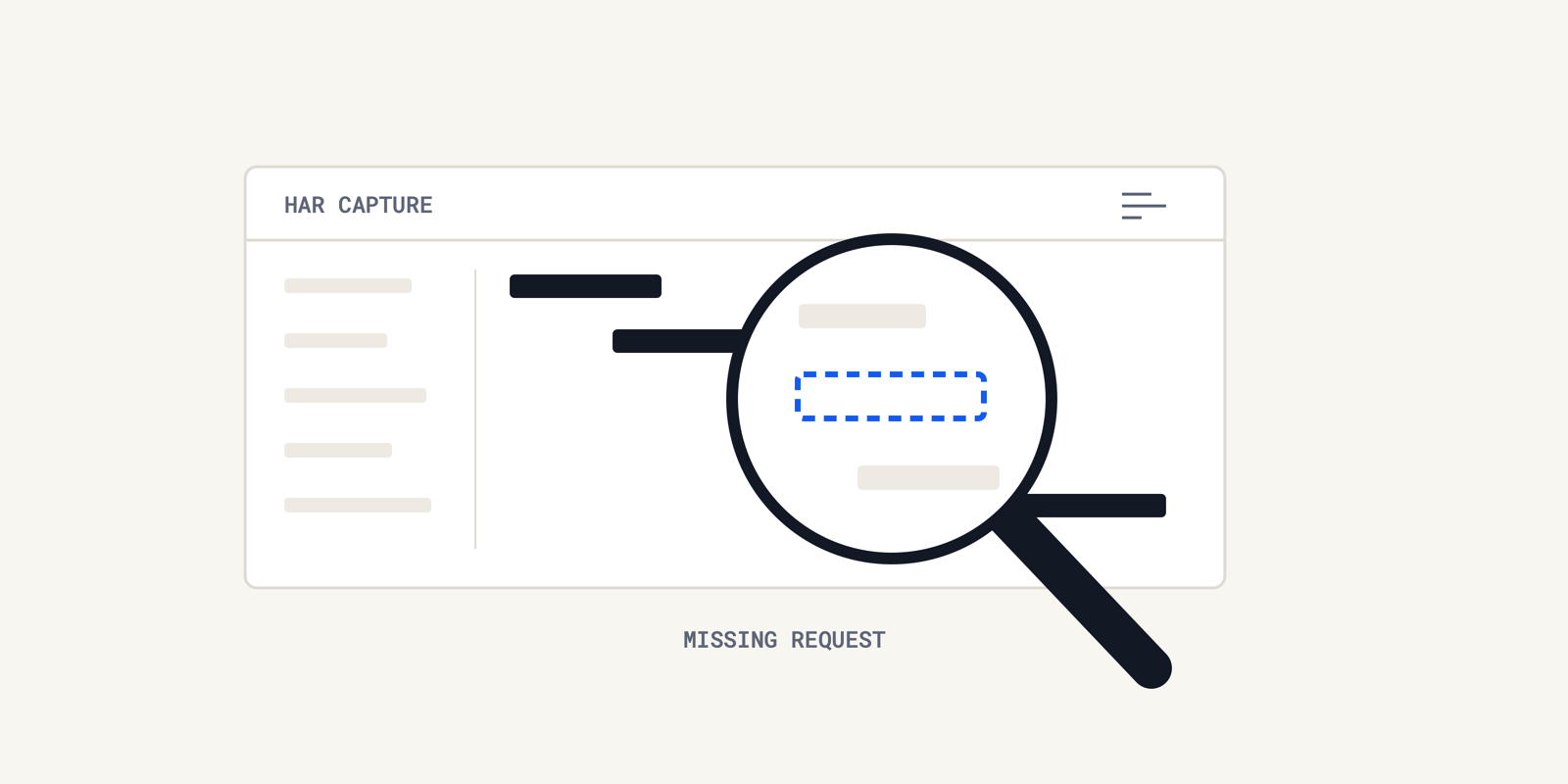
For browser failures, we would check HAR evidence before escalation. A network capture can support a specific observation without proving the cause of every reported symptom.
For a customer support escalation, connected logs, records and code can help explain the behavior and support a proposed fix for human review. We would attach the relevant evidence to the suspected association.
Pro tip: We would record the observation that would make us unlink the suspected bug report. This gives the next investigator a concrete test of the association.
We would also leave a named next action when evidence remains unavailable. “Waiting for information” needs an owner and a specific request to remain useful.
Make a Failed Field Update Visible on the Bug Report
We would treat a failed transfer as a visible exception on the bug report relationship. A stale destination should never look like a current engineering answer.
1. Check an Invalid Mapping With Approved Test Records
Zendesk documents that an invalid mapped field can prevent all fields in the update from syncing. We would verify failure visibility in an approved sandbox before relying on that mapping.
Our proposed negative control is a harmless test value that the configured destination does not accept. We would record the expected failure, then inspect both the error and the unchanged receiving fields.
This is a test recommendation, not permission to inject invalid values into live customer records. The integration owner should choose the environment, restore valid test data and verify the repair.
We would then repeat a valid update through the same relationship. An error disappearing from a dashboard does not prove the destination now holds the intended value.
2. Check a Destination That Cannot Receive Updates
Zendesk also documents that closed tickets cannot be updated through field syncing. We would include that documented limitation when deciding how later engineering information reaches support.
For a closed test destination, record the expected rejection instead of expecting a successful overwrite. We would confirm that an accountable owner can see the failure and arrange the next permitted action.
That action depends on the team's support policy and tools. We would not assume the integration can reopen the record or silently move the update into another conversation.
Pro tip: We would save the last verified receiving value beside the failure time. This makes an old value visibly old while the mapping is being repaired.
We would retain failed test results with the successful ones. The failure record explains the connection's limits and gives the next maintainer a repeatable check after a configuration change.
Close the Bug Report and Customer Ticket on Separate Evidence
We would close a bug report and support ticket against separate acceptance criteria. The bug report status alone cannot establish that a particular customer received an effective resolution.
1. Interpret the Engineering Disposition
Atlassian describes a work item's status and resolution as distinct fields. Their meanings can be customized, so we would read the configured disposition before interpreting “done.”
| Observed State | Evidence We Would Still Require |
|---|---|
| Customer accepts a workaround | Support obligation addressed; remaining defect tracked accurately |
| Engineering completes a fix | Relevant release or deployment and customer availability checked |
| Bug report receives a duplicate disposition | Correct surviving issue identified and association preserved |
| Engineering cannot reproduce the issue | Current customer need and remaining investigation decision recorded |
| One linked customer confirms recovery | Separate outcome checks for the other affected customers |
2. Verify Each Customer Outcome
We would make the customer-facing statement as narrow as the evidence. Engineering completion can be reported as engineering completion while deployment or customer verification remains outstanding.
Atlassian's request-closure guidance places resolution after helping the customer. We would apply our own support policy explicitly rather than infer it from an issue link.
A queue-level review asks a different question. Our article on escalation answerability examines if engineering was needed; this record comparison establishes what the eventual handoff and outcome actually prove.
We would preserve an explanation for exceptions, including a continuing customer problem after a technically valid fix. That leaves the next owner a useful starting point instead of an unexplained closed status.
Verify the Bug Report Link Before the Next Escalation
We would start with an approved test relationship, write the transfer rule and inspect the receiving value. Then test a documented failure and record who will handle it.
For the next customer support escalation, keep the bug report association, engineering disposition and customer outcome explicit. Each answers a separate operational question.
Operate helps investigate production questions with connected evidence and proposes fixes for an engineer to review. We would use that evidence to support the decision recorded in the ticket.
Frequently Asked Questions
We would include the setup, steps, expected vs actual results and useful evidence. Keep facts apart from guesses, and say how often the bug appears instead of claiming it fails on every try. Add screenshots, logs or timestamps only when they help another person reproduce or inspect the behavior.
We would use the receiving team's prescribed template and keep each field easy to scan. Put commands and error text in code blocks, and use numbered instructions for ordered actions. If the tracker requires structured fields, complete those fields instead of burying everything in an attachment.
We would check that a bug reporting tool lets the team submit, find, read and export useful reports. Test access rules with the people who will use it. Choose from those results; a familiar name is no proof of fit.
We would use the team's severity scale for impact and its priority policy for scheduling. Jira priority names can be customized, so confirm the local meanings before assigning a label. Record the impact evidence and let the designated triage owner resolve disagreements about the order of work.
For an Android bug report, we would use the official capture guide, choosing the device option, emulator control or adb command. The result holds logs and system data. Check its contents and the recipient before sharing it outside the team.
About the author

Operate Team
The team behind Operate
Operate Team builds Operate, enterprise AI agents for production operations. Operate answers production questions from Slack and Microsoft Teams, investigates alerts, and reviews performance, security and cost. It finds the root cause with evidence and proposes a fix for an engineer to review, with controlled access to your systems.