How to Choose Production Debugging or Profiling for Slow APIs
We choose CPU, wait or state evidence for a slow API, test what would weaken the explanation, and give the next engineer a clear investigation step.
Quick Answer
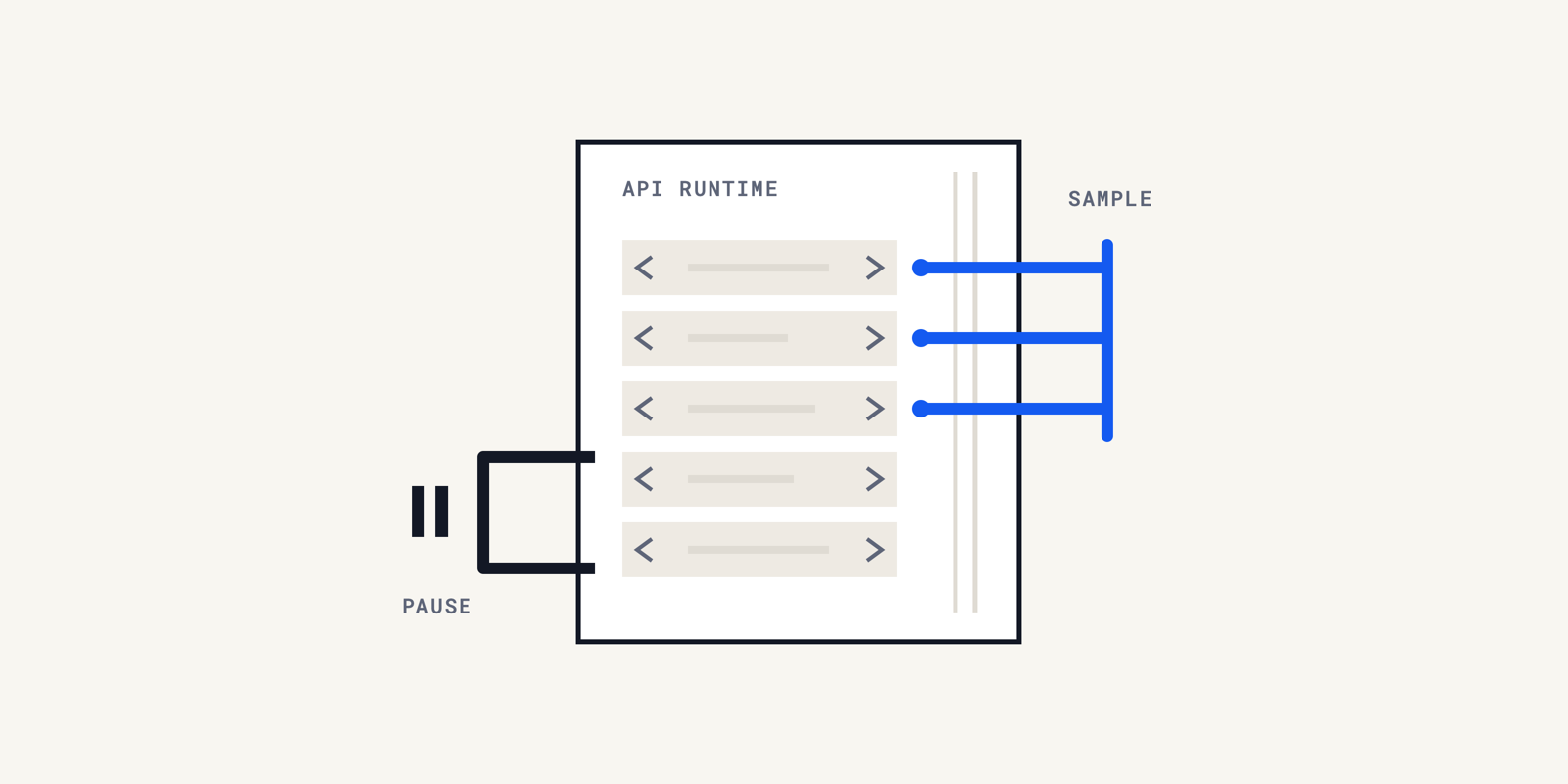
Choose the next capture from the unanswered question behind a slow API. CPU profiles locate processor work; wait evidence investigates stalled progress; targeted state inspection tests a specific explanation. Match every capture to its build, process and workload before accepting a finding. Record what would weaken the explanation, limit the capture’s impact, and assign a next check. A prominent function alone does not establish the cause of a slow request.
Debugging means finding and explaining the behavior that makes a program fail its expectations. In production debugging, we also need to preserve the behavior we are trying to understand.
A slow API can tempt us to open whichever diagnostic tool is already installed. We might get a detailed picture that measures the wrong thing.
We need a question specific enough to choose the capture and judge its result. We can then decide if the evidence supports another measurement, a controlled reproduction or a proposed change.
This guide covers that choice, the limits of each capture, and a worksheet for the next engineer reviewing the finding.
Choose Production Debugging Evidence From the Missing Answer
We treat debugging vs profiling as a choice about the next missing answer. For a slow API, we first identify the operation and interval that need explaining.
| Next Missing Answer | Diagnostic Direction |
|---|---|
| Where processor work accumulates | CPU profiling of the affected workload |
| Where execution waits | A supported wait or contention capture |
| Which value or branch permits the behavior | Targeted debugging with state inspection |
Profiling measures characteristics of running code. A profiler’s configuration determines which characteristics become evidence. The word “profile” alone does not tell us that a capture includes waiting, allocations or every call.
1. Use CPU Profiling to Investigate Processor Work
We use CPU profiling when our hypothesis concerns work performed on the processor. The output can identify expensive call paths, but its scope must include the affected workload.
We keep each measurement’s scope attached to the finding. Google Cloud’s profiling concepts define the time measurements below; Microsoft documents the function-level CPU views.
| Measurement | What It Represents |
|---|---|
| CPU time | Time spent executing on a processor |
| Wall-clock time | Elapsed time, including waits |
| Self CPU view | CPU attribution inside the function itself |
| Total CPU view | CPU attribution including functions it calls |
A function’s share of CPU samples is not automatically its share of a customer request’s duration. We check the capture’s workload before connecting that share to the reported slowdown.
We also inspect what the tool attributes to the function itself. Microsoft’s profiling overview explains the self and total CPU views in the table.
Our next question is why that path performs the observed work. We would inspect its callers and input conditions before proposing a change. A busy function may be doing necessary work for an unrelated request.
2. Use Wait Evidence When the Request Is Not Making Progress
We investigate waiting when elapsed time remains unexplained by processor work. We choose a capture that actually records the suspected wait, rather than assuming every profiler includes it.
The Go diagnostics guide describes separate CPU, block and mutex profiles. Its block profile concerns synchronization primitives; it is not a complete record of every external delay. Thread contention therefore needs a tool and configuration that can observe the relevant synchronization behavior.
We keep the accounting scope explicit. Request duration and CPU time summed across a process’s concurrent threads have different denominators. Subtracting them can create a misleading “waiting” value.
We would first write down the operation, threads or process represented by each measurement. If that relationship is unknown, the next task is to establish it. It is too early to assign the unexplained interval to a database or network call.
3. Use State Inspection to Test a Specific Explanation
We choose targeted state inspection when the next answer concerns a value, branch or execution condition. The goal is to test an explanation already specific enough to inspect.
For a hypothetical retry loop, our question might concern the condition that permits another attempt. A profile can show time in that path. Inspecting the relevant state can help explain why the path repeats. This is a proposed investigation, not a measured incident.
We also account for the inspection’s effect. In GDB’s all-stop mode, stopping the program stops all its threads. A breakpoint can therefore change the timing we meant to observe.
We would prefer an authorized isolated reproduction when pausing the serving process would be unacceptable. If the behavior cannot be reproduced there, we record that limitation. We do not silently treat a changed environment as proof about the original failure.
4. Write the Disconfirming Observation Before Capturing
We use this decision worksheet to make debugging evidence actionable. Each row describes a possible explanation and the next check we would consider, not a diagnosis of an actual service.
| Possible Explanation | Capture to Consider | Expected Observation | Evidence That Weakens It | Next Check |
|---|---|---|---|---|
| Excess processor work in an API path | CPU profile covering the affected workload | Relevant stacks account for substantial recorded CPU work | Comparable affected captures do not show that work | Inspect callers and input conditions before proposing a code change |
| Synchronization prevents progress | Supported block or contention capture | Waiting appears at the suspected synchronization boundary | The capture includes that boundary but shows no corresponding wait | Examine the owner’s work and the condition needed for progress |
| A state condition repeats unnecessary work | Targeted state inspection in an authorized reproduction | The suspected condition permits the repeated path | The path repeats while that condition is absent | Revise the explanation and inspect the condition actually controlling execution |
| The capture represents different work | Build, process and interval reconciliation | Capture identity differs from the failing workload | Identity and workload are demonstrably aligned | Correct the scope before judging any code hypothesis |
We distinguish a valid negative observation from missing visibility. An empty contention capture cannot weaken a lock hypothesis if collection was disabled. A capture taken after the slowdown ended cannot settle what happened during it.
We make the next check narrow enough for another engineer to accept or reject. “Investigate performance” leaves the decision open. “Confirm which caller reaches this path under the affected input” names both the question and the required evidence.
Pro tip: We write the capture’s blind spot beside the expected observation. That makes an empty result harder to mistake for a disproved hypothesis.
Keep the Build and Capture Window Attached to the Finding
We keep debugging findings attached to the exact artifact and workload they describe. A readable profile with an unclear origin is a lead, not a reviewable explanation.
1. Preserve Identity Before Comparing Captures
We record the deployed build, process or instance, capture interval, workload selection and collector configuration. We also retain the original output so another engineer can inspect the same evidence.
We check that debug symbols correspond to the artifact being examined. GDB’s file commands distinguish executable and symbol inputs. Its info files command reports the executable, core dump and symbol files currently in use.
For performance comparisons, we preserve the production-relevant build characteristics. Microsoft recommends its Performance Profiler for Release builds. We would not use a debug-build measurement as an interchangeable substitute without explaining the changed compilation conditions.
Our capture record should answer these practical questions:
- Which artifact and instance produced this evidence?
- Was the affected operation running during collection?
- Which profile type and filters were enabled?
- What evidence is absent or unresolved?
We keep “unknown” as an explicit answer. Guessing an instance from a familiar filename creates confidence without establishing identity.
2. Connect the Finding to the Customer-Visible Symptom
We need a reason to connect the captured work to the reported slowdown. A system-wide busy interval does not identify a particular customer’s failing request.
We use the existing p99 latency investigation method when we still need to isolate the affected route or cohort. That gives the capture a concrete question to answer.
For production debugging, we also want the relevant code, logs and records available to the person reviewing the explanation. The capture supports that review; it does not replace the decision about what to change.
We would hand over the evidence pointer, current hypothesis and one unresolved question together. A reviewer should not have to infer which request, release or interval made the finding relevant.
Bound Profiling Overhead Before Trusting a New Pattern
We treat profiling overhead as part of the debugging experiment. A useful capture must answer the question without silently changing the workload enough to undermine the result.
1. Choose a Bounded Collection Plan
We agree on the target instance, capture duration, enabled profile types and a person who can stop collection. We use the team’s existing operating limits rather than inventing a universal safe percentage.
Grafana’s production profiling account describes testing a representative canary and comparing normal service metrics with profiling enabled and disabled. Its reported overhead belongs to its workloads and configurations.
We would adapt that method to the service under investigation. A sampling profiler still performs collection and processing work. A small impact elsewhere is not a measurement of this deployment.
We also avoid enabling every collector at once. Go’s diagnostics documentation warns that diagnostic methods can interfere with each other. We choose the evidence needed for the current question and record any simultaneous collection.
2. Preserve the Conditions That Make a Comparison Useful
We compare captures only after checking their workload and collection conditions. Changing the build, traffic mix and profile type together leaves too many possible explanations for a different graph.
Our recommendation is to change one investigative choice at a time when operationally practical. We record unavoidable differences rather than hiding them. An incident may require mitigation before a controlled comparison becomes possible.
We also keep the user-facing symptom beside the profiler output. A quieter graph after traffic falls does not show that a code change solved the original slowdown.
Pro tip: We retain the collector settings with the evidence file. A screenshot of the busiest stack often omits the filters that determine what the reader is seeing.
Turn the Finding Into a Testable Next Check
We finish a debugging investigation step with a decision that another engineer can review. The output should explain what the capture supports, what remains uncertain and who owns the next check.
1. Record a Finding That Can Be Challenged
We would write a short finding in this order, recording observed behavior, evidence location, proposed explanation, alternative explanation and next action. Those are record fields, not a claim that the cause has already been proved.
For the hypothetical retry condition, we would preserve the relevant state and code path. We would then propose a controlled check of the condition, with a defined expected result. We would not jump directly from a prominent stack to a production patch.
We use explicit outcome labels for our own investigation record. They describe the current evidence, not a permanent judgment about the code.
| Finding Label | Meaning in the Investigation Record |
|---|---|
| Supported | The observation fits the hypothesis within the stated scope |
| Weakened | A valid observation conflicts with the hypothesis |
| Unresolved | The capture cannot answer the question |
We keep unresolved findings open without turning them into endless collection. The next action must address the missing visibility or test a different explanation. If no permitted capture can do that, we document the constraint and route the decision to the responsible engineer.
2. Verify the Symptom After an Approved Change
Our final check returns to the original symptom. After an approved change, we look for the expected behavior under comparable conditions. A successful deployment alone does not demonstrate that the slow API improved.
Choose the Next Capture With a Clear Question
We make production debugging more useful by asking what evidence can change the next decision. We match CPU, wait or state inspection to that question, preserve its scope and record what would weaken the explanation.
We then give the reviewer a specific next check rather than a graph without context.
For investigations that also need connected code, logs and records, Operate brings evidence and suggested changes together for engineers to review and apply through their normal process.
Frequently Asked Questions
A core dump records a process’s memory state for later inspection. We use the Linux core-file manual to understand what the file contains before debugging it. Some memory regions can be excluded, so a saved dump need not contain every mapped region.
For Python 3.14, we would check the built-in cProfile interface and pstats reports. The versioned Python documentation describes both. We verify the deployed interpreter version before choosing commands, and we check compatibility before sharing a saved profile with another environment.
Microsoft’s Visual Studio Performance Profiler offers C++ CPU, memory and instrumentation tools. We would check the supported target and application type before choosing it. The official tool overview provides that starting point. A familiar IDE does not establish deployment support.
Certain signals terminate a Linux process and request a core dump by default. We check the documented collection conditions before expecting a file. Write permissions, storage capacity and resource limits can prevent one from being produced even after the process terminates.
GDB is the GNU Debugger, described by its project as the GNU Project debugger. We consult its official documentation for supported languages and targets. Its manual documents commands for starting, stopping and examining programs, so we check the relevant target instructions before using a command.
About the author

Operate Team
The team behind Operate
Operate Team builds Operate, enterprise AI agents for production operations. Operate answers production questions from Slack and Microsoft Teams, investigates alerts, and reviews performance, security and cost. It finds the root cause with evidence and proposes a fix for an engineer to review, with controlled access to your systems.