Certificate Expiration Monitoring After the New 200-Day Rule
TLS certificates are now capped at 200 days, with 100 days due in March 2027. Where certificate expiration monitoring misses certificates and what to fix.

Quick Answer
Since 15 March 2026, publicly trusted TLS certificates can be valid for at most 200 days, so the first certificates issued under the rule reached expiry around 1 October 2026. The limit falls to 100 days in March 2027 and 47 days in March 2029, when domain validation reuse drops to 10 days. Certificate expiration monitoring now has to check what is served on the wire and cover every certificate outside your renewal automation.
Certificate expiration monitoring is the practice of tracking when every certificate your systems present will expire, and alerting early enough to renew it. We think the 200-day rule changes what that practice has to cover, because renewal paths that used to run once a year now run twice, and will soon run far more often.
We first wrote this post in August, ahead of the first expiries. It is now October, the first cohort of 200-day certificates has reached its end date, and the next step change is due in March 2027.
This post covers the arithmetic, the CA/Browser Forum schedule, why one successful renewal proves little, where monitoring usually misses certificates, which steps still need a person, how to set alert horizons and how the renewal load grows.
The First 200-Day Certificates Have Now Reached Expiry
The maximum lifetime for a public TLS certificate dropped from 398 days to 200 days on 15 March 2026. Two hundred days after 15 March 2026 is 1 October 2026, so certificates issued on the first day of the new limit, with the full 200 days, expired around then.
Exact dates vary with each certificate's issuance date and requested lifetime. The useful question is not the date but the path. For many teams, the renewal path for those certificates had run once at most since the rules changed.
If your first 200-day renewals went smoothly, we would still check one thing. Did they go smoothly because the path works, or because the certificates that renewed were the ones already inside your automation?
What the CA/Browser Forum Schedule Changes and When
The change comes from CA/Browser Forum ballot SC-081v3, which introduced a schedule of reductions starting in March 2026 and ending in March 2029. Among certificate issuers, 25 voted yes and 5 abstained, with none against, and all four certificate consumers, Apple, Google, Microsoft and Mozilla, voted yes.
DigiCert's summary of the schedule sets out the dates. We have put the two numbers that matter most for operations side by side.
| From | Maximum certificate lifetime | Domain validation reuse |
|---|---|---|
| Before 15 March 2026 | 398 days | 398 days |
| 15 March 2026 | 200 days | 200 days |
| 15 March 2027 | 100 days | 100 days |
| 15 March 2029 | 47 days | 10 days |
A third change affects organisation and extended validation certificates. From 15 March 2026, Subject Identity Information, the company name and other details in an OV or EV certificate, can only be reused for 398 days, down from 825.
A Renewal That Worked Once Is Not Evidence for the Estate
The most dangerous assumption is that one successful automated renewal means the whole estate is safe. An ACME pipeline renewing your main web front end proves that one path works. It says nothing about certificates that were never connected to it.
We find that certificate outages rarely come from the certificate everyone knows about. They come from the one on an old load balancer, a partner integration or a device that nobody added to the inventory. Shorter lifetimes make those forgotten certificates expire more often, so a gap that used to bite once a year now bites twice, and later many more times.
The work therefore shifts from renewal to reconciliation, comparing what you think you have with what is actually being served.
Where Certificate Expiration Monitoring Usually Misses Certificates
Most monitoring covers the certificates someone registered with it. We would look for certificates in five places that are commonly left out.
• CDN and Edge Providers
Certificates managed through a CDN or edge provider's own API often renew automatically, but custom or uploaded certificates on the same providers may not. Monitoring should read the certificate the edge actually serves, not the provider's dashboard summary.
• Internal Mutual TLS
Service mesh and internal mTLS certificates usually come from a private CA, so the public limits do not apply to them, but their own rotation still has to work. A broken internal rotation causes the same outage as an expired public certificate.
• Certificates Baked Into Images and Configuration
Certificates copied into container images, configuration maps or application bundles do not change when a new one is issued. They need a rebuild or redeploy, which turns every renewal into a release.
• Mobile Apps That Pin Certificates
An app that pins a specific leaf certificate ties its release schedule to that certificate's lifetime. With 200-day and then 100-day lifetimes, pinning to a leaf becomes much harder to sustain.
• Appliances and Manual Uploads
Hardware load balancers, VPN gateways and older appliances often need a certificate file uploaded by hand. These are the renewals most likely to depend on one person remembering. Finding them is easier when the repositories and infrastructure configuration that reference certificates can be searched together, which is the kind of check we run after we connect read-only to code, logs and configuration.
Ownership matters here too. A certificate with no clear owner is a certificate nobody renews, which is the same problem we described in ownership records that are confidently wrong.
The Renewal Steps That Still Need a Human
Automation handles domain validation well. Organisation and extended validation are different, because they check details about the company, and the 398-day limit on reusing that Subject Identity Information means an OV or EV certificate's organisation details must be revalidated at least yearly.
That step often needs a person to respond to the certificate authority. If the legal entity name has changed, or the contact on file has left, the renewal can stall in a way no cron job will fix. We would check those details well before they are due.
The 2029 step makes this sharper. DigiCert notes that with a 47-day lifetime but only 10 days of domain validation reuse, "Manual revalidation will still technically be possible, but doing so would be a recipe for failure and outages." We read that as a deadline for removing manual steps, not just shortening them.
Monitor the Certificate on the Wire, Not the File on Disk
Checking a certificate file on a server is not enough, because the file may not be what is being served. We would check every endpoint externally, read the certificate it presents and alert on its real expiry date.
Alert horizons should scale with lifetime. Let's Encrypt's integration guide recommends checking ACME Renewal Information at least twice a day and, as a backstop, renewing when a certificate has a third of its lifetime left. We use that as the line for monitoring too. A certificate that is past a third of its lifetime remaining and has not renewed means the automation has already failed.
- For 200-day certificates, renewal should happen with about 67 days left, so an alert at 60 days catches a missed renewal with weeks to spare.
- For 100-day certificates from March 2027, the same logic puts renewal at about 33 days left and an alert at about 30.
- For 47-day certificates from 2029, renewal falls at about 16 days left, so alerting has to work in days rather than weeks.
Route these alerts to a team rotation, not one person's inbox. Our post on reducing on-call alert fatigue covers how to keep alerts like these actionable, and the TLS handshake timeout guide covers a related failure that is often blamed on certificates.
The Renewal Load Grows Roughly Eightfold by 2029
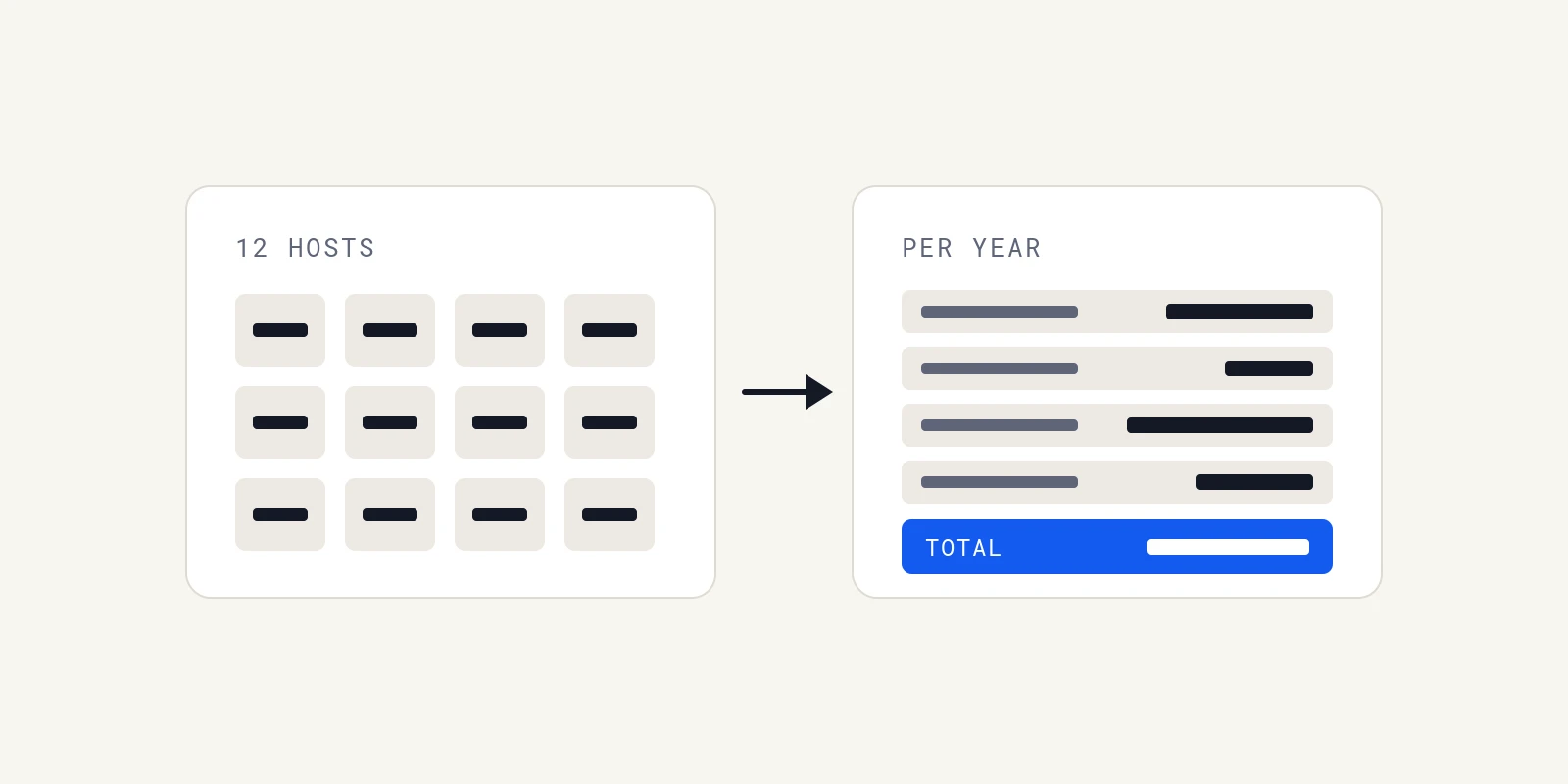
The arithmetic is simple. A certificate renewed at the end of a 398-day life renews a little under once a year. At 47 days, it renews nearly eight times a year, and earlier renewal, as recommended, pushes that higher.
For an illustrative estate of 1,000 certificates, that is roughly 900 renewals a year under the old limit and over 7,700 under the 2029 limit. We think the renewals themselves must be automated. The lasting cost is discovering new certificates and reconciling the inventory, which grows with the estate.
When Short Lifetimes Barely Change Your Work
For some teams the new limits change little. Estates already fully automated through ACME, with 90-day certificates and renewal information checks, renew far more often than 200 days already require.
The exposure is concentrated elsewhere, in OV and EV certificates, manually uploaded certificates, pinned mobile clients and devices outside automation. If none of those exist in your estate, we would spend the effort on verifying the inventory rather than redesigning renewal.
Run a Certificate Expiration Monitoring Audit Before March 2027
The next step to 100 days is the one to prepare for now. We would run a short audit this quarter.
- Scan every internal and external address range for listening TLS ports and record the certificate each presents.
- Reconcile that list with your inventory and assign an owner to every certificate found.
- List OV and EV certificates and check when their organisation details were last validated.
- Find pinned mobile clients, baked certificates and appliances that need manual uploads, and plan to remove those dependencies.
- Confirm expiry alerts reach an on-call rotation and fire before a third of lifetime remains.
Certificate expiration monitoring is now continuous work rather than an annual task. When a certificate problem does cause an incident, Operate runs dedicated AI agents that investigate root causes with cited evidence and propose fixes for engineers to review.
Frequently Asked Questions
From 15 March 2026, publicly trusted TLS certificates can be valid for at most 200 days, down from 398. We note the limit falls again to 100 days on 15 March 2027 and to 47 days on 15 March 2029 under CA/Browser Forum ballot SC-081v3.
A certificate expires 200 days after its validity starts at most, so one issued on 15 March 2026 with the full lifetime expired around 1 October 2026. We recommend renewing well before that, when about a third of the lifetime remains.
Scan every endpoint externally, read the certificate it actually serves and alert on its expiry date, routing alerts to an on-call rotation. We also reconcile scan results with the inventory, because the certificates nobody registered are the ones that usually cause outages.
The ballot argues that information in certificates becomes less trustworthy over time and that revocation through CRLs and OCSP is unreliable, so shorter lifetimes force frequent revalidation. We see the operational effect as more frequent renewals and less tolerance for manual steps in the process.
Clients that validate certificates refuse the connection, so browsers show warnings and APIs, apps and integrations fail their TLS handshakes. We treat an expired certificate as an outage, because every client that checks validity stops working at once.
About the author

Operate Team
The team behind Operate
Operate Team builds Operate, a self-hosted AI SRE that reads your logs, databases and code to find the root cause of production issues with evidence, then drafts the fix as a patch for an engineer to review. Operate runs in your own infrastructure with read-only access to your systems.