The Restart Deleted the Evidence: A Decision Procedure for Kubernetes Liveness Probes
TL;DR: When comparing a liveness probe vs readiness probe, the core difference is the action taken: a liveness probe restarts the container, while a readiness probe merely removes it from service traffic. You should only use a liveness probe if your service has a specific, restart-clearable failure mode, as the resulting restart destroys the heap and thread state necessary for root cause analysis.
The restart worked and nobody could say why
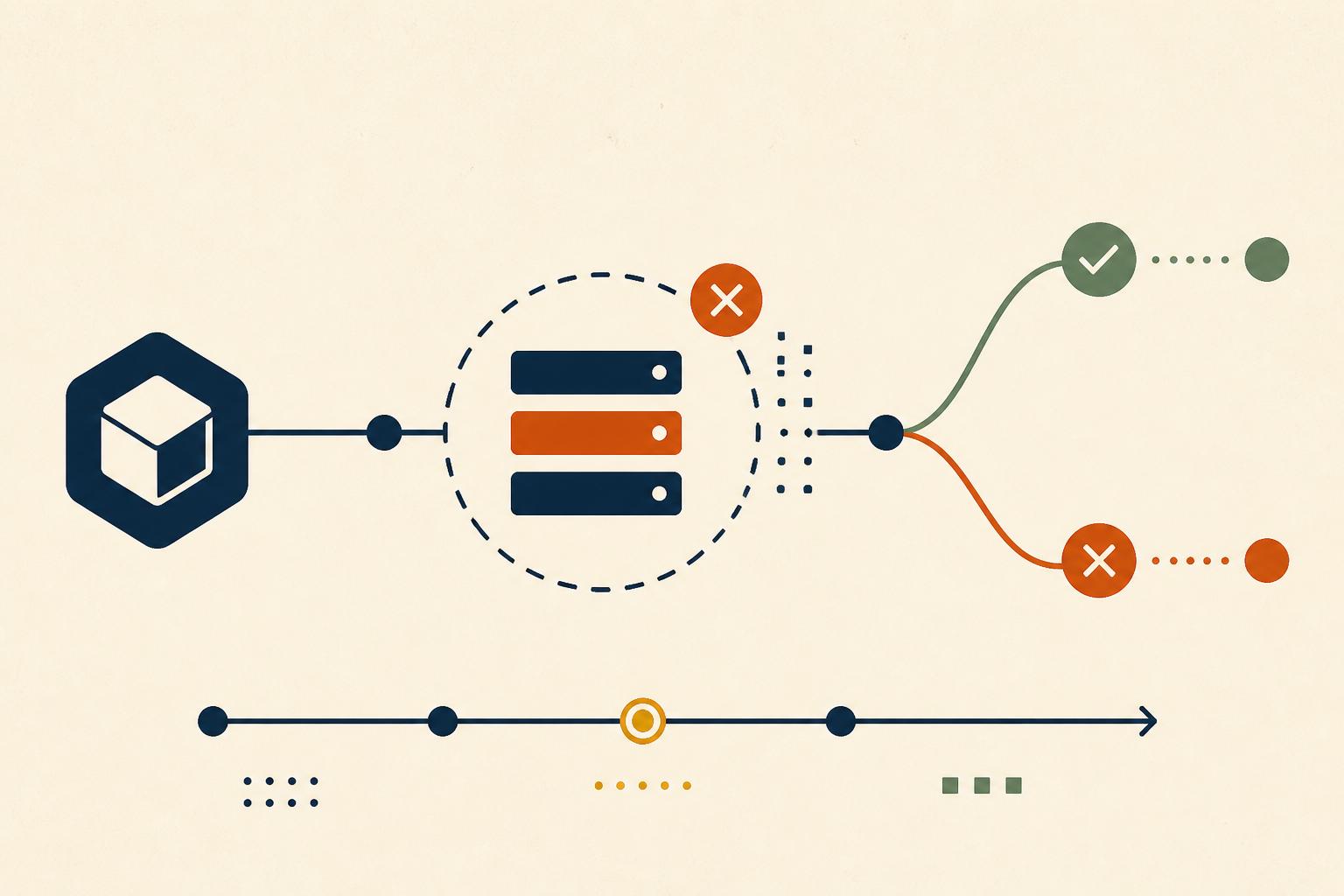
It is a common scene in the middle of a production incident: a liveness probe fails three consecutive times. The kubelet, following its configuration, sends a SIGTERM followed by a SIGKILL. The container restarts, the alert clears, and the pod returns to a healthy state.
On the surface, the automation worked. In reality, the investigation has just been rendered impossible. When that container was killed, the heap, the goroutine dumps, the connection pool state, and every request in flight were permanently deleted. The incident is over, but the defect remains, waiting to trigger again. A liveness probe is, in effect, a standing decision to trade diagnostic evidence for temporary availability—and yet, in most clusters, this trade is made by default without a clear decision procedure.
What the two probes actually decide
To understand why this matters, we must distinguish between the three primary probe types. According to official Kubernetes documentation, these probes serve distinct roles in the pod lifecycle:
| Probe Type | What it monitors | Action on Failure | User Impact |
|---|---|---|---|
| Readiness Probe | Is the app ready to serve traffic? | Pod is removed from Service endpoints | No traffic sent to this pod; 503s avoided |
| Liveness Probe | Is the process deadlocked or broken? | The container is restarted | Brief downtime; diagnostic state lost |
| Startup Probe | Has the app finished booting? | Disables other probes until success | Prevents restart loops during slow starts |
A readiness probe k8s configuration is almost always mandatory for services behind a load balancer. A liveness probe, however, is an aggressive intervention that should be used sparingly.
Which faults a restart actually clears
Not every failure is solved by "turning it off and on again." Before configuring a probe, you must categorize your service’s failure modes into one of three buckets:
- Cleared Permanently: These are true liveness failures. Examples include a hard deadlock, a wedged event loop, or a leaked lock held in memory. In these cases, the process is zombie-like; it is running but will never make progress. A restart is the only way to recover.
- Clock Reset Only: This includes memory leaks or disk fragmentation. The liveness probe failed event will trigger a restart that clears the symptom, but it only resets the timer until the next failure. As noted by Colin Breck, these probes can hide dangerous trend lines from your monitoring.
- Not Cleared at All: This is the most dangerous bucket. Upstream dependency latency, poison messages on a queue, or bad configuration cannot be fixed by a restart. If your liveness probe checks a database that is currently slow, the kubelet will kill your container. When the new container starts, the database is still slow. This results in a fleet-wide readiness probe failed http probe failed with statuscode 503 or a total CrashLoopBackOff.
Key Takeaway: A liveness probe should only be implemented if the identified failure mode is strictly internal to the process and cannot be cleared without a full restart.
The decision procedure
Before you add a liveness probe to your YAML, ask these four questions in order:
1. Does this service actually have a "zombie" state?
Most stateless HTTP services do not. If the process crashes, the kubelet restarts it anyway due to the restartPolicy. If it’s slow, a readiness probe handles traffic. If you cannot name a specific deadlock scenario, you likely do not need a liveness probe.
2. Is the failure restart-clearable?
Refer to the taxonomy above. If the failure is caused by an external dependency or a poison message, a liveness probe will only make the incident worse by adding restart overhead to a degraded system.
3. Is there a cheaper mitigation?
Consider "let-it-crash." If your application detects a fatal state, it should log a final error, write a heap dump, and exit with a non-zero code. This allows for a restart while preserving a record of why it exited.
4. What must the check touch?
If you must use a probe, follow the kubernetes liveness probe best practices: the probe should exercise the same code path as a health check but must never traverse a shared dependency like a database or cache. According to Red Hat, you should use a precise timing formula: delay + (threshold - 1) * period + timeout. Ensure the timeout is higher than the worst-case internal latency of the check.
Instrumenting the probe so the restart is not the end of the trail
If a restart is inevitable, you must ensure the evidence survives it.
First, implement a SIGTERM handler. Kubernetes gives you a terminationGracePeriodSeconds (default 30s). Use this time to write a thread dump or the in-flight request table to a persistent volume or an external log aggregator. If your process is killed by SIGKILL because the grace period was too short, you lose everything.
Second, treat the readiness probe failed or liveness failure as a first-class metric. Kubernetes Events expire quickly. Use kube-state-metrics to alert on kube_pod_container_status_restarts_total. A restart is an incident; if you aren't investigating why it happened, you are simply absorbing technical debt.
A short audit you can run this week
Review your current Deployment manifests for the following:
- Purpose: Can you name the specific deadlock this liveness probe is meant to clear?
- Isolation: Does the
livenessProbe.httpGet.pathtrigger a call to a database? (If yes, remove it). - Latency: Is the
timeoutSecondsgreater than the longest GC pause or internal task? - Survival: Is the
terminationGracePeriodSecondslong enough to flush diagnostic logs?
In many production clusters, auditing these questions reveals that over 50% of liveness probes are unnecessary or actively harmful during a dependency brownout.
Beyond the silent restart
Removing a liveness probe is not about ignoring failures; it is about choosing a more surgical response. Automated remediation that clears symptoms before a cause is established—like a silent container restart—prevents teams from ever reaching a permanent fix.
This reflects a broader challenge in SRE: the need for context over blind action. At Operate, we believe that when a system degrades, the goal of automation should be to gather evidence and draft a path to resolution, not just to hide the symptom. By turning probe failures into reviewable cases rather than silent restarts, teams move from reactive firefighting to proactive engineering.
Sources & further reading
- According to Colin Breck, a missing liveness probe can be mitigated by robust "let-it-crash" patterns.
- According to Red Hat, probe timing must be carefully calculated to avoid cascading failures.
- According to Groundcover, most liveness probes provide insufficient insight into why a container stopped working normally.
- According to Kubernetes.io, the kubelet uses liveness probes to know when to restart a container, while readiness probes determine if a Pod should receive traffic.